Overview
To authenticate with Finta, you need:- API Key — a key created in your Finta account settings.
Prerequisites
Instructions
Step 1: Find your API key
- Log in to your account and go to the API keys page.
- Click Create Key.
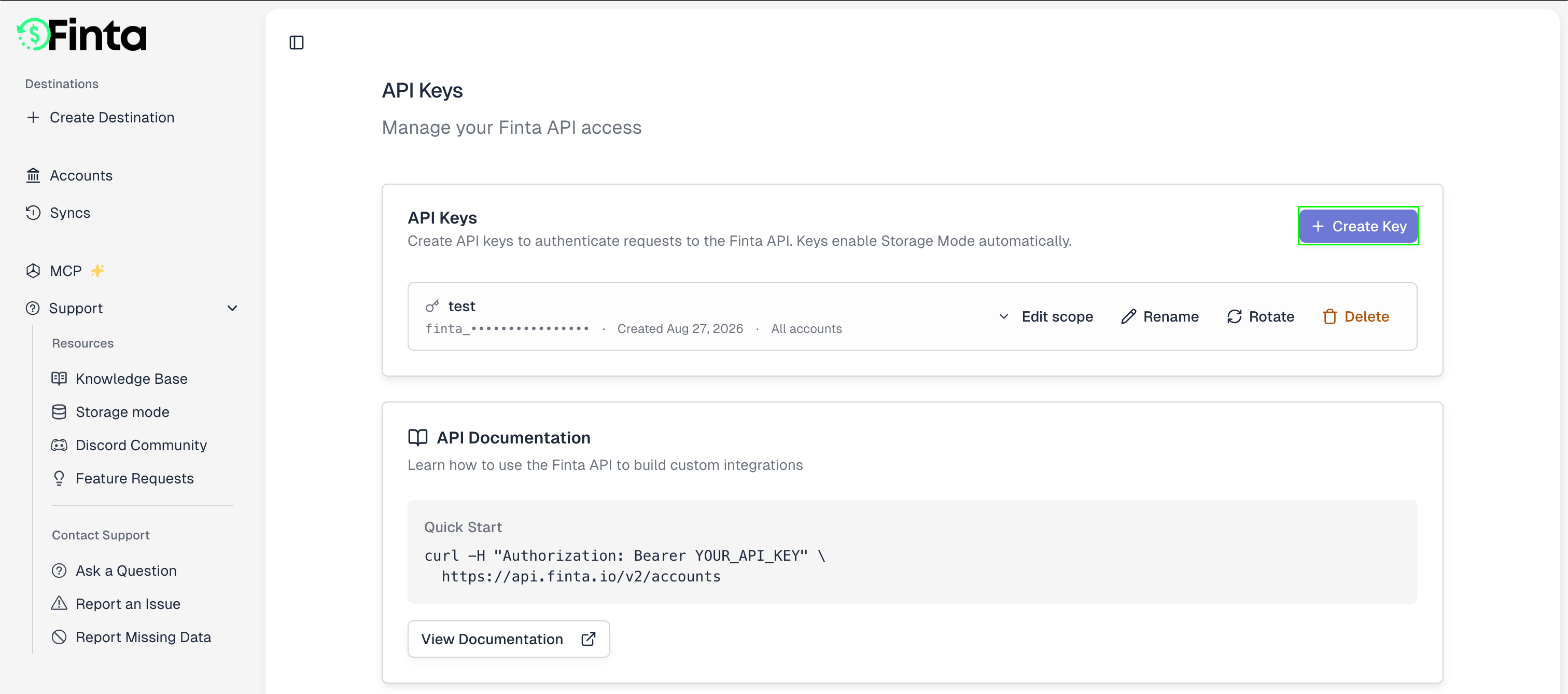
- Enter a name, select the account access, then click Create Key.
- Copy the key immediately — it’s only displayed once. It looks like
finta_....
Step 2: Enter your API key in the Connect UI
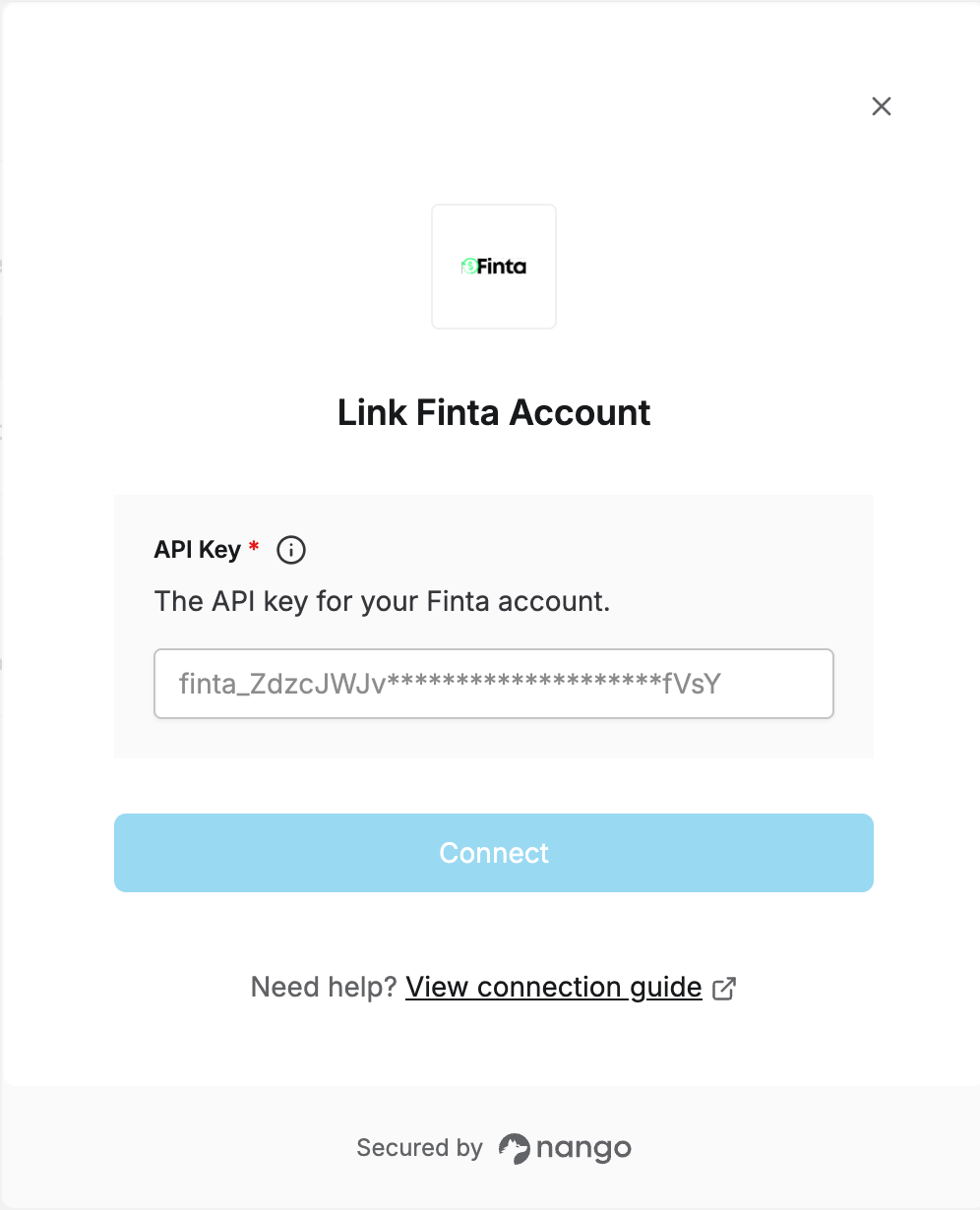
Once you have your API key:- Open the form where you need to authenticate with Finta.
- Enter your API Key in the designated field.
- Submit the form, and you should be successfully authenticated.