Overview
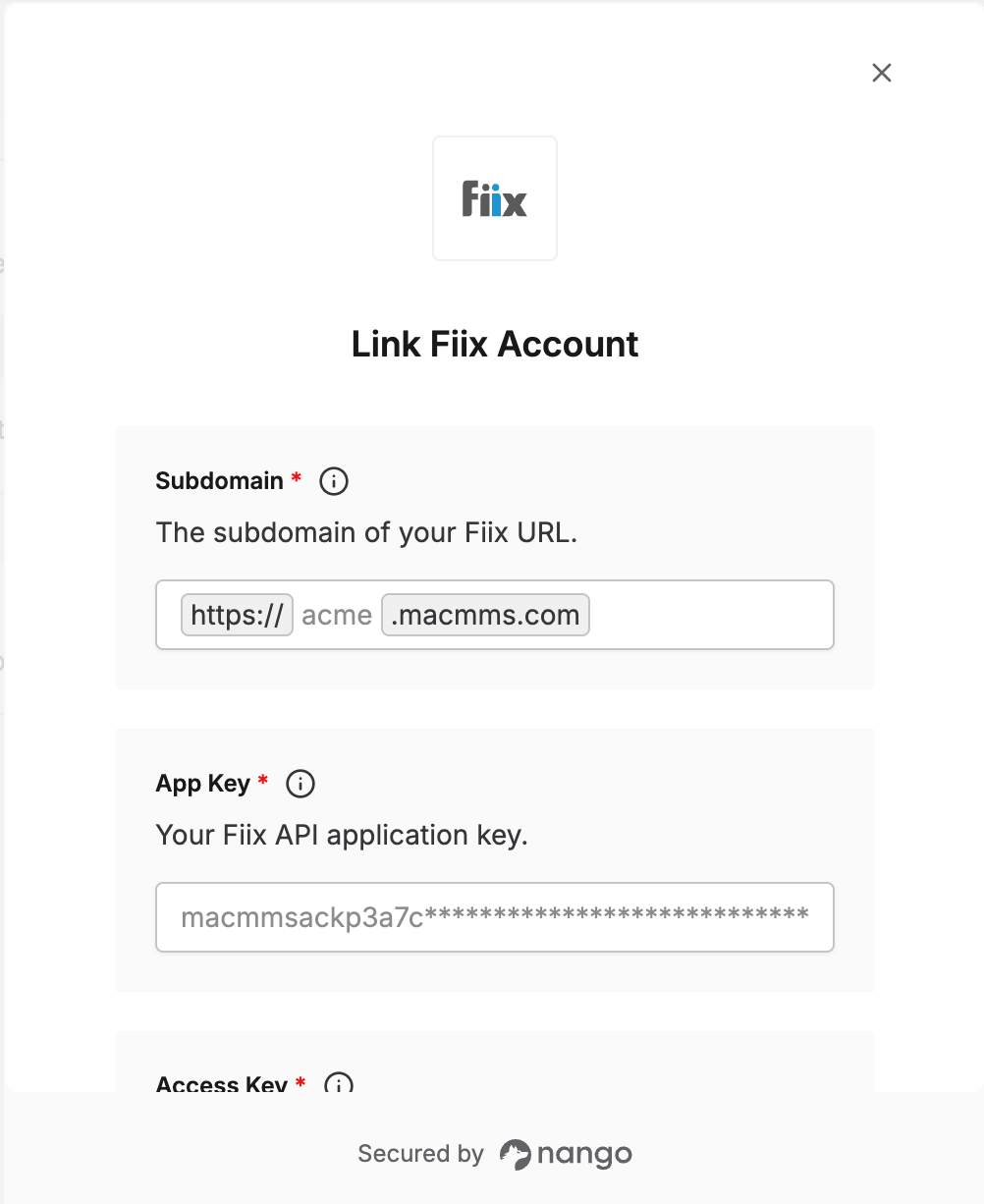
To authenticate with Fiix, you need:- Subdomain — the subdomain of your Fiix URL.
- App Key, Access Key, and Secret Key — the keys of a Fiix API application.
Prerequisites
- A Fiix administrator account.
Step 1: Find your subdomain
Your subdomain is the first part of the URL you use to log in to Fiix. For example, if your Fiix URL ishttps://acme.macmms.com, your subdomain is acme.
Step 2: Create an API application
- Log in to Fiix as an administrator.
- Go to Settings > Connect Management > MA Connect API Application Settings.
- Click New Api Application.
- Enter a description for the application, leave the other fields empty, and click OK.
- Copy the Application Key, Access Key, and Secret Key.
Fiix only shows the Secret Key once. Save it somewhere secure before leaving the page.
Step 3: Enter your credentials in the Connect UI
- Open the form where you need to authenticate with Fiix.
- Enter your Subdomain, App Key, Access Key, and Secret Key in the designated fields.
- Submit the form, and you should be successfully authenticated.