Overview
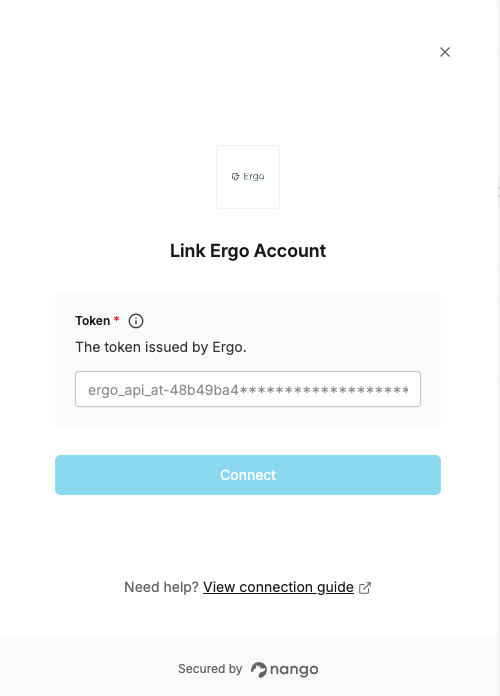
To authenticate with Ergo, you need:- Token — a token issued by Ergo that grants Nango read-only access to meetings visible to one Ergo user and organization.
Prerequisites
- An Ergo account with access to the meetings you want to sync.
Step 1: Obtaining your token
- Contact your Ergo organization admin, or your Ergo account contact, to request a token.
- Ergo issues a token scoped to
meetings:readfor your user and organization. It looks likeergo_api_at-....
Treat this token as a password: never put it in source code, URLs, logs, or client-side applications. Nango stores it encrypted and only uses it server-side to call the Ergo API on your behalf.
Step 2: Enter your token in the Connect UI
Once you have your token:- Open the form where you need to authenticate with Ergo.
- Enter your token in the designated field.
- Submit the form, and you should be successfully authenticated.