Overview
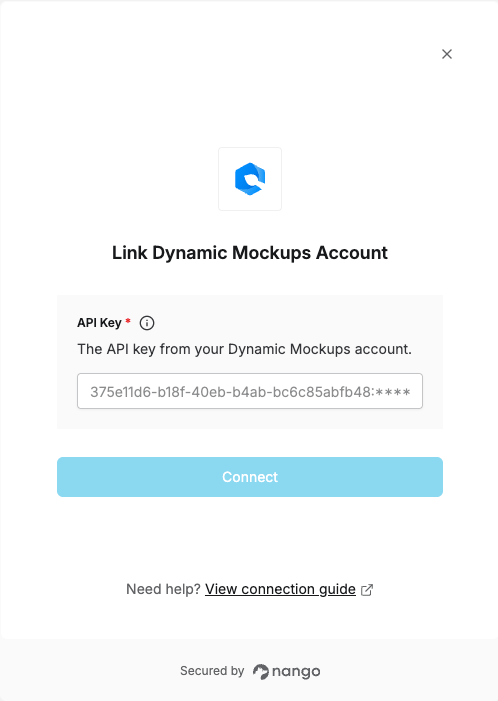
To authenticate with Dynamic Mockups, you need:- API Key — A key that grants Nango permission to interact with the Dynamic Mockups API.
Prerequisites
- A Dynamic Mockups account. You can create one for free.
Step 1: Generating your API key
- Log in to Dynamic Mockups, then go to
https://app.dynamicmockups.com/?settings=api-integration. - Click + Create API Key.
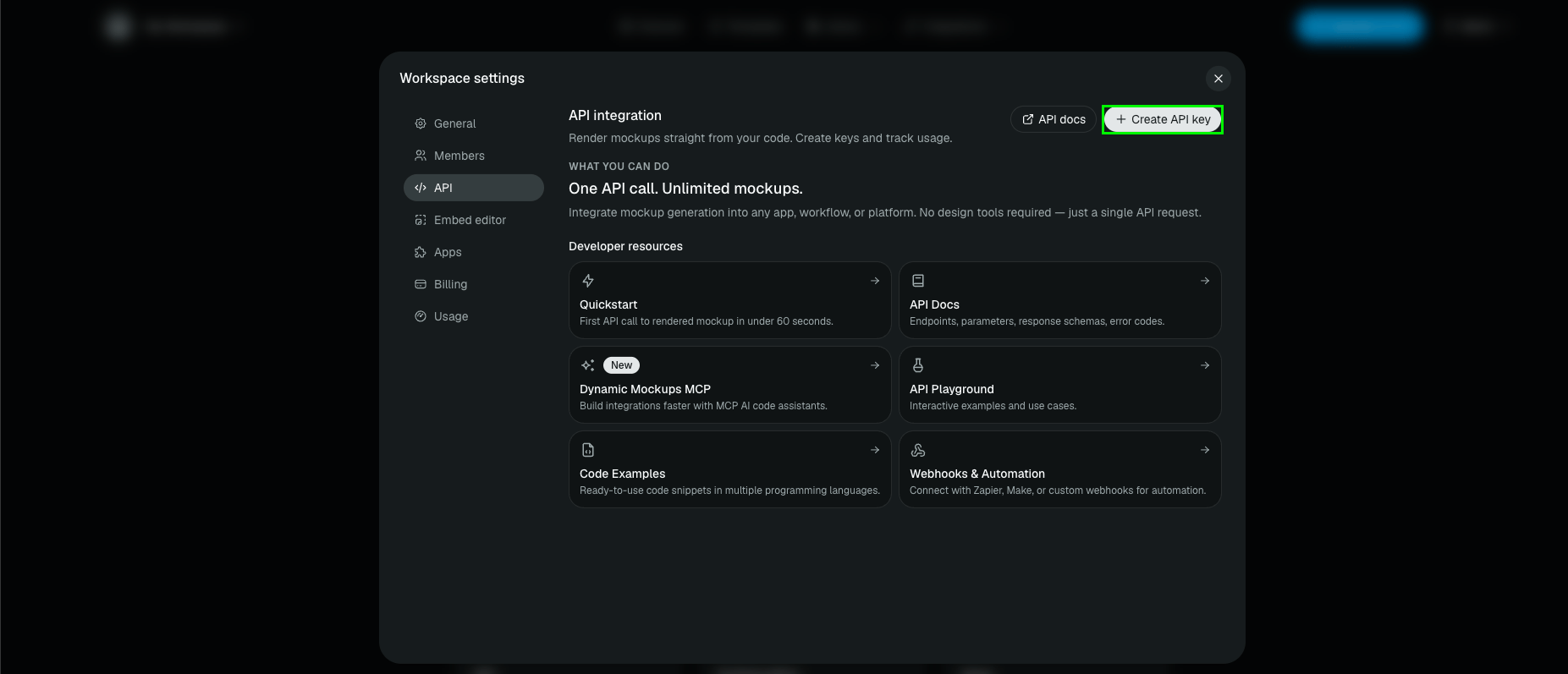
- Enter a name for the key and confirm.
- Copy the generated key, formatted as
<uuid>:<secret>(e.g.375e11d6-b18f-40eb-b4ab-bc6c85abfb48:...).
Treat this key as a password: never put it in source code, URLs, logs, or client-side applications.
Step 2: Enter your API key in the Connect UI
Once you have your API key:- Open the form where you need to authenticate with Dynamic Mockups.
- Enter your API Key in the designated field.
- Submit the form, and you should be successfully authenticated.