Overview
To authenticate with Diffbot, you need:- API Token — A token that grants Nango permission to interact with the Diffbot API.
Prerequisites
- An active Diffbot account. You can register for a free token if you don’t have one.
Step 1: Obtain your API token
- Log in to your Diffbot dashboard.
- Click the link in the top right corner of the home screen.
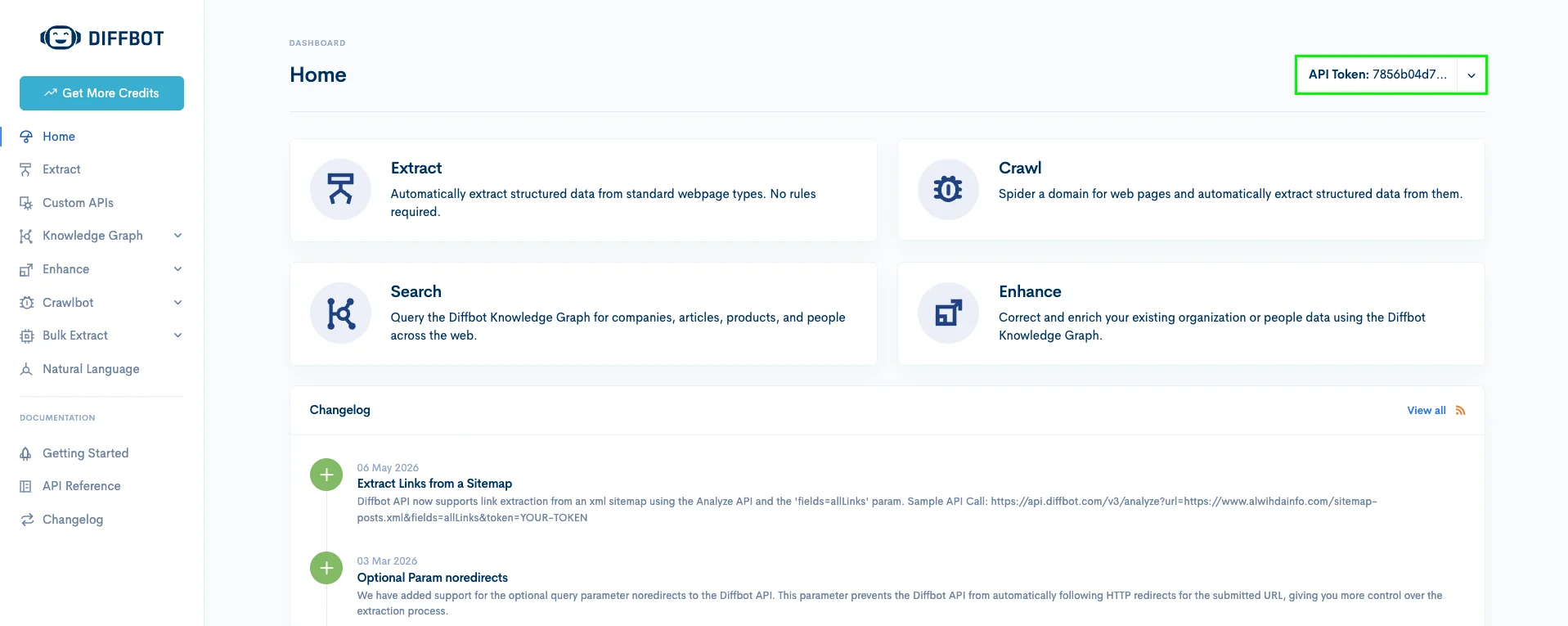
- Your full API token is displayed on your token details page.
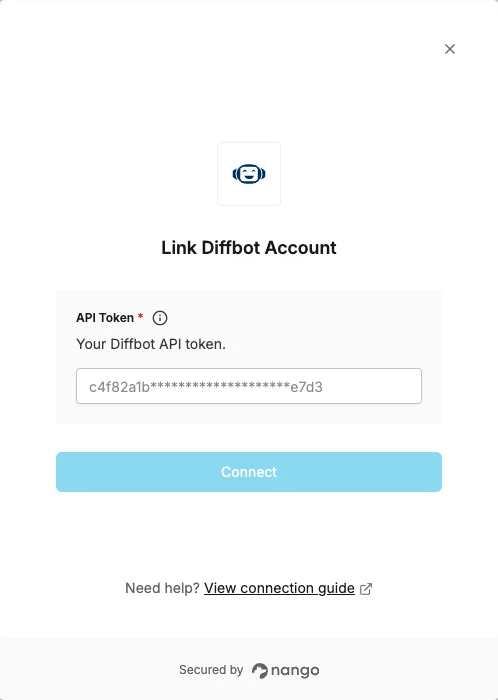
Step 2: Enter credentials in the Connect UI
Once you have your API token:- Open the form where you need to authenticate with Diffbot.
- Enter your API Token in the designated field.
- Submit the form, and you should be successfully authenticated.