Overview
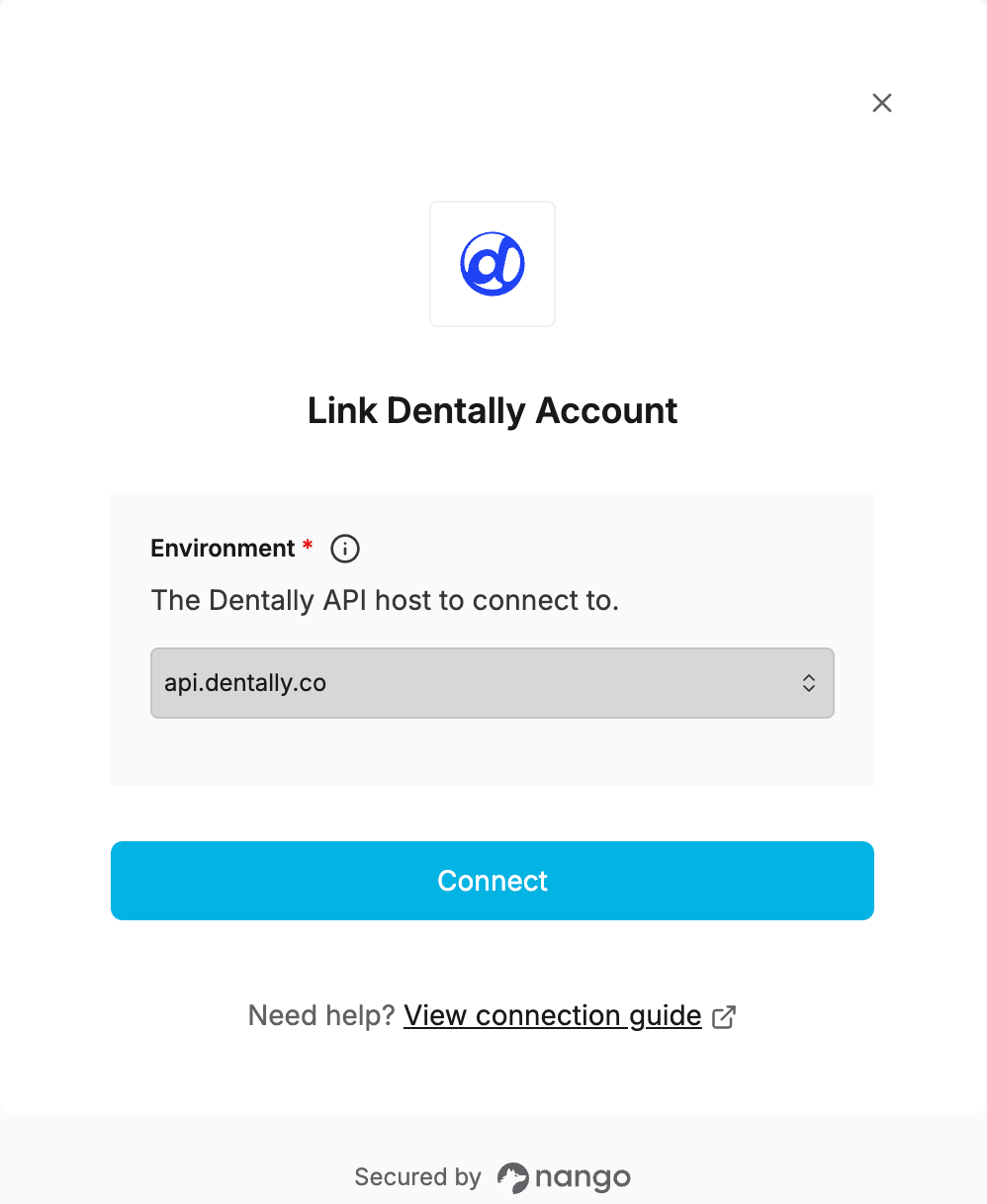
To authenticate with Dentally, you need to select which Environment to connect to. Dentally runs a separate OAuth login on each host, so the environment you pick must match the one your app was registered against (see the setup guide if you haven’t registered an OAuth app yet).Prerequisites
- An OAuth app registered with Dentally for the environment you’re connecting to (see how to register your own Dentally OAuth app).
Instructions
Step 1: Choose your environment
Dentally exposes separate hosts depending on the practice’s region:- Production —
api.dentally.co - Sandbox —
api.sandbox.dentally.co— use this to test requests before going live. - APAC practices —
api.apac.dentally.com - Canadian practices —
api.ca.dentally.com
Step 2: Authorize Dentally
- Open the form where you need to authenticate with Dentally.
- Select the Environment.
- Submit the form, and you should be successfully authenticated.