Overview
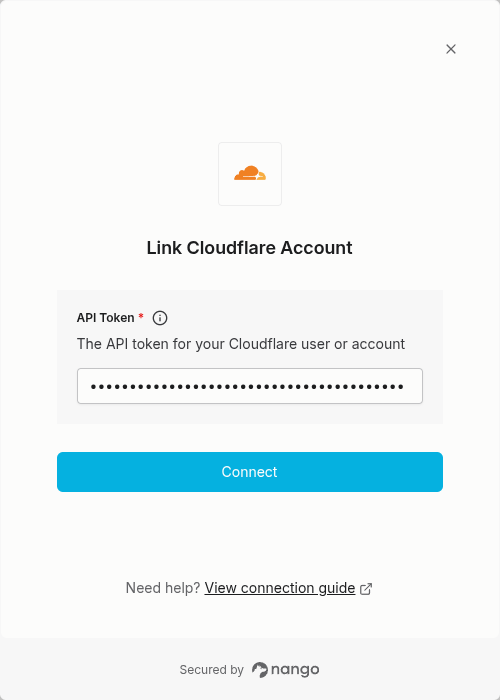
To authenticate with Cloudflare, you will need:- API Token - A key that grants Nango permission to interact with Cloudflare’s API resources and services.
Prerequisites:
- You must have a Cloudflare account
Instructions:
Step 1: Generating your API Token
Cloudflare API Tokens can be created for individual users or accounts. Cloudflare recommends using Account API Tokens if you prefer credentials that are not associated with users. To create an Account API Token:- Log in to your Cloudflare dashboard
- Navigate to Manage Account > Account API Tokens in the left sidebar menu.
- Click Create Token to create your API Token.
Step 2: Enter credentials in the Connect UI
Once you have your API Token:- Open the form where you need to authenticate with Cloudflare.
- Enter your API Token in the respective field.
- Submit the form, and you should be successfully authenticated.