Overview
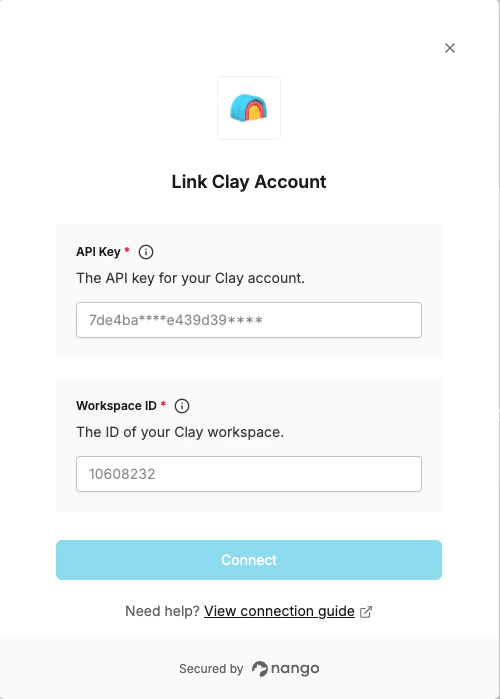
To authenticate with Clay, you need:- API key - A key that grants Nango permission to interact with Clay’s API resources and services.
- Workspace ID - The unique identifier for your Clay workspace.
Prerequisites:
- You must have an account with Clay.
Instructions:
Step 1: Finding Your API Key
- Log in to your Clay account.
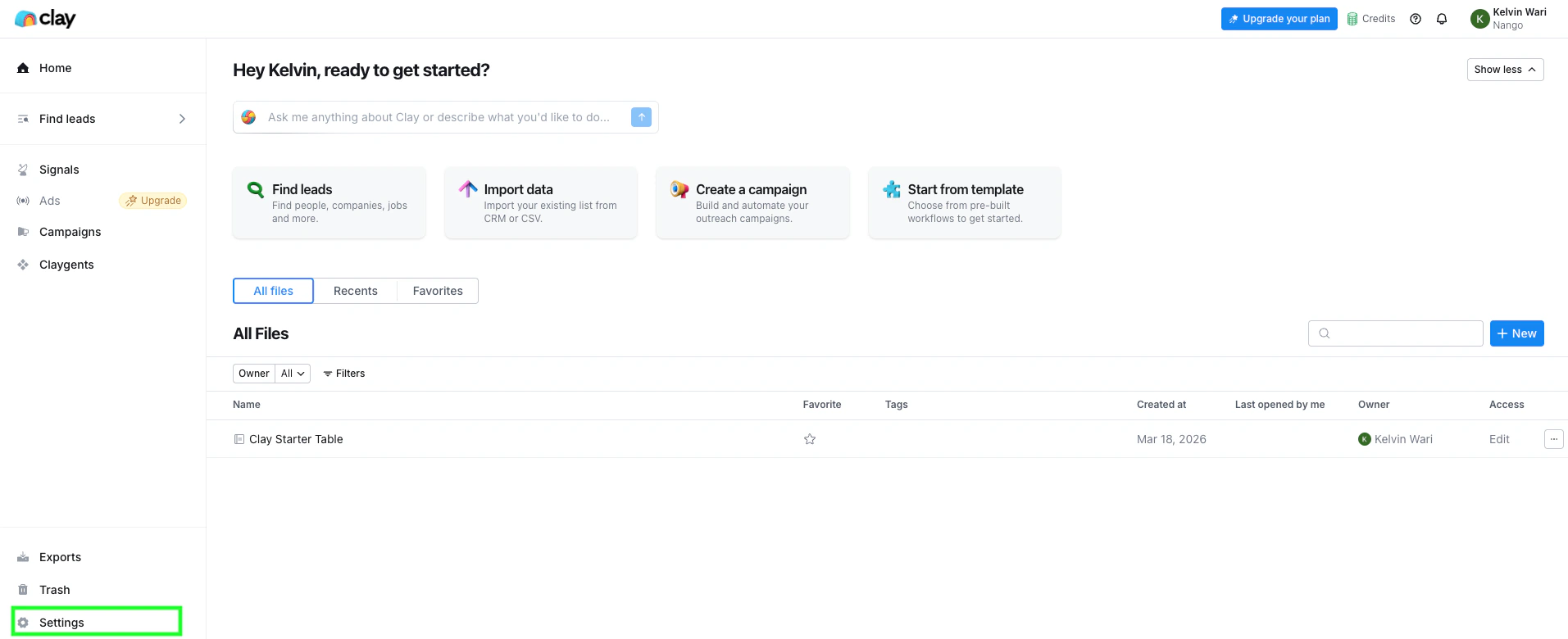
- Navigate to Settings.
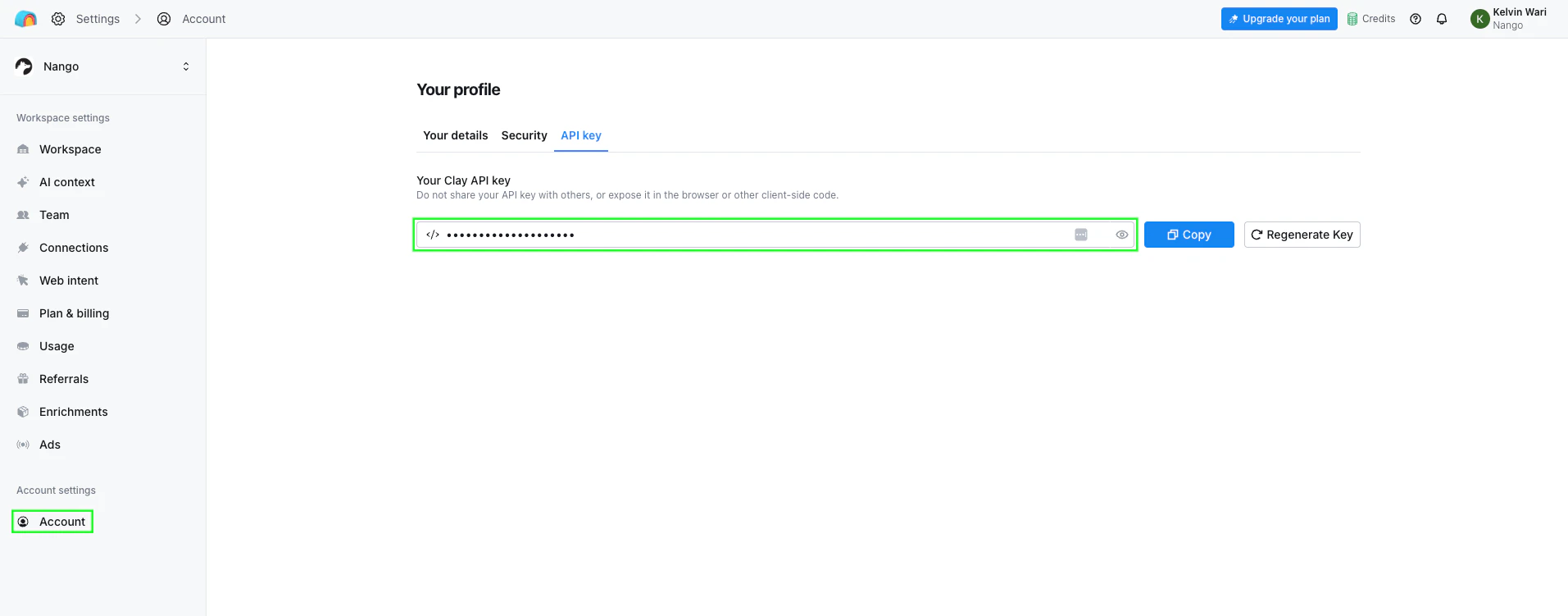
- Navigate to Account and find the API Key section.
- Copy your API key.
Step 2: Finding Your Workspace ID
Your Workspace ID is visible in the URL when you are logged in to Clay. Navigate to your workspace settings and look at the browser address bar:/workspaces/ and /settings is your Workspace ID (e.g. 1060661).
Step 3: Enter credentials in the Connect UI
Once you have your API Key and Workspace ID:- Open the form where you need to authenticate with Clay.
- Enter your API Key and Workspace ID in their respective fields.
- Submit the form, and you should be successfully authenticated.