Overview
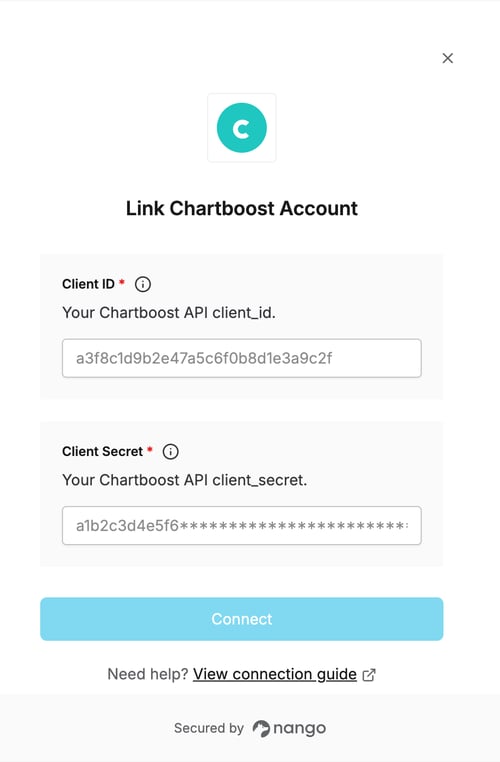
To authenticate with Chartboost, you will need:- Client ID - A unique identifier for your Chartboost API client.
- Client Secret - A secret key used alongside your Client ID to obtain access tokens.
Prerequisites
- An active Chartboost account with API access enabled.
Step 1: Obtain your API credentials
- Log in to your Chartboost account.
- Click your user icon in the top-right corner and select Company info & settings.
- Select Access Management from the left navigation.
- Click Refresh API v5 Credentials to reveal your Client ID and Client Secret.
The Client Secret is shown only once, right after you refresh the credentials. Copy it before leaving the page.
Step 2: Enter credentials in the Connect UI
Once you have your Client ID and Client Secret:- Open the form where you need to authenticate with Chartboost.
- Enter your Client ID and Client Secret in their respective fields.
- Submit the form, and you should be successfully authenticated.