Overview
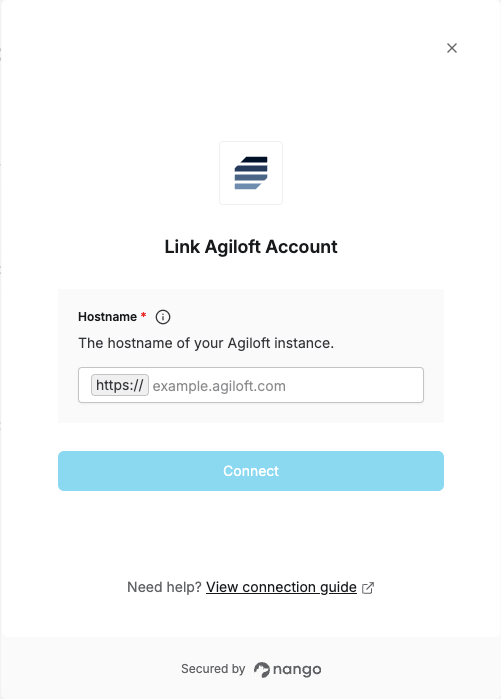
To connect with Agiloft, you need:- Hostname – The domain of your Agiloft instance.
Prerequisites
- An Agiloft account with access to the KB you want to connect.
Instructions
Step 1: Find your hostname
Your hostname is the domain you use to access your Agiloft instance. For example, if you log in athttps://example.agiloft.com, your hostname is example.agiloft.com.
You can find it in the browser address bar when logged in to Agiloft.
Step 2: Authorize in Nango
- Open the Nango Connect form.
- Enter your Hostname in the field provided.
- Submit the form, and you should be successfully authenticated.