Overview
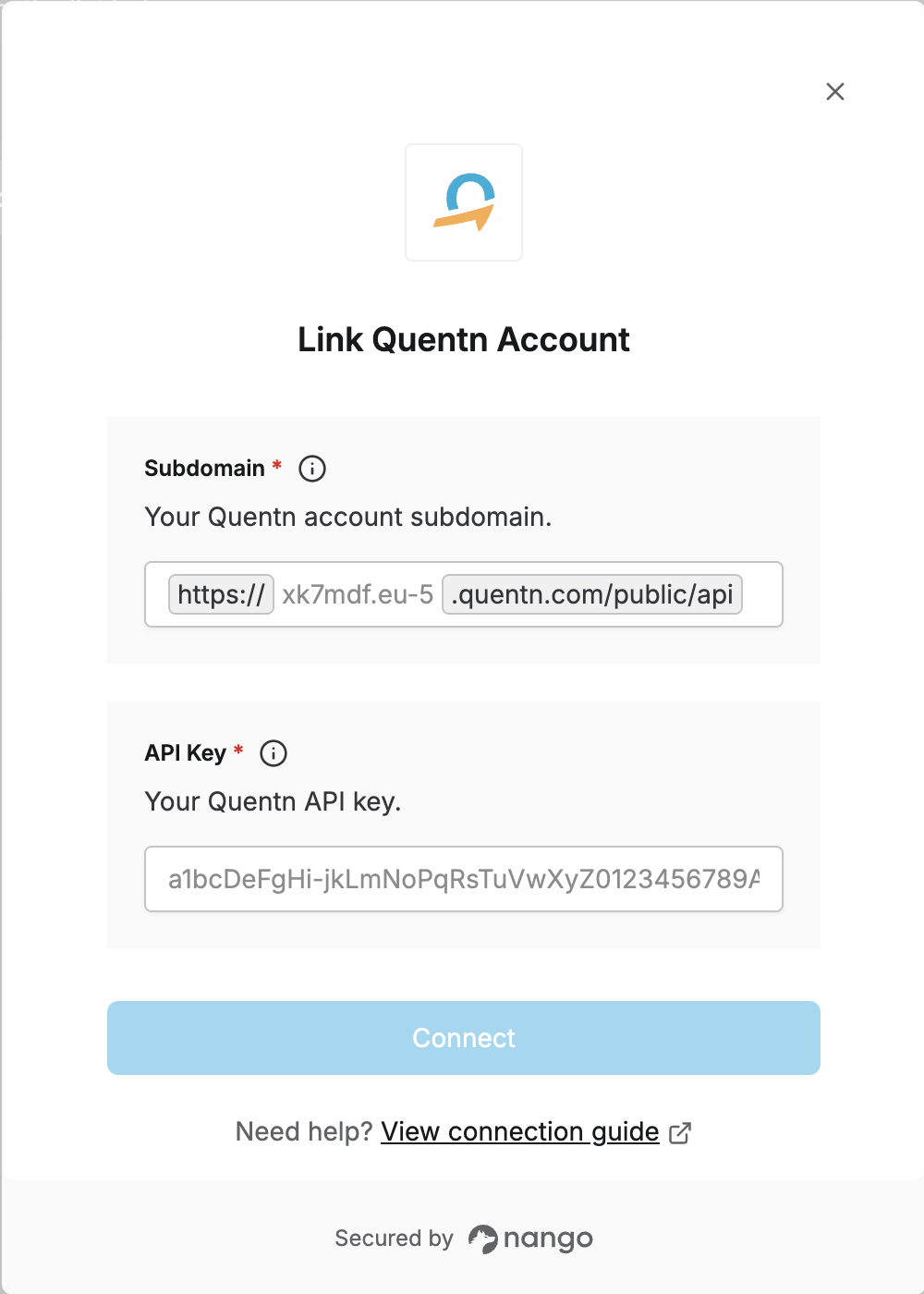
To authenticate with Quentn, you need:- API Key - A key that grants Nango permission to interact with Quentn’s API resources and services.
- Subdomain - Your Quentn account subdomain (the part before
.quentn.com).
Prerequisites
- An active Quentn account.
Instructions
Step 1: Getting Your API Key
- Log in to your Quentn account.
- Navigate to Settings > API Info.
- Copy your API Key.
Step 2: Finding Your Subdomain
- In the API Info section from Step 1, you will also find your API Base URL.
- Your subdomain is the part before
.quentn.comin the base URL (e.g.,xk7mdf.eu-5fromhttps://xk7mdf.eu-5.quentn.com/public/api/v1).
Step 3: Enter credentials in the Connect UI
Once you have your API Key and Subdomain:- Open the form where you need to authenticate with Quentn.
- Enter your API Key and Subdomain in their respective fields.
- Submit the form, and you should be successfully authenticated.