Overview
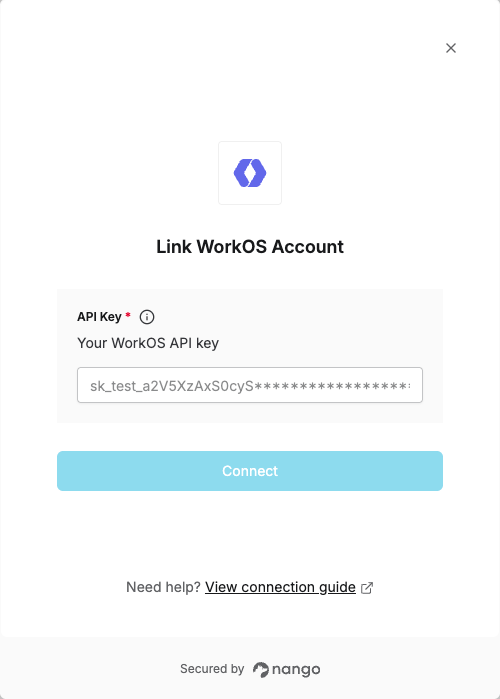
To authenticate with WorkOS, you will need:- API Key - Your WorkOS API key (prefixed with
sk_) for authentication.
Prerequisites:
- You must have a WorkOS account.
Instructions:
Step 1: Obtaining your WorkOS API key
- Sign in to the WorkOS Dashboard.
- Select your environment (Staging or Production).
- In the left sidebar, go to API Keys.
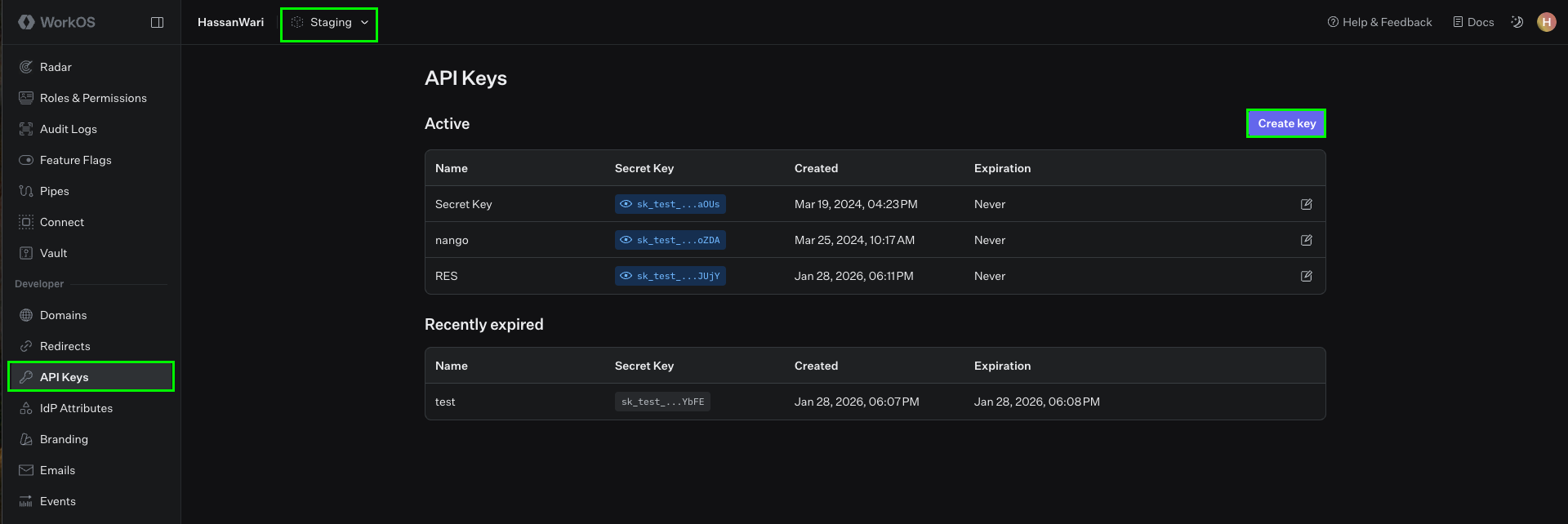
- Your Staging environment comes with an API key already generated; you can view it inline in the dashboard.
- For Production, generate an API key when you unlock Production access. Production API keys may only be viewed once—save them in a secure location upon creation.
- To generate a new key, click Create Key, enter a name and expiration (we recommend choosing “never” to avoid disruption when the key expires).
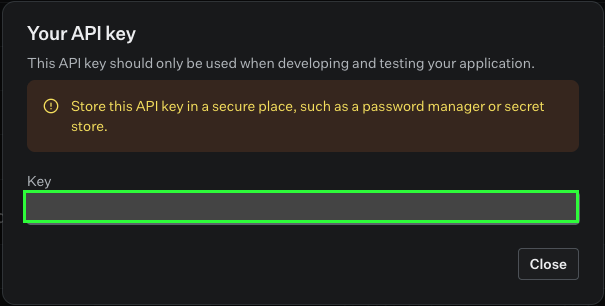
- Submit the form and copy your API key (it is prefixed with
sk_).
Step 2: Enter credentials in the Connect UI
Once you have your API Key:- Open the form where you need to authenticate with WorkOS.
- Enter your API Key in the respective field.
- Submit the form, and you should be successfully authenticated.