Overview
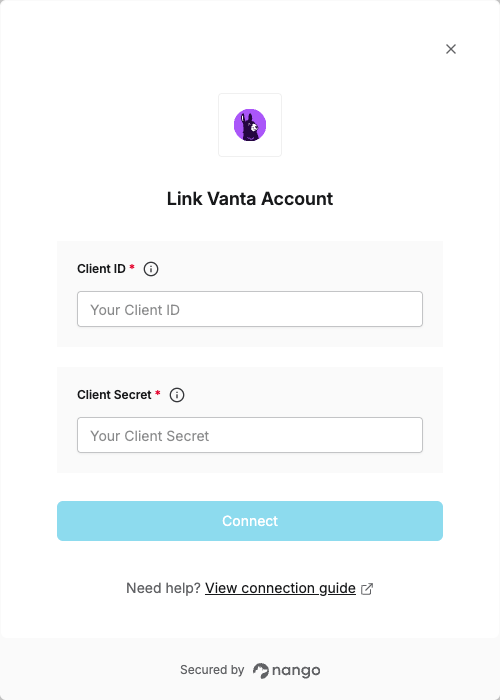
To authenticate with Vanta, you need:- Client ID - A unique identifier for your client.
- Client Secret - A confidential key used to authenticate the identity of the application (client).
Prerequisites:
- You must have a Vanta account
- You must have access to the Developer Console
Instructions:
Step 1: Creating Your Application
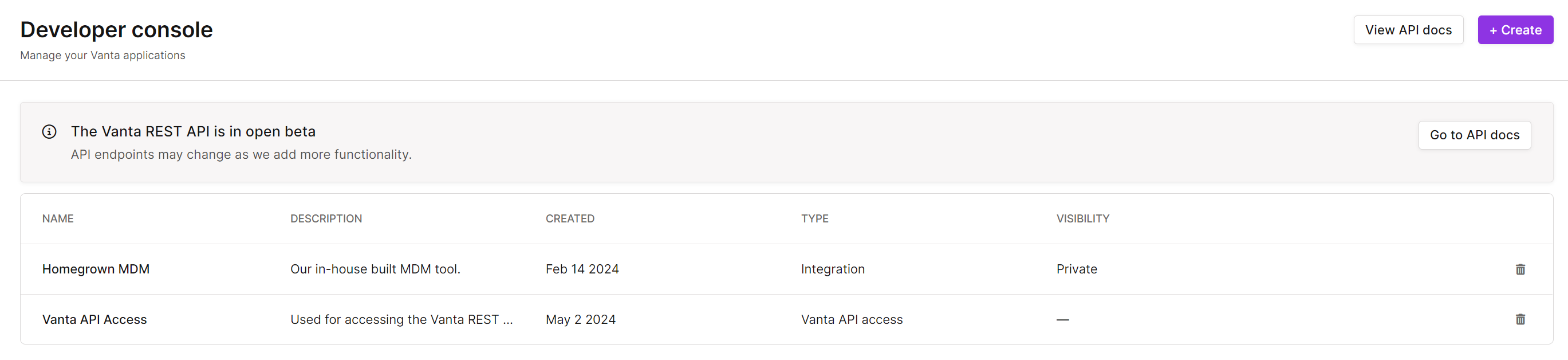
- Log in to Vanta and navigate to the Settings page.
- Go to Developer Console and click Create.
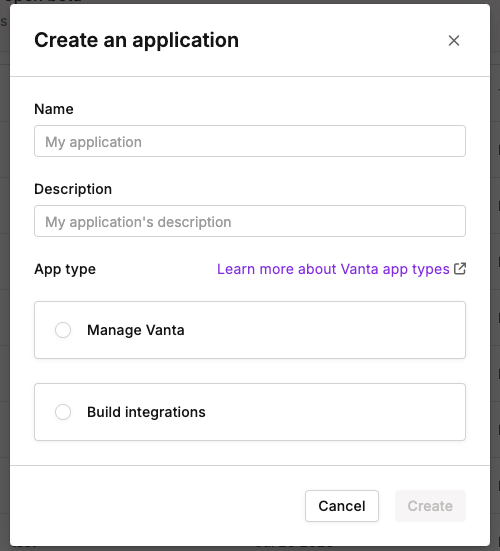
- Give your application a name and description.
- Select the App type based on your use case:
- Manage Vanta: Choose this option to access all Vanta API functionality (excluding the creation of a new private or public integration).
- Build Integrations: Choose this option if you want to create new public or private integrations to sync data from non-integrated environments into Vanta.
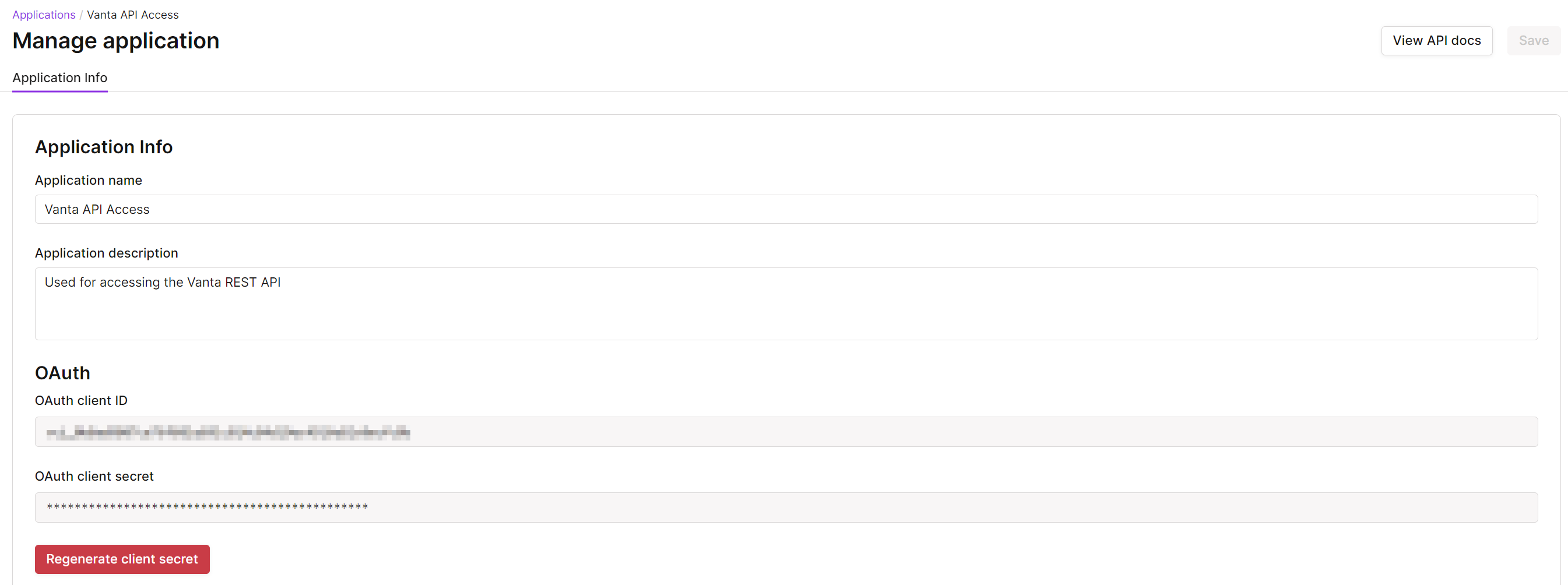
- You will see the client ID was autogenerated. Copy this value.
- Click Generate client secret to create your Client Secret.
Step 2: Enter credentials in the Connect UI
Once you have your Client ID and Client Secret:- Open the form where you need to authenticate with Vanta.
- Enter your Client ID and Client Secret in their designated fields.
- Submit the form, and you should be successfully authenticated.