Overview
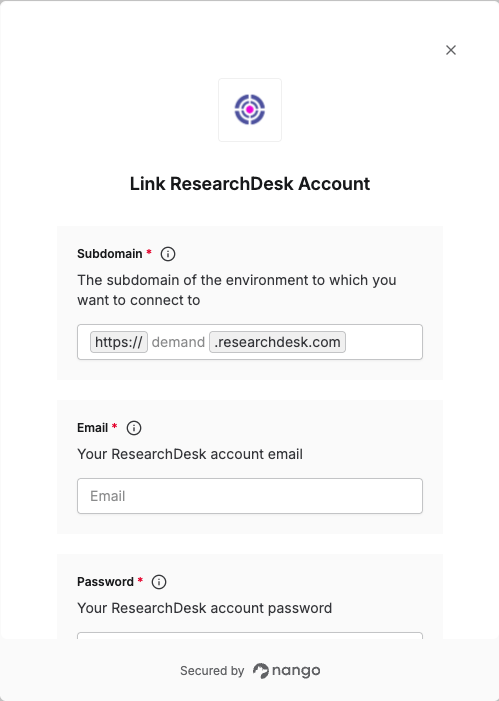
To authenticate with ResearchDesk, you will need:- Subdomain – The subdomain for the environment you want to connect to.
- Email – Your ResearchDesk account email.
- Password – Your ResearchDesk account password.
Prerequisites
- A ResearchDesk account.
Instructions
Step 1: Choosing your subdomain
ResearchDesk uses different base URLs for production and staging. In the Connect UI, you will be asked for the Environment (subdomain). Use one of these values:
Enter demand for production or stage-demand for integration staging.
Step 2: Finding your credentials
Use the email and password you use to sign in to ResearchDesk. These are the same credentials you use for the ResearchDesk dashboard.Step 3: Enter credentials in the Connect UI
- Open the form where you need to authenticate with ResearchDesk.
- Enter the Subdomain (
demandorstage-demand). - Enter your Email and Password in their respective fields.
- Submit the form to create the connection.