Overview
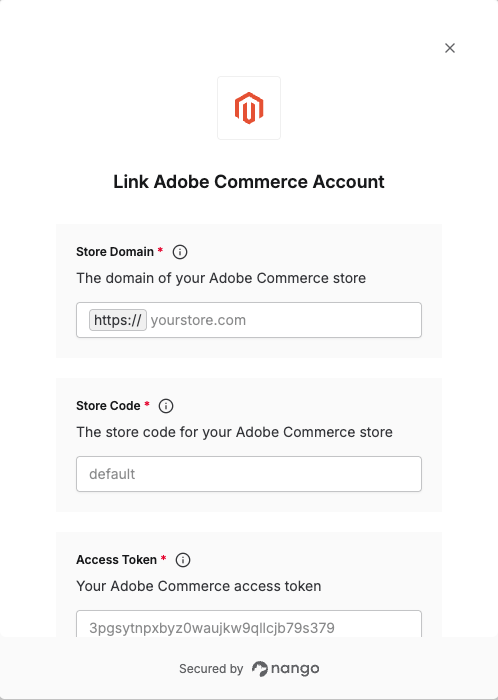
To authenticate with Adobe Commerce, you will need:- Store Domain - The domain of your Adobe Commerce store.
- Store Code - The store code for your Adobe Commerce store (e.g., “default”).
- Access Token - Your Adobe Commerce access token for authentication.
Prerequisites:
- You must have an active Adobe Commerce account
- You must have admin access to your Adobe Commerce Admin panel
Instructions:
Step 1: Finding your Store Domain
Your store domain is the base URL of your Adobe Commerce store (e.g.,yourstore.com or mystore.magento.com). This is the domain where your Adobe Commerce store is hosted.
Once logged in to your Adobe Commerce Admin panel, you can check the address bar in your browser—the store domain is the text between the protocol (e.g., https://) and the first slash (/).
Step 2: Finding your Store Code
The store code is typicallydefault for the main store, but you can find it by:
- Log in to your Adobe Commerce Admin panel.
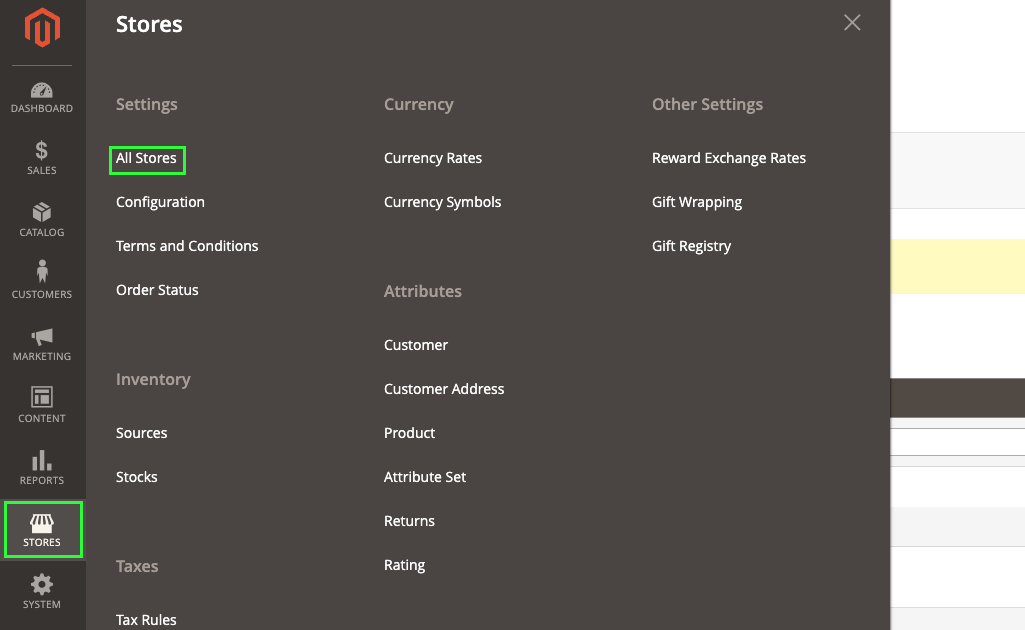
- Navigate to Stores > All Stores. In the Store view column, select the store you want to connect to.

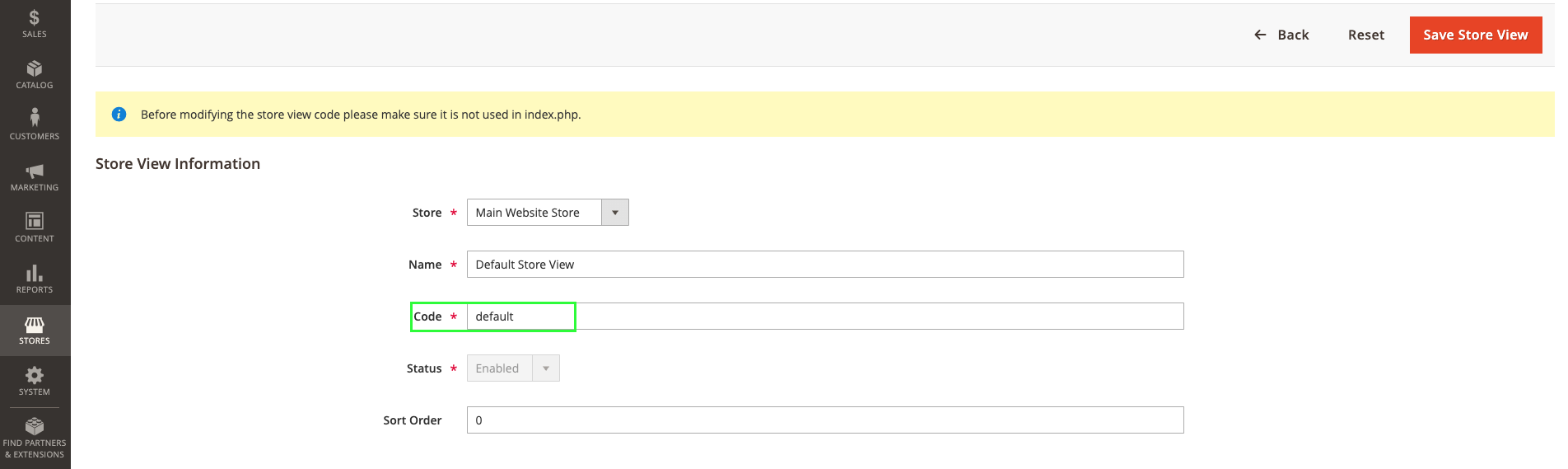
- The store Code is displayed in the Store View section.
Step 3: Obtaining your Access Token
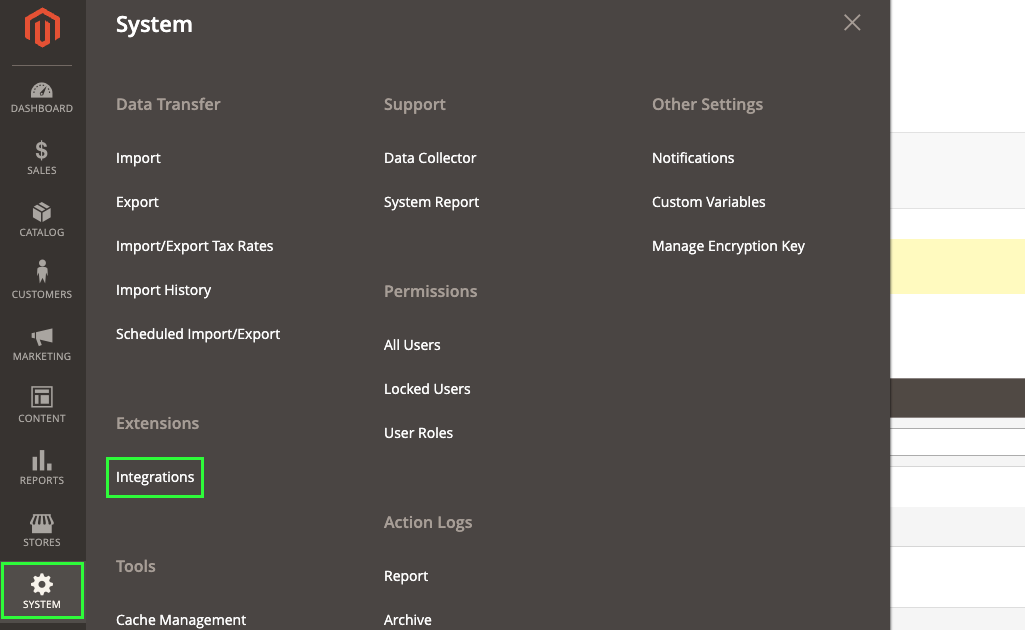
Before you create the connection in Nango, you should first obtain your Access Token in your Adobe Commerce account. To obtain your Access Token:- Navigate to System > Extensions > Integrations on the Admin sidebar.
- Click Add Integration.
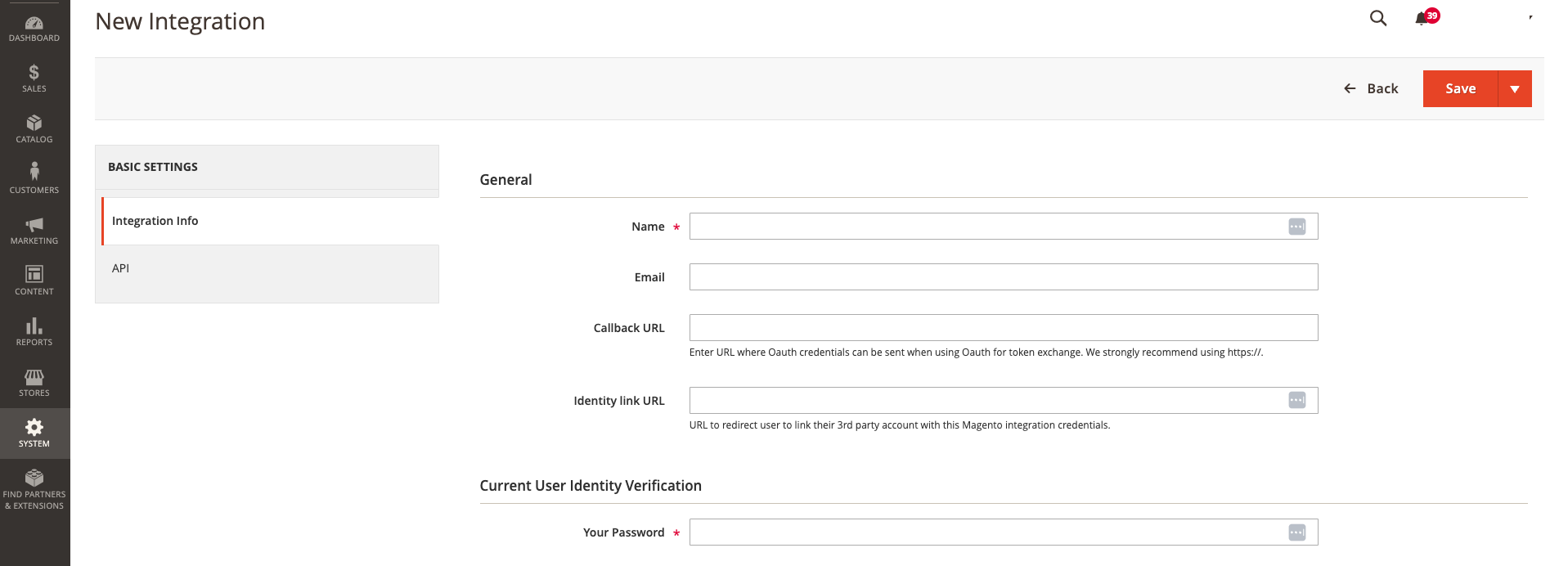
- Fill in all the required information in the Integration Info tab.
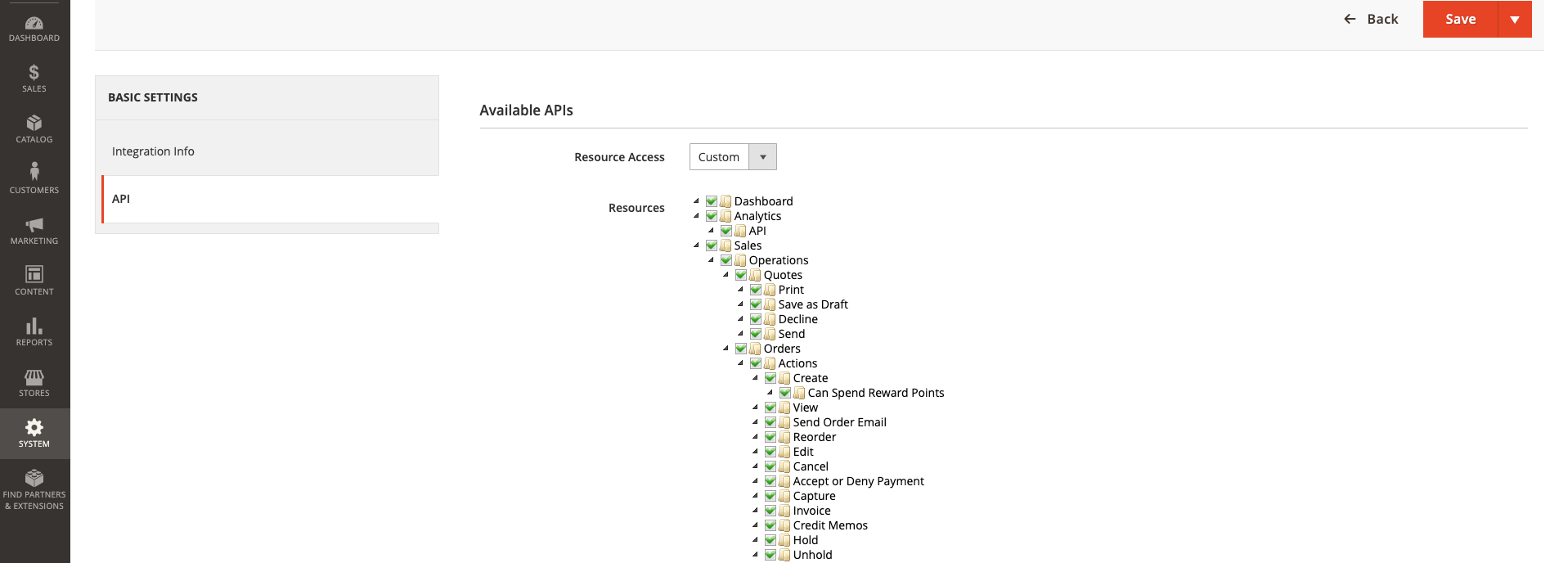
- For the API tab, select all the resources the integration should have access to.
- Click Save at the top right.
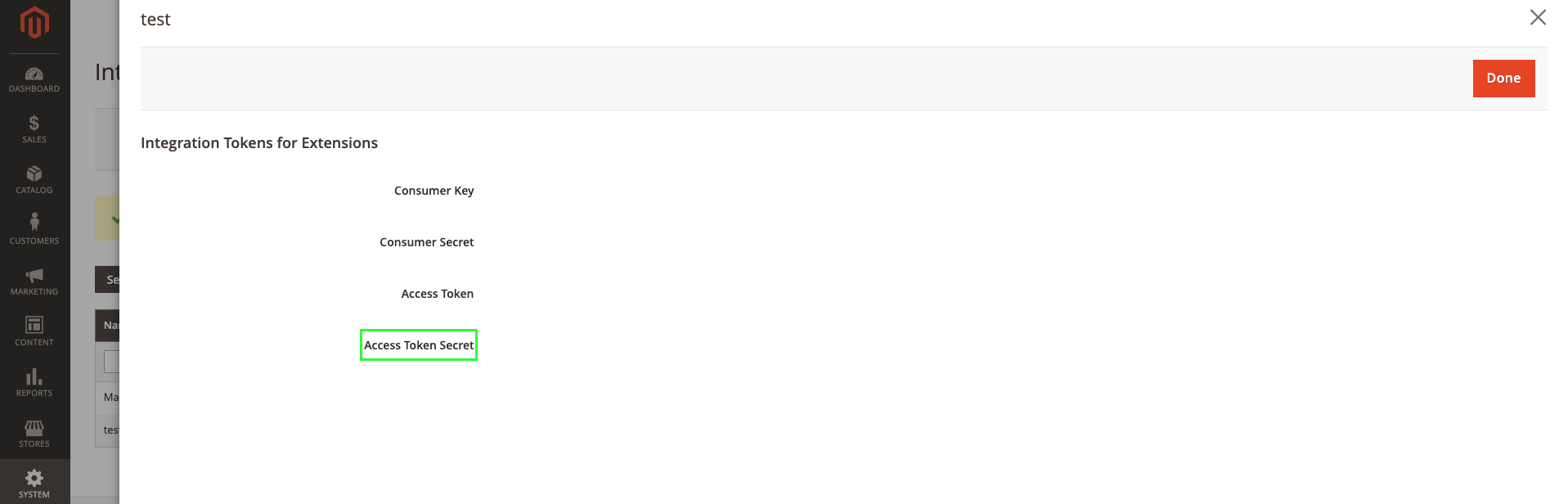
- You will be redirected to the list of integrations. Click Activate on your newly created integration, click Allow, and your Access Token will be displayed to you.
Step 4: Enter credentials in the Connect UI
Once you have your Store Domain, Store Code, and Access Token:- Open the form where you need to authenticate with Adobe Commerce.
- Enter your Store Domain, Store Code, and Access Token in their respective fields.
- Submit the form, and you should be successfully authenticated.