
AI agent tool calls cross two security boundaries. The model decides what action to request. An integration runtime selects a customer connection and applies credentials to the API call. A failure at either boundary can expose a token, execute an over-broad action, or route one tenant’s data to another.
This comparison focuses on controls the integration platform can own: identity, credential handling, revocation, tool scope, tenant boundaries, execution logs, and deployment. We compare Nango, Arcade, Paragon, Composio, Pipedream Connect, and Zapier MCP for customer-facing and internal AI agents.
TL;DR
The main difference is how each platform combines API coverage with secure execution:
- Nango: Suits customer-facing AI agent integrations, giving agents access to 1,000+ APIs with 10,000+ pre-built tool calls. The tools are customizable and Nango handles authentication and runs tool calls, syncs, and webhooks on infrastructure built for scale. Enterprise BYOC provides a managed deployment in the customer’s cloud and chosen region.
- Arcade: Suits MCP-first tool calling where custom tool policies matter more than data syncs or webhooks.
- Paragon: Suits embedded integrations and permissions-aware retrieval across its supported file-storage connectors.
- Composio: Suits teams that want a large catalog of pre-built agent toolkits and framework adapters, with governance depending on plan and deployment.
- Pipedream Connect: Suits hosted tool execution over a broad action catalog when self-hosting is not required.
- Zapier MCP: Suits personal or internal assistants that act through an existing Zapier user’s configured app connections.
For a customer-facing, multi-tenant product, Nango has the broadest fit in this comparison because it combines a large pre-built catalog with code customization, authentication, data syncs, and webhooks. It is less suitable for teams looking for a no-code internal automation tool.

Why AI agent API integrations are a security problem
A traditional integration calls APIs along a code path you wrote. An agent chooses its own path at runtime, which means a prompt injection in an email, a support ticket, or a synced document can redirect it. Agentic AI security starts with limiting what a manipulated agent can reach.
The incidents from 2025 and 2026 show where the real risks sit:
- Stolen OAuth tokens: In August 2025, attackers used OAuth tokens stolen from the Salesloft Drift integration to export Salesforce data from 700+ organizations. Long-lived, broadly scoped tokens turned one compromised vendor into hundreds of breaches.
- Tenant isolation bugs: Asana’s MCP server had a logic flaw that exposed one customer’s projects and tasks to other organizations for a month in mid-2025.
- Malicious tool supply chains: In September 2025, the postmark-mcp npm package shipped an update that BCC’d every outgoing email to an attacker’s domain.
- Prompt injection through tools: A proof of concept against the Supabase MCP server showed how attacker-crafted support tickets can make an agent dump a SQL database into a ticket reply.
Together, these incidents point to four controls worth testing: credential isolation, tenant scoping, tool provenance, and least-privilege execution. An integration platform can reduce the blast radius, but it cannot make untrusted content safe by itself. High-impact writes still need application-level policy and approval controls.
How we evaluated integration-layer security
We created accounts on each platform, connected test accounts, and ran tool calls where the available plan allowed. We reviewed the results against public documentation, security pages, changelogs, and public repositories on August 7, 2026. A capability marked “not verified” was neither demonstrated in our test nor clear in the public material we reviewed. It does not mean the capability is absent.
The review used the same questions for every platform:
| Control | Question to verify |
|---|---|
| Connection identity | Does a connection represent a user, organization, workspace, bot, or service account? Is every call bound to that principal and tenant? |
| Credential boundary | Can the model or agent process retrieve a provider token, or is it injected only during server-side execution? |
| Token lifecycle | Can one connection be refreshed, rotated, and revoked without affecting other customers? |
| Tool scope | Can the application expose an allowlist of intent-specific tools and place approval gates on high-impact writes? |
| Tenant boundary | Which identifier selects the customer connection, and how are credentials, execution, and stored data separated? |
| Execution evidence | Does each tool call record the principal, connection, tool, outcome, and timestamp? Can records be exported? |
| Governance | Are RBAC, SSO, permission-scoped keys, and administrative audit logs available, and on which plan? |
| Deployment | Does the platform run as SaaS, in the customer's cloud, or self-hosted? What crosses that boundary? |
| Compliance evidence | Which current attestations and contractual controls are available, including a DPA or BAA where needed? |
| Integration ownership | Can teams review and version custom tools as code? Can coding agents create and test them? |
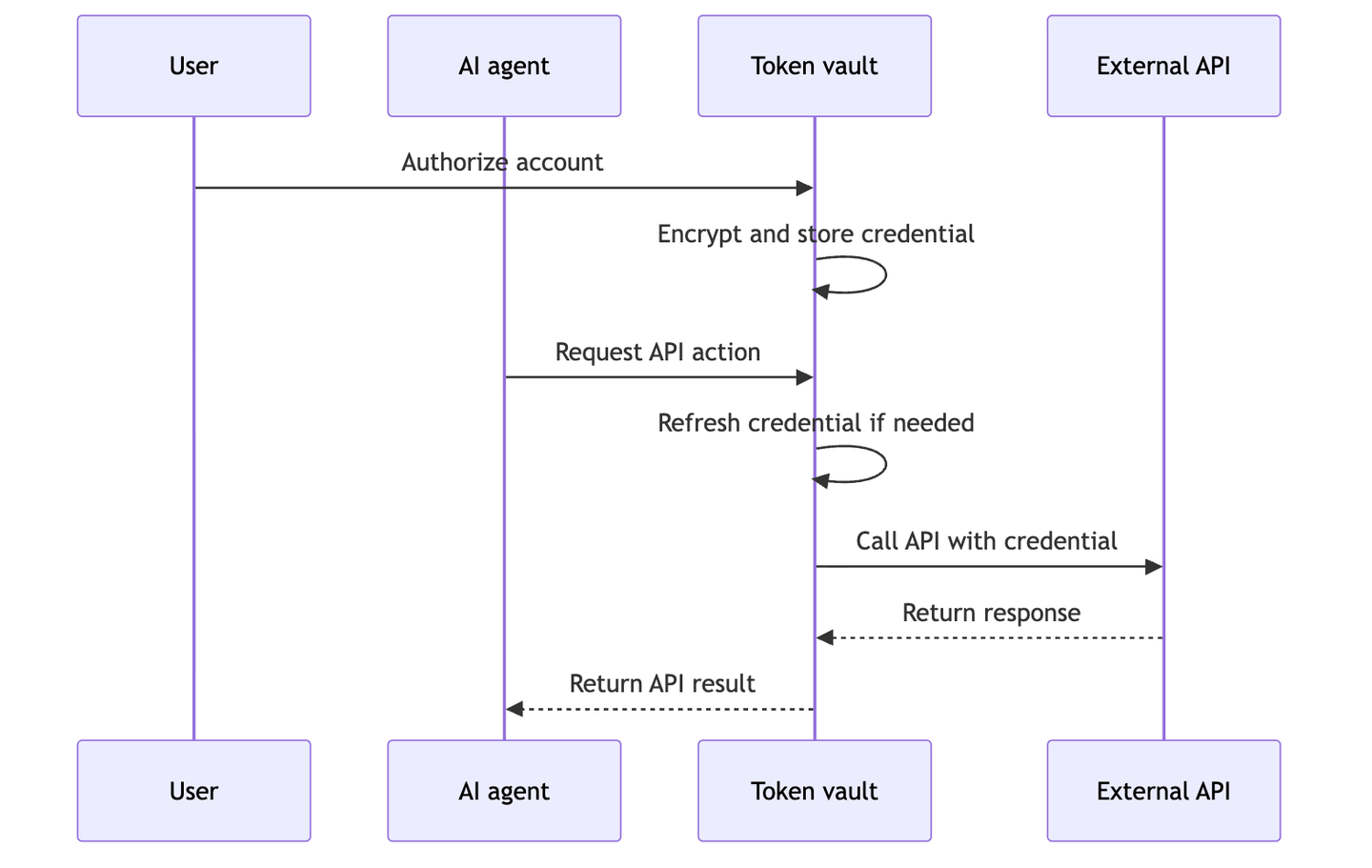
A token vault covers the first three criteria; we compared dedicated options in best token vaults for AI agents. The platforms below combine the vault with tool execution, which is where the remaining criteria come in.
Security comparison at a glance
All six platforms can keep provider credentials out of the model context when their managed execution path is used. The differences are whose identity the call inherits, whether credentials can leave the platform boundary, how narrowly tools can be exposed, and what evidence remains after execution.
| Platform | Acting identity | Credential boundary | Tool and revocation boundary | Execution evidence | Best fit |
|---|---|---|---|---|---|
| Nango | A connection selected by the application and mapped to a user, workspace, organization, or service identity | Actions and MCP calls inject credentials server-side | Pre-built and custom Actions, connection-scoped MCP tools, and per-connection revocation | Request-level logs; OpenTelemetry export on supported plans | Customer-facing agents that need broad API coverage and customization when required |
| Arcade | An end user or service identity | Credentials are vaulted and injected by its managed engine | Per-tool authorization requirements, policy metadata, and per-user revocation | Tool execution history plus separate administrative audit logs | MCP-first tools with delegated authorization |
| Paragon | A Connected User representing a person, account, or organization | Credentials are vaulted and used during ActionKit or workflow execution | Enabled Actions, JWT Permissions, and disconnection per Connected User | Action logs, with retention depending on plan | Permissions-aware RAG over supported sources |
| Composio | A connected account associated with a user or entity | Credentials stay in its hosted vault and execution runtime | Selected toolkits and actions, with connection-level revocation | Tool logs; broader governance controls depend on plan | Agents prioritizing a large pre-built toolkit catalog |
| Pipedream Connect | An external user ID supplied by the application | Credentials use its hosted proxy; authorized backends can retrieve some bring-your-own-app credentials | Tools configured for the project and account-level disconnection | Request-level audit coverage was not verified in this review | Cloud-hosted integrations over a broad app catalog |
| Zapier MCP | The owner of the MCP server | App connections stay server-side; a bearer token authorizes the server | Only enabled actions and connections; rotate or delete at server level | Per-server history | Internal assistants using an existing Zapier account |
| Platform | Deployment boundary | Publicly stated assurance | Runtime source visibility |
|---|---|---|---|
| Nango | Cloud, Self-hosting, or Enterprise BYOC, managed in the customer's cloud and chosen region | SOC 2 Type II, GDPR with a DPA, and HIPAA with a BAA | Open-source |
| Arcade | Cloud; self-hosting is plan-specific | SOC 2 Type II | Public tool framework; managed engine is proprietary |
| Paragon | Cloud; private deployment is plan-specific | SOC 2 Type II; HIPAA-compliant self-hosting is documented, while BAA scope needs confirmation | Public MCP wrapper; core platform is proprietary |
| Composio | Cloud; private deployment is plan-specific | SOC 2 Type II, ISO 27001, and Enterprise BAA support | Public SDKs; hosted backend is proprietary |
| Pipedream Connect | Cloud | SOC 2 Type II, GDPR with a DPA, and HIPAA with a BAA | Public connectors; hosted core is proprietary |
| Zapier MCP | Cloud | SOC 2 Type II and GDPR; no BAA | Public SDK beta; hosted platform is proprietary |
Catalog totals are excluded because vendors count APIs, apps, toolkits, servers, actions, and individual tools differently.
The best API integration platforms for secure AI agent tool calling
1. Nango
Overview
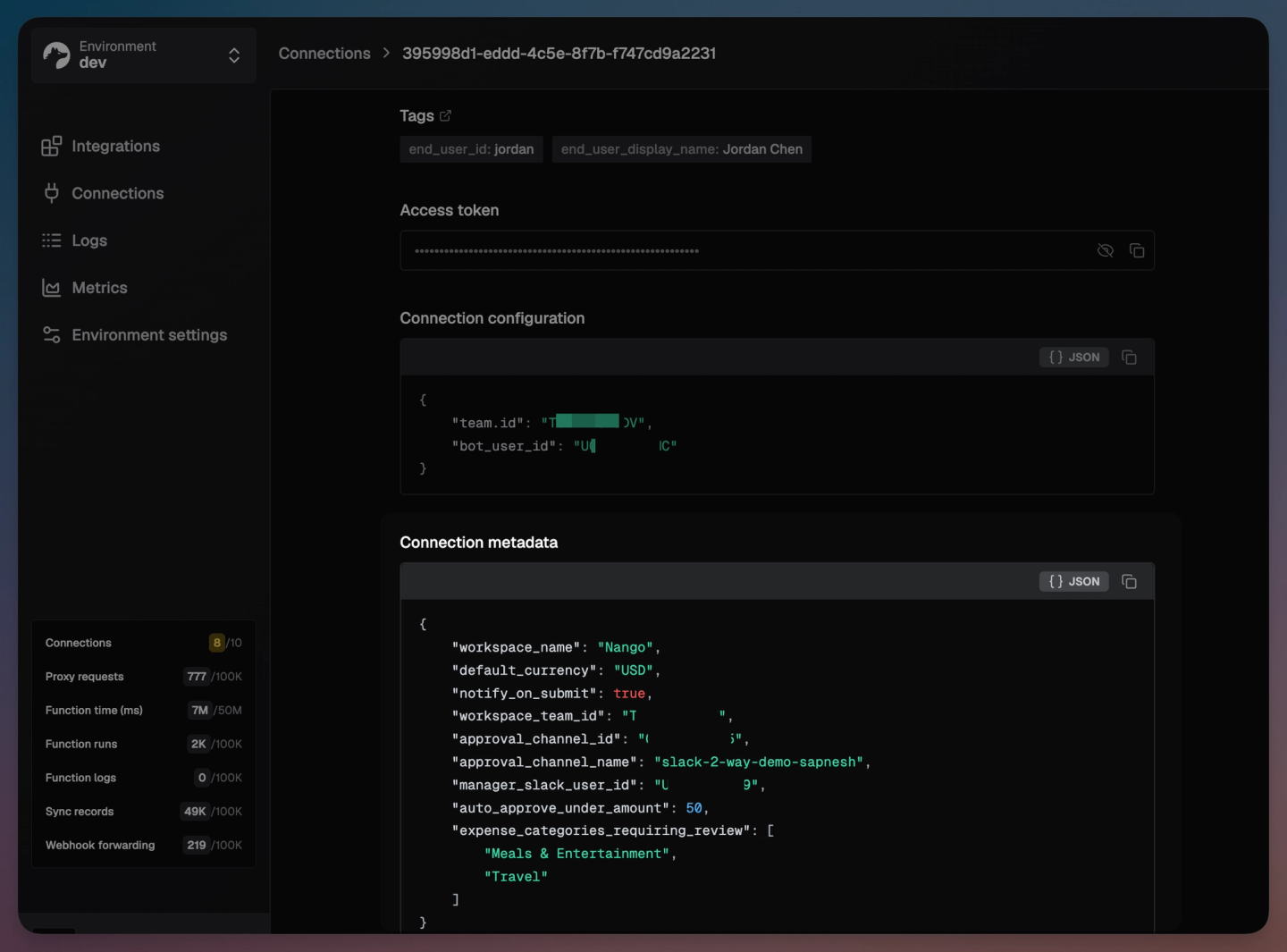
Nango lets you connect your AI agent to 1,000+ APIs. It ships with 10,000+ pre-built tool calls, customizable with code, on infrastructure built for scale. With Nango Actions or MCP, the application selects a connection and Nango injects its credential during server-side execution. Credentials are encrypted at rest with AES-256-GCM and refreshed automatically.
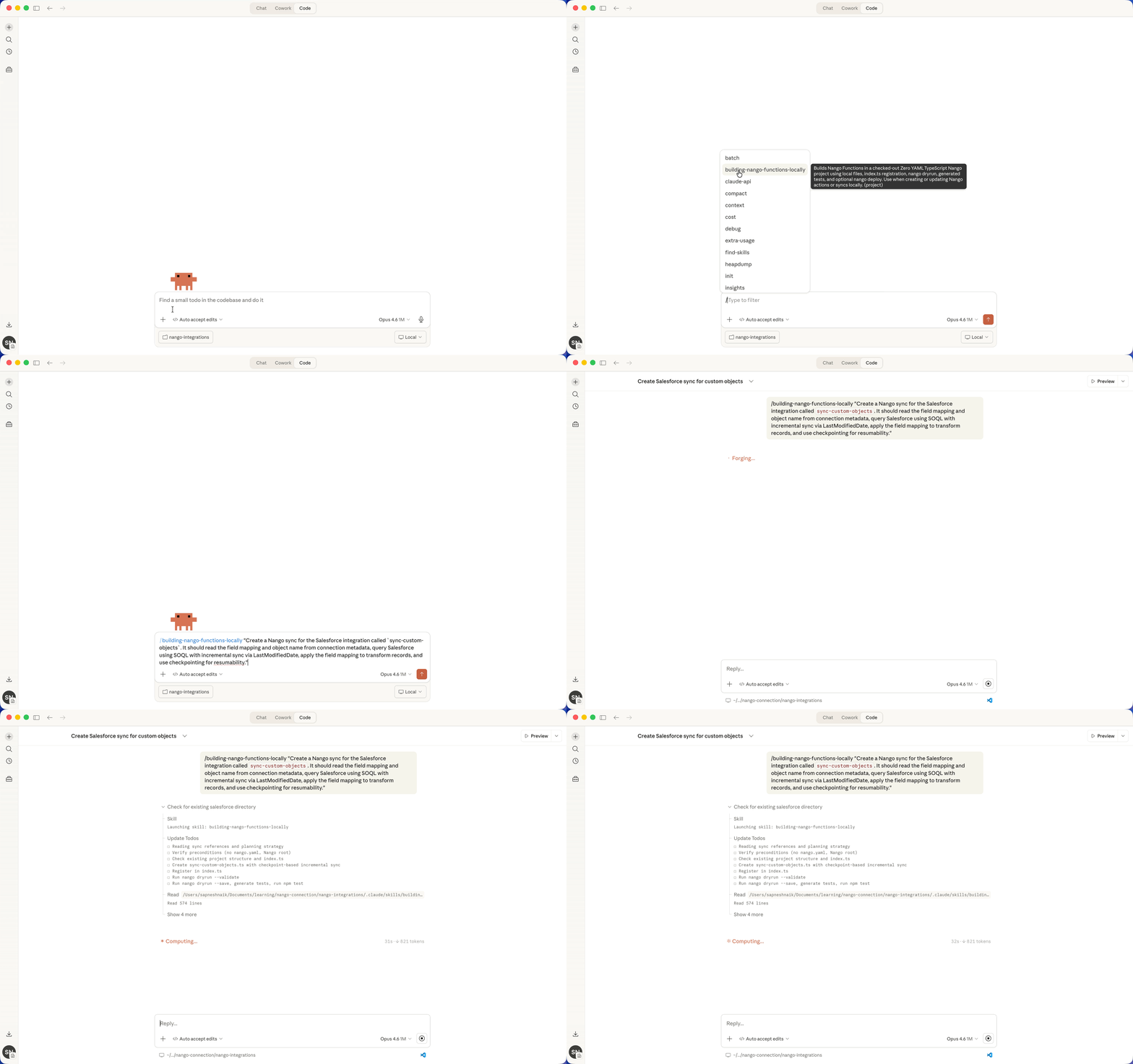
When a pre-built tool does not fit, teams can customize it with code. Claude Code, Cursor, and Codex can make and test those changes with the Nango builder skill, while Nango runs the integration.
Best for
Teams building customer-facing, multi-tenant agents that want broad, ready-made API coverage and the option to customize when needed. The same platform handles authentication, tool execution, syncs, and webhooks.
Pros
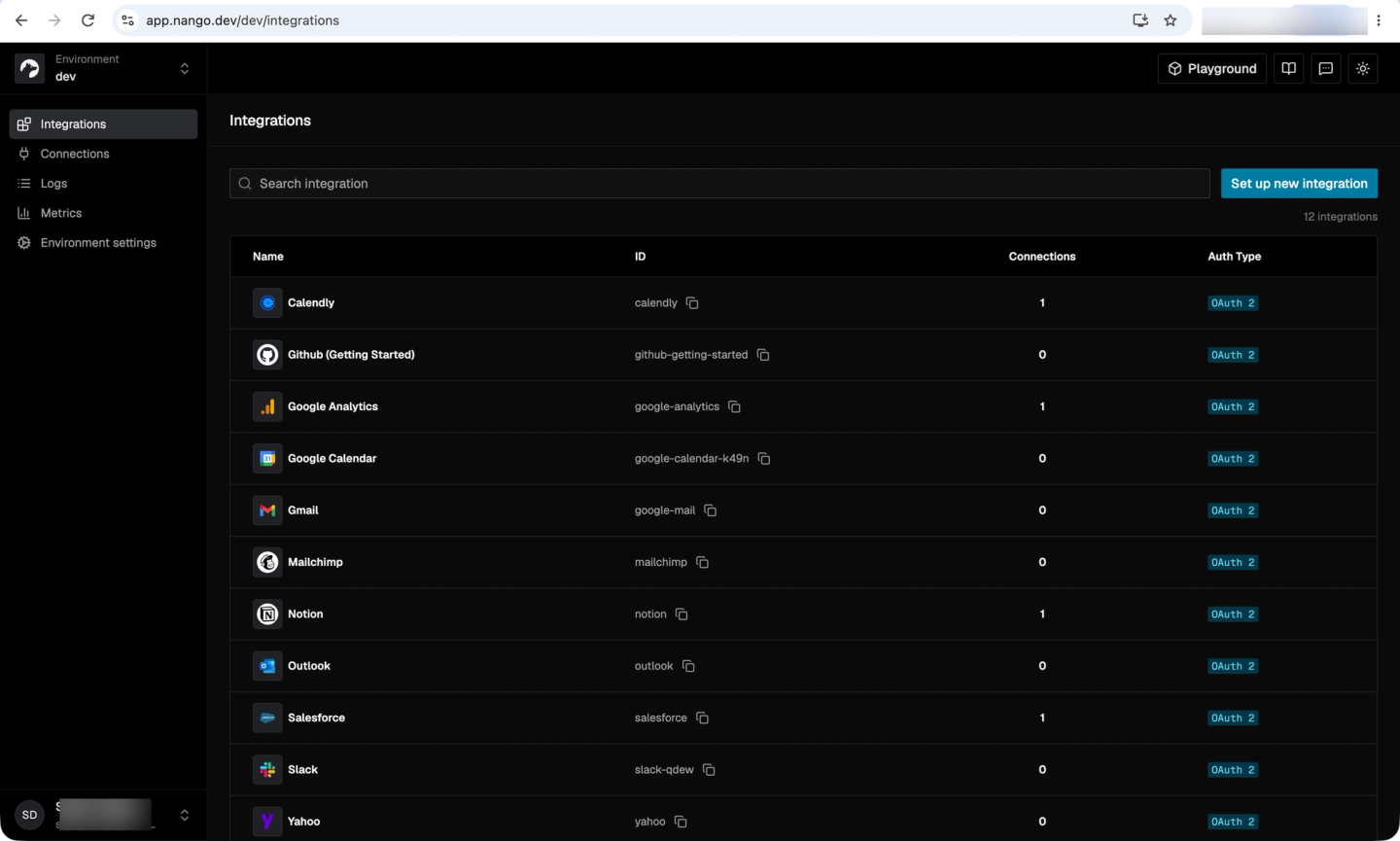
- Broad, customizable catalog: 1,000+ APIs and 10,000+ pre-built tool calls, with code customization through Claude Code, Cursor, and Codex.
- Credential and tenant controls: Nango supports OAuth, API keys, JWT, Identity Assertion JWT Authorization Grant (ID-JAG), and MCP Auth. MCP sessions can be limited to one connection. Tool calls, syncs, and webhooks run in isolated environments and produce request-level logs.
- Deployment and compliance: Enterprise BYOC is a managed deployment in the customer’s cloud and chosen data region, so Nango handles maintenance and scaling. SOC 2 Type II, a DPA, and a HIPAA BAA are documented in the trust center. Its code is open-source.
Cons
- Engineering ownership for custom tools: Teams that customize tools still need to review and own that code. Though coding agents can help with much of the review process.
2. Arcade
Overview
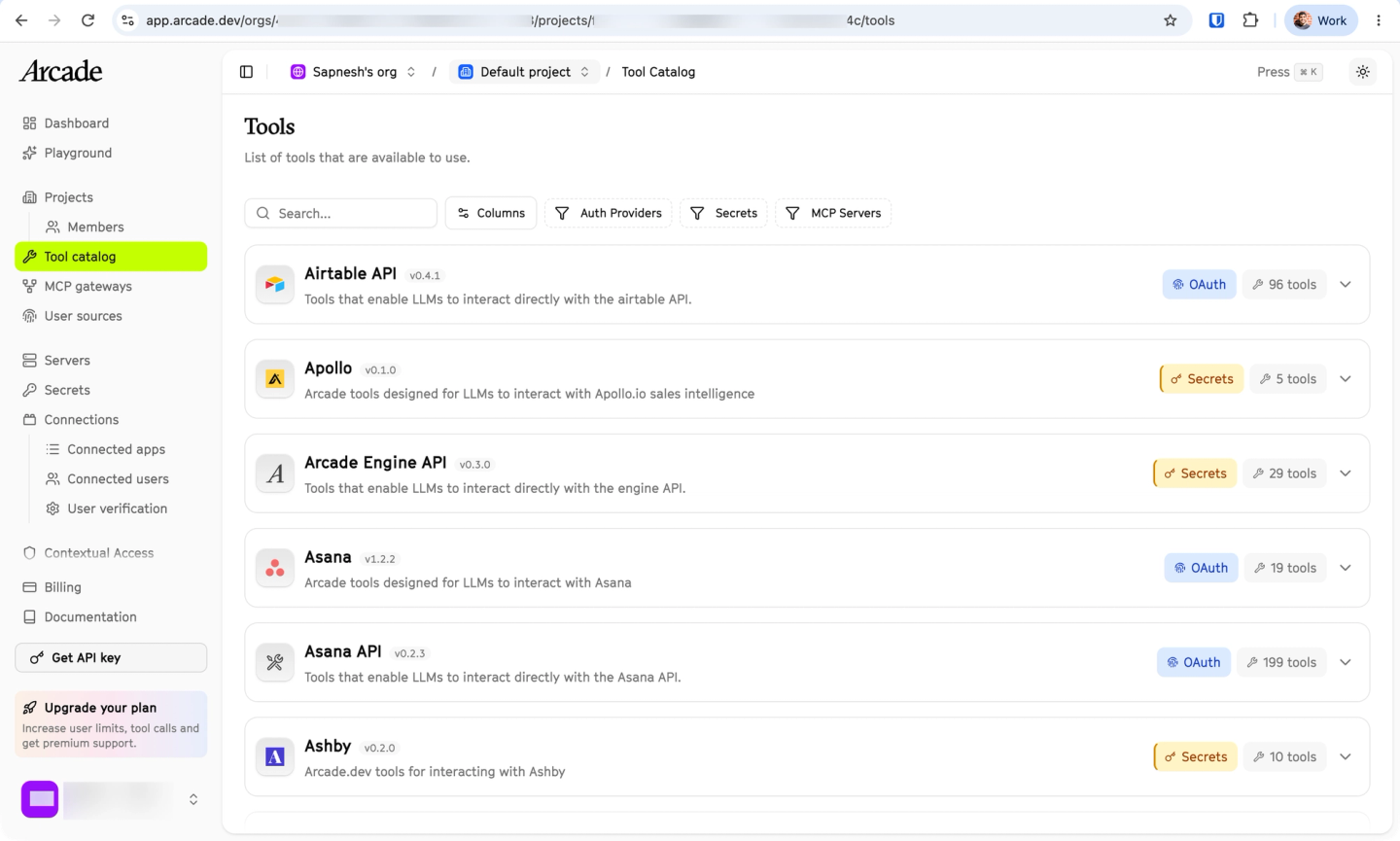
Arcade is an MCP-native tool runtime built around delegated user or service authorization. Its managed engine stores credentials and injects them when an authorized tool runs. Tool definitions can declare authorization requirements and policy metadata.
Best for
Teams building MCP-native tools that prioritize delegated authorization and custom tool policies.
Pros
- MCP-native tool execution: Arcade exposes authenticated tools through MCP, which suits teams using MCP as their primary agent interface.
- Policy and execution metadata: Read-only, destructive, and open-world tags support policy decisions. Project-scoped execution history and separate administrative audit logs are documented.
Cons
- Tool-calling focus: Teams that also need data syncs and webhooks need another system.
- Plan and source limitations: Governance and self-hosting depend on plan. The tool framework is public, while the managed engine is proprietary.
- No coding-agent customization skills: Arcade does not provide dedicated coding-agent skills for customizing integrations in your codebase.
3. Paragon
Overview
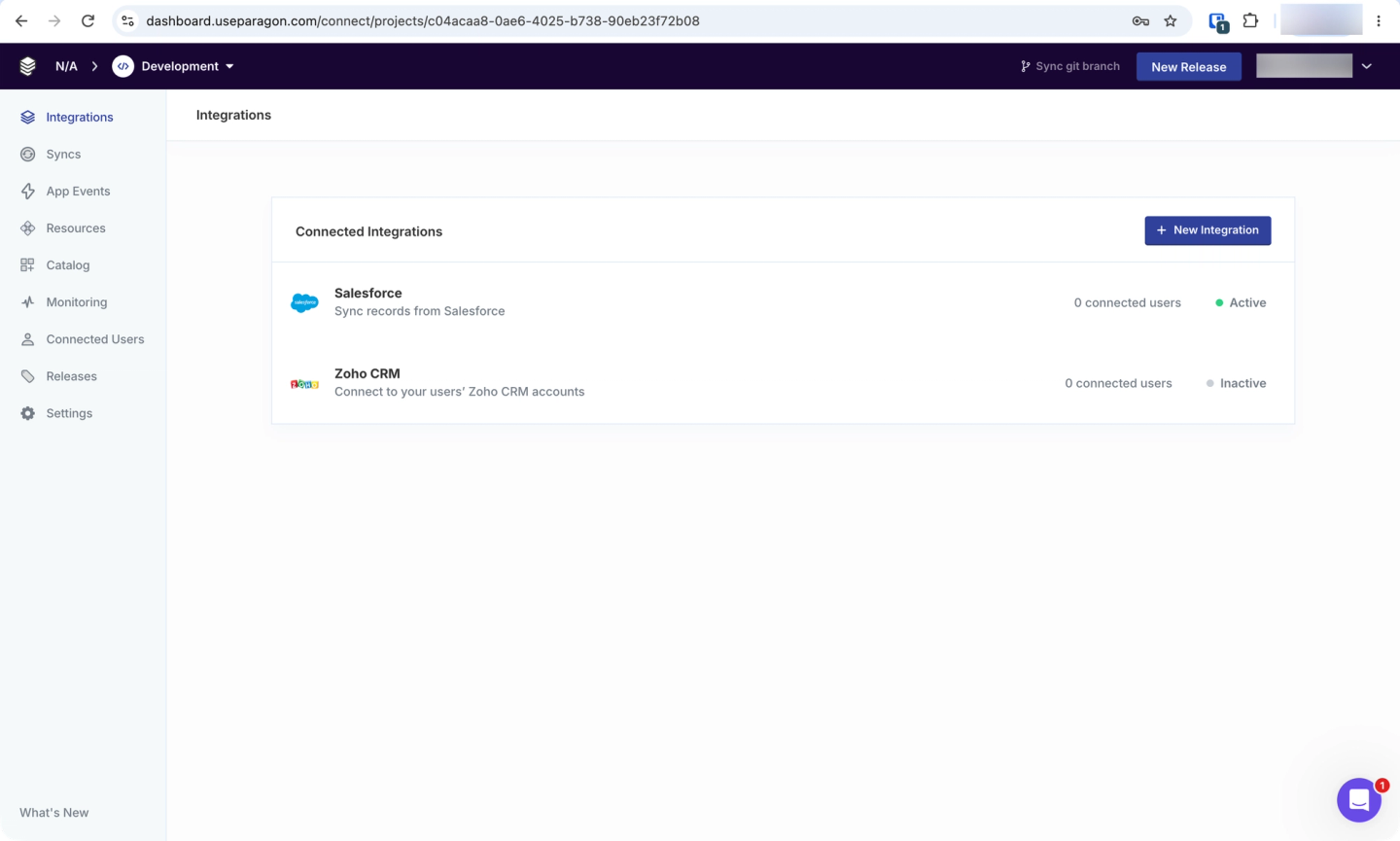
Paragon is an embedded integration platform for B2B SaaS. A Connected User can represent a person, account, company, or organization. Your backend signs a JWT for that entity, while Paragon stores its provider credentials and uses them during ActionKit or workflow execution.
Best for
Teams building permissions-aware RAG over supported file-storage sources.
Pros
- Flexible tenant identity: The Connected User can map to an application’s user or tenant model, and JWT Permissions can narrow access.
- Permissions-aware retrieval: ActionKit records tool invocations. For supported file sources, synced data can retain source permissions so retrieval respects third-party access rules.
Cons
- Enterprise-gated controls: Self-hosting, SAML SSO, and RBAC require Enterprise. A HIPAA-compliant self-hosted offering is documented, but teams should confirm BAA scope during procurement.
- Proprietary core: Its MCP wrapper is public, while the credential and execution platform is proprietary.
- Broad permissions by default: A Paragon User Token grants access to all credentials and configurations within its Connected User unless the backend adds JWT Permissions. Organization-level Connected Users therefore depend on correctly issued permission claims.
4. Composio
Overview
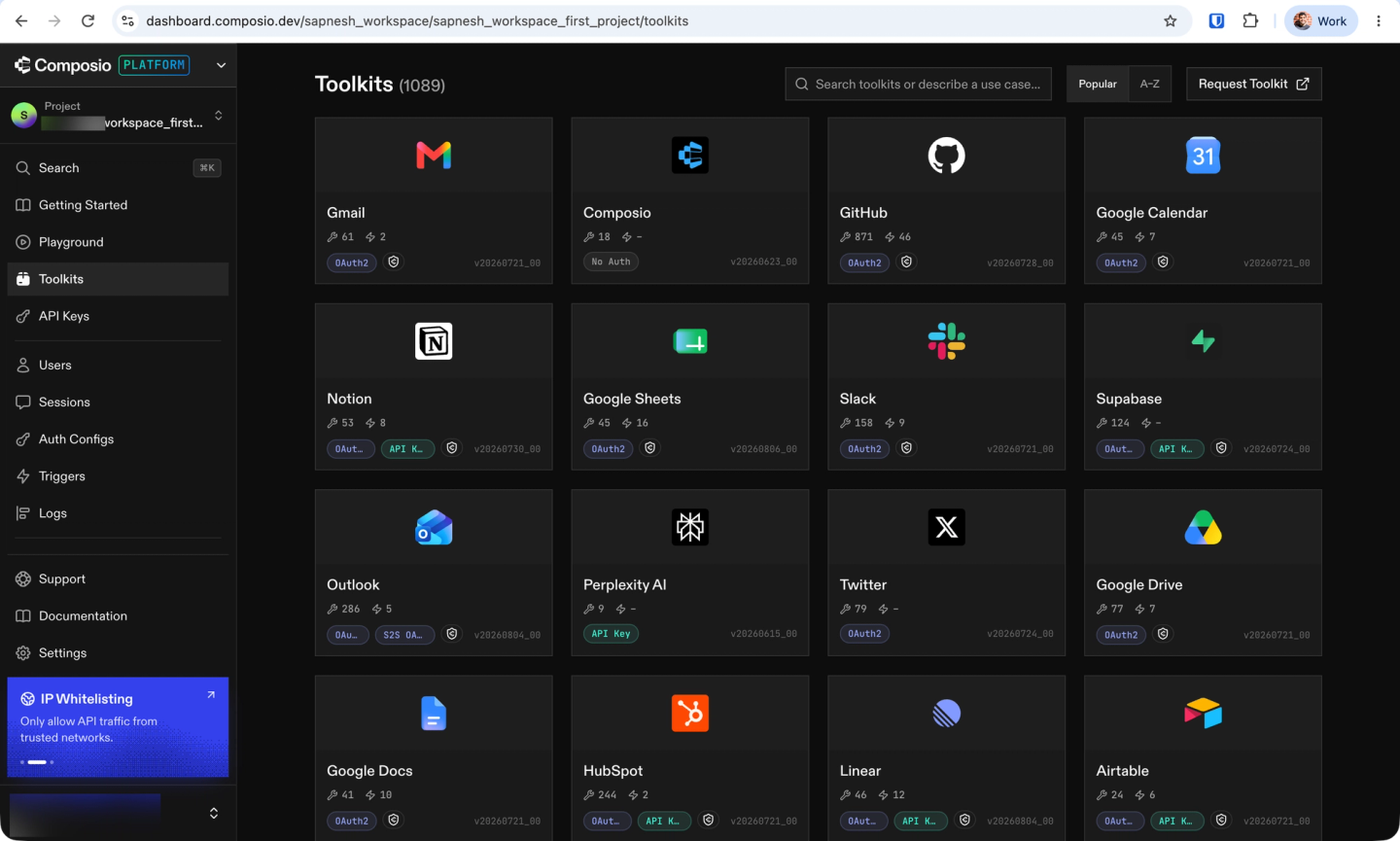
Composio provides a hosted catalog of agent toolkits with managed user and entity authentication. Its cloud stores and refreshes credentials, then applies them during server-side tool execution.
Best for
Teams prioritizing a large pre-built agent-tool catalog and framework adapters.
Pros
- Tool and auth configuration: Selected toolkits and actions limit the available surface. Managed OAuth apps are the default, while using your own app gives more control over scopes, branding, and provider quota.
- Security attestations: SOC 2 Type II and ISO 27001 are documented.
Cons
- Incident history: In May 2026, an attacker used compromised employee access to reach an internal agentic tool and execute code in Composio’s tool sandbox. Composio revoked 5,001 affected GitHub connections and 5,241 API keys held in a likely accessible auxiliary cache.
- Proprietary, plan-dependent runtime: Its SDKs are public, but the hosted credential and execution backend is proprietary. Action governance, SSO, audit trails, private deployment, and BAA support depend on Enterprise.
- On-prem deployment difficulty: A customer who moved from Composio to Nango reported that deploying Composio on their own infrastructure was difficult.
- Custom-tool execution stays in your application: Session-bound custom tools run in the application process, not Composio’s hosted sandbox. Teams must provide the hosting, scaling, and isolation for that code.
For a direct comparison, see Composio vs Nango.
5. Pipedream Connect
Overview
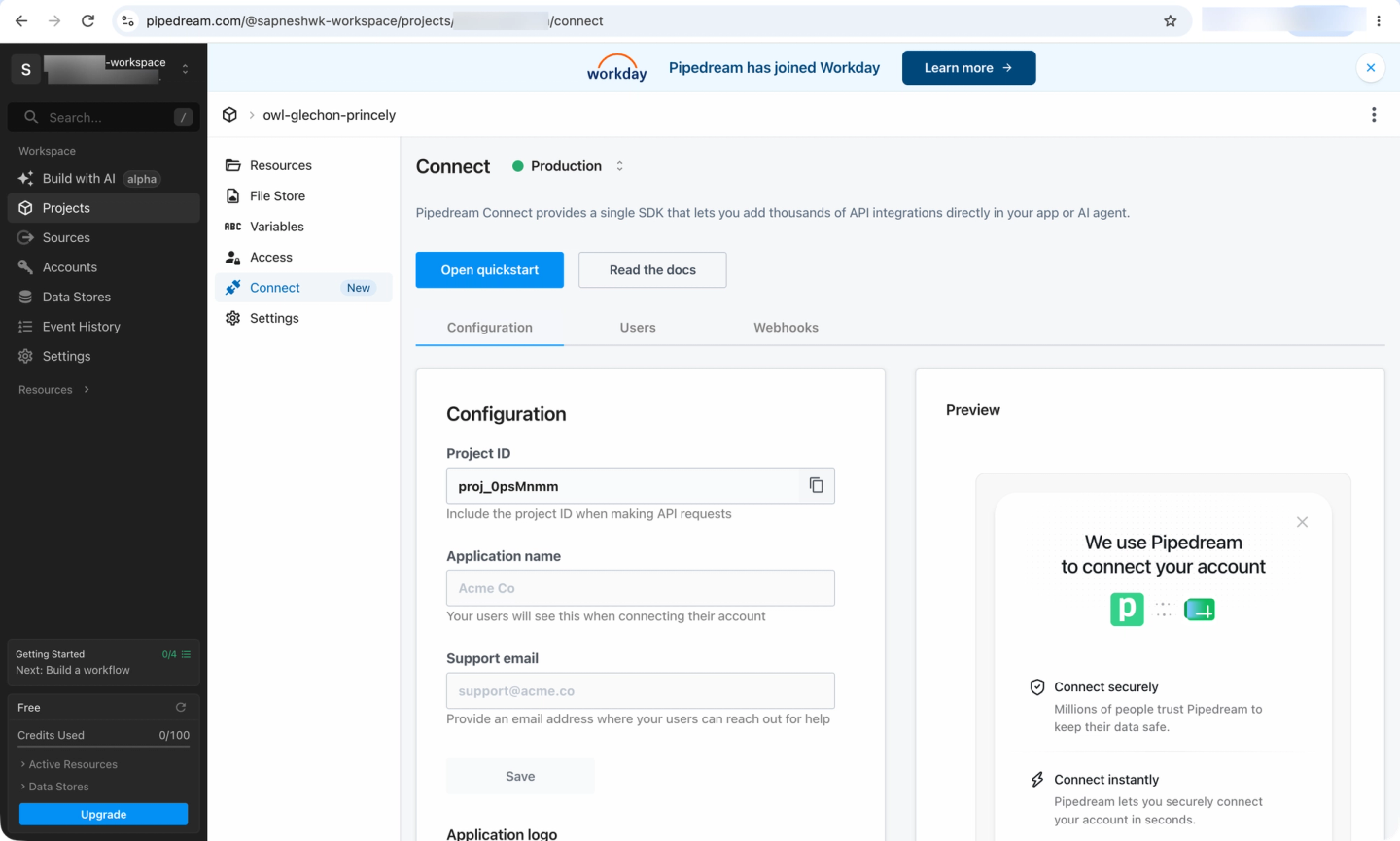
Pipedream Connect offers managed external-user authentication and hosted tool execution across a broad app catalog. Its proxy injects credentials server-side. For connections using a team’s own OAuth app, an authorized backend can explicitly request the raw credential; credentials from Pipedream-managed OAuth apps are not exposed through that path.
Best for
Teams that want a broad hosted catalog and documented HIPAA support, and do not require self-hosting.
Pros
- External-user scoping: The application supplies an external user identifier, which separates connections by customer identity.
- Reviewable connectors: Connector code is public, and the hosted proxy applies credentials server-side.
Cons
- Cloud-only core: The hosted Connect and auth core are not self-hostable.
- Credential and roadmap considerations: Retrieving bring-your-own-app credentials is optional, but doing so moves part of the credential boundary into the application backend. The hosted MCP product and connector repository received updates in 2026 after Workday’s acquisition, but buyers should still confirm roadmap and support commitments during procurement.
- Limited payload audit trail: Connect does not persist API or MCP request and response bodies. Teams that need full forensic reconstruction must record that evidence in their application.
6. Zapier MCP
Overview
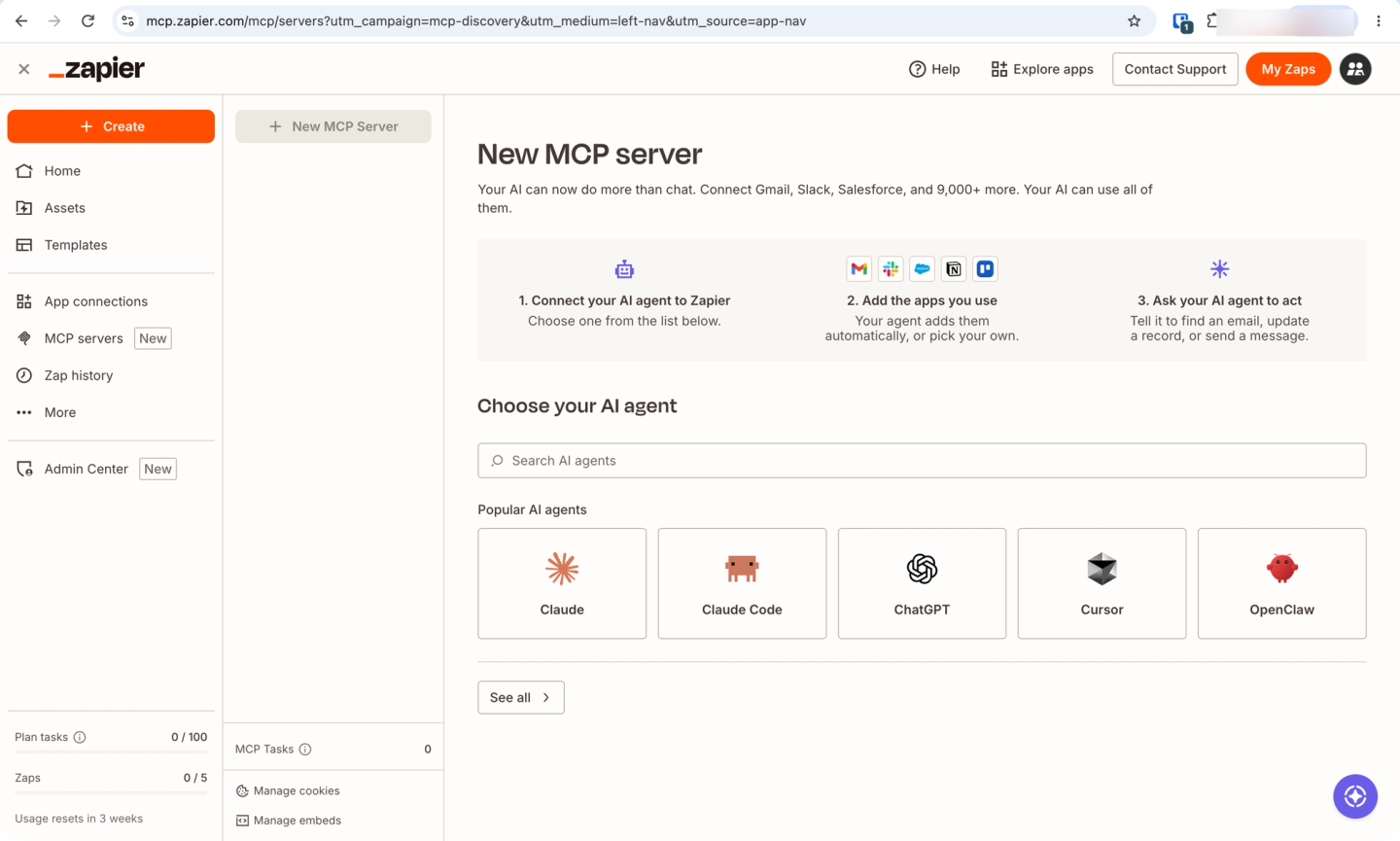
Zapier MCP is a hosted endpoint over an existing Zapier user’s app connections. The user creates an MCP server, selects the apps and actions it may run, then connects an AI client with that server’s bearer token.
Best for
Personal and internal assistants that use an existing Zapier account.
Pros
- Server-side provider credentials: Provider tokens stay in Zapier, while the AI client receives the MCP server credential.
- Execution history and development tooling: Per-server history records executions, and the SDK beta supports development with coding agents.
Cons
- Not an embedded external-user layer: Isolating customers requires separate servers or accounts.
- Bearer-token boundary: Anyone holding a server token can run its enabled tools, so each server should stay narrow and its token should be rotated if exposed.
- No BAA: Zapier does not sign a BAA.
What about MCP gateways and AI security tools?
Two adjacent categories solve different problems. MCP gateways (Kong AI Gateway, MintMCP) govern which existing MCP servers your organization’s agents can reach; they do not store per-customer credentials for your product or build integrations. AI agent security tools (Lakera, Prompt Security) add guardrails on model inputs and outputs; they assume the integration layer already exists. Both compose with an integration platform rather than replace one.
FAQ: Secure AI agent tool calling
What is the best platform for secure AI agent tool calling?
It depends on the identity and deployment model. Nango fits customer-facing, multi-tenant products that want ready-made coverage across 1,000+ APIs and 10,000+ tool calls, with connection scoping and code customization when needed. MCP-focused runtimes fit narrower tool-calling projects, while automation platforms fit internal assistants that act through an existing account.
How do I expose third-party APIs to a multi-tenant agent without exposing credentials?
Store provider credentials in a separate vault and give the model intent-specific tools instead of raw HTTP access. The execution runtime should bind every request to a tenant and connection, inject the credential server-side, redact secrets from errors and logs, and revoke each connection independently. Nango’s tool-calling flow follows this model.
Should an AI agent use user, organization, workspace, or bot credentials?
Use the narrowest identity that matches the task. User credentials fit actions that must inherit one person’s provider permissions. Organization, workspace, service, or bot identities can be correct for shared workflows, provided the application authorizes every call and records the acting user. See user-level vs org-level auth for the tradeoffs.
Are MCP servers secure for production AI agents?
They can be, if identity, connection scoping, tool provenance, and revocation are enforced around the protocol. An MCP server should expose only approved tools, bind each session to the intended connection, and require application-level approval for high-impact writes. See best MCP servers for agent API integrations.
How do I audit what an AI agent did across external APIs?
Record every tool execution with its tenant, acting identity, connection, tool, timestamp, outcome, and approval state. Administrative audit logs are not a substitute for execution records. For production use, verify retention and export to a SIEM or observability system such as OpenTelemetry.
Conclusion
Secure tool calling depends on explicit boundaries. The model should request a named tool. A separate runtime should bind that request to the correct identity, inject the provider credential, enforce the allowed action, and record the result. High-impact writes still need application-level policy and approval controls.
For customer-facing, multi-tenant agents, Nango has the broadest fit in this comparison. It connects agents to 1,000+ APIs with 10,000+ pre-built tool calls, while Nango handles authentication and runs tool calls, syncs, and webhooks. Teams can customize tools with code when needed, including with Claude Code, Cursor, and Codex. Catalog-first automation platforms may fit internal, no-code assistants better.

