
Using an AI agent to call a few SaaS APIs is relatively straightforward. It gets harder when integrations must keep customer data in sync, support account-specific fields and mappings, and handle write actions that follow your product’s business rules.
StackOne provides prebuilt actions and an AI Integration Gateway. But its AI Integration Builder is still in early access. If your product needs custom integrations, compare how each platform builds, tests, and runs them.
This guide compares Nango, Merge, Paragon, Pipedream Connect, Composio, and Arcade. We focus on agent tools, data sync, customer-specific requirements, deployment, and pricing.
TL;DR
StackOne combines prebuilt actions, data sync, and agent tooling. Still, another platform may fit better depending on your operational coverage, customization needs, data model, and pricing requirements. Our main picks are:
- Nango: Our top pick for customer-facing AI agents and product integrations that need prebuilt tools, persistent syncs, and control over integration behavior as requirements grow.
- Merge: Consider it when standard objects in its unified API categories meet your needs. Agent tools and unified data sync are separate products.
- Paragon: Consider it when a visual workflow builder is central to your product. Dynamic Field Mapping and private deployment require Enterprise.
Best StackOne alternatives at a glance
| Platform | Agent tools | Managed data sync | Custom integration logic | Customer configuration | Deployment |
|---|---|---|---|---|---|
| Nango | Prebuilt and custom tools | Incremental syncs on the same runtime | TypeScript functions built with coding agents | Objects, mappings, and filters per connection | Cloud; Enterprise BYOC or self-managed |
| Merge | Separate Agent Handler product | Unified Common Models | Custom Agent Handler connectors on Enterprise | Advanced fields on higher tiers | Cloud; custom Agent Handler deployments on Enterprise |
| Paragon | ActionKit | Managed Sync | Visual workflows and TypeScript framework | Dynamic Field Mapping on Enterprise | Cloud; private deployment on Enterprise |
| Pipedream Connect | Actions and per-user MCP | Build your own pipeline | Custom components and API proxy | Component inputs and per-user accounts | Managed cloud |
| Composio | Catalog tools and hosted MCP | Build your own pipeline | Custom tools run in your application | User sessions and shared connections | Managed cloud; you host custom logic |
| Arcade | Hosted and custom MCP tools | Build your own pipeline | MCP framework and custom servers | Per-user authorization and access controls | Cloud; private deployment on Enterprise |
Nango combines agent tools and data sync with integration logic your team can change. That matters when a customer asks for a new API operation, a custom field, or a different update rule. A coding agent can implement the change on Nango, and your team can review and deploy it.
What StackOne offers in 2026 and why you should look for an alternative
StackOne originally focused on unified APIs for HRIS, ATS, and LMS platforms. It has since repositioned around AI agents and now describes itself as an “AI Integration Gateway.”
StackOne lists 540+ connectors and 33,000+ actions. Agents can access them through MCP, SDKs, A2A, or HTTP. The platform also offers tool search, access controls, request logs, and prompt-injection scanning.
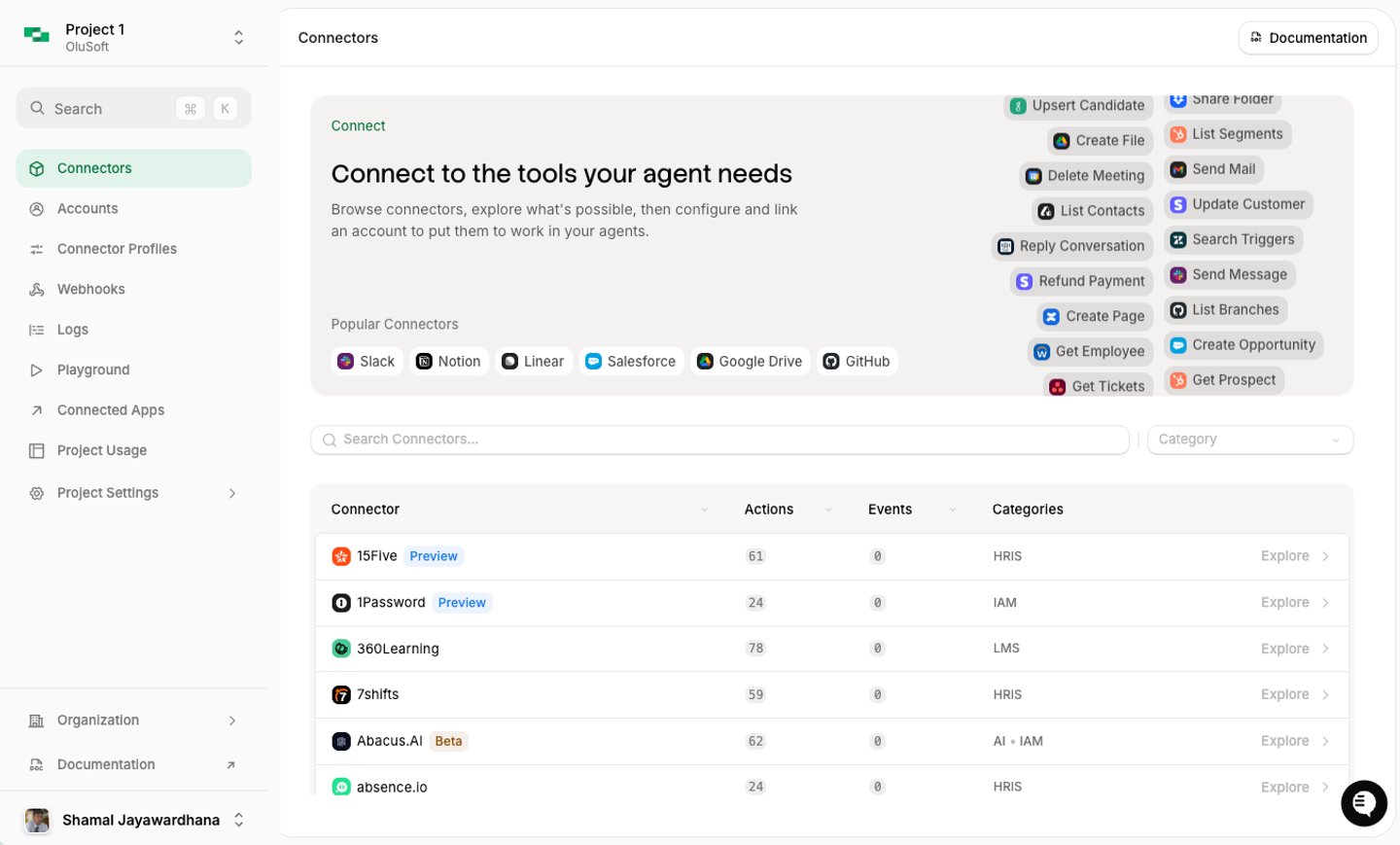
For product integrations, the important differences are how you customize operations and where you use synced data:
- Connector logic uses YAML: StackOne’s AI Integration Builder generates connector definitions for its execution engine. Nango integrations are TypeScript functions that your coding agent can build and extend.
- The AI Integration Builder is in early access: Check the feature’s availability and test it against your required operations before depending on it for your roadmap.
- Synced records live in StackOne indexes: Data Sync polls provider APIs and stores records in StackOne. Deep Query searches those records. If you need a copy in your application database, evaluate how you will retrieve and maintain it.
- Embedded use has its own plans: StackOne’s Gateway plans serve employees’ agents. OEM plans let customers connect accounts through your product. Compare the plan that matches your use case.
Nango is worth evaluating when your product needs custom tools and syncs that feed your own database. The same runtime handles both, and each connection can carry the customer’s field mappings and filters.
The six best StackOne alternatives
Nango is our recommended starting point for agent and product integrations. The other platforms fit requirements such as standard data models, visual workflows, or tool execution without managed sync.
1. Nango
Overview
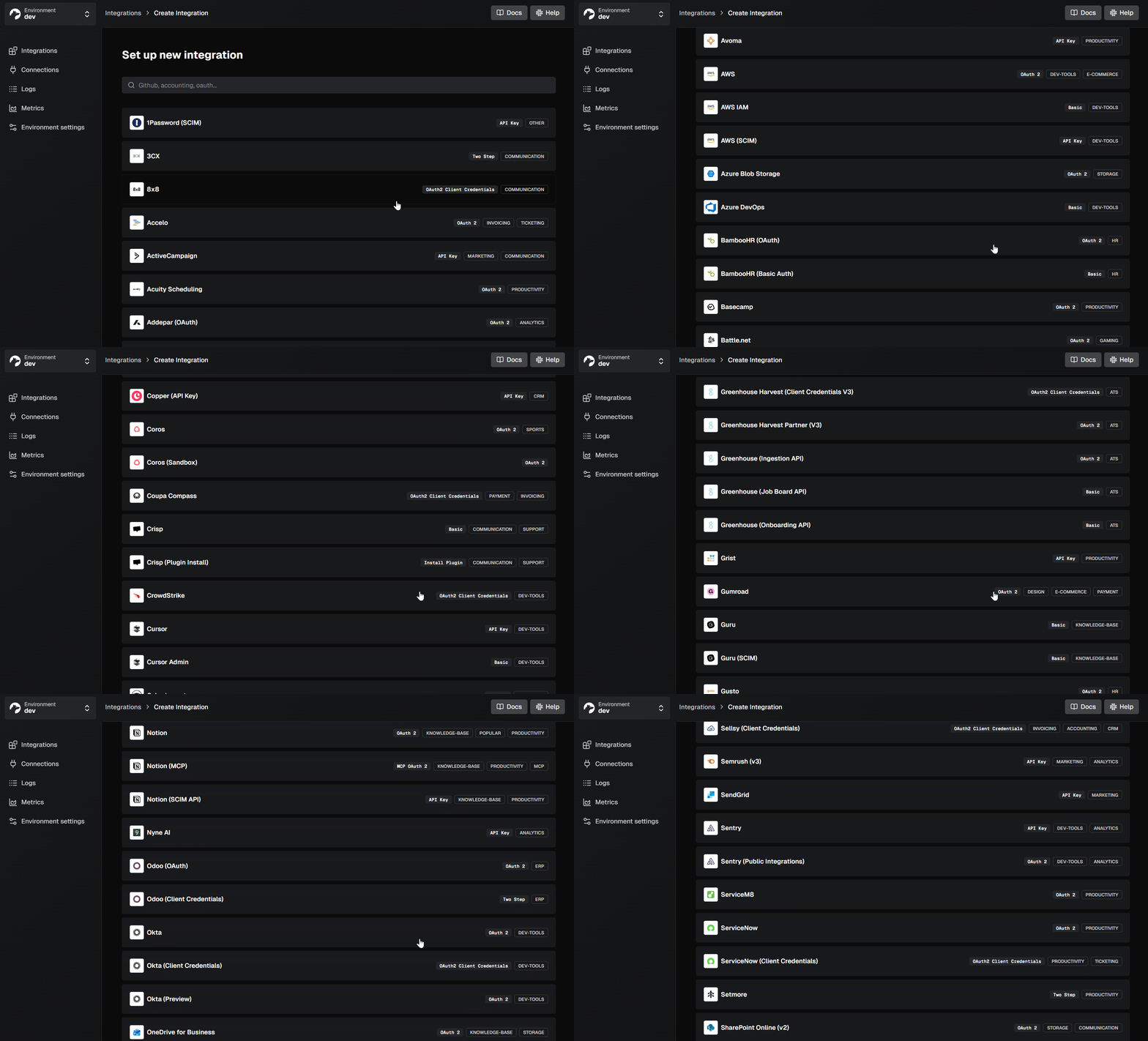
Nango is an integration platform for AI agents and customer-facing products. It ships 10,000+ prebuilt tools across 1,000+ APIs, with managed auth, tools, triggers, data syncs, webhooks, and an API proxy on one platform. You start with pre-approved OAuth apps and prebuilt functions, then extend them as requirements grow.
Best for
Teams shipping AI agents or SaaS products that need API integrations they can customize as customer requirements change. Nango supports agent tools, persistent syncs, and custom business logic together. Enterprise teams can also run it in their own cloud or infrastructure.
Pros
- Start with prebuilt tools: Use the catalog for common operations, then extend it as your product needs more. Nango also offers pre-approved OAuth apps to help you get started.
- Coding agents build and extend integrations: With the Nango skill, Claude Code, Cursor, or Codex can customize a prebuilt tool and test it against a real connection. Integrations are TypeScript functions. Your team reviews the logic before deployment.
- Agent tools and data sync share one runtime: One connection can power an agent’s write tools and an incremental sync. Syncs resume from checkpoints and notify your backend of changes. Your application can consume those records into its own database.
- Configure each customer’s integration: Store objects, field mappings, and filters in the customer’s connection metadata. Functions read that configuration when they run. You can also define your own shared data model across providers.
- Give agents limited access: Agent Sessions restrict each session to selected connections and tools. Sessions expire, and provider credentials stay inside Nango.
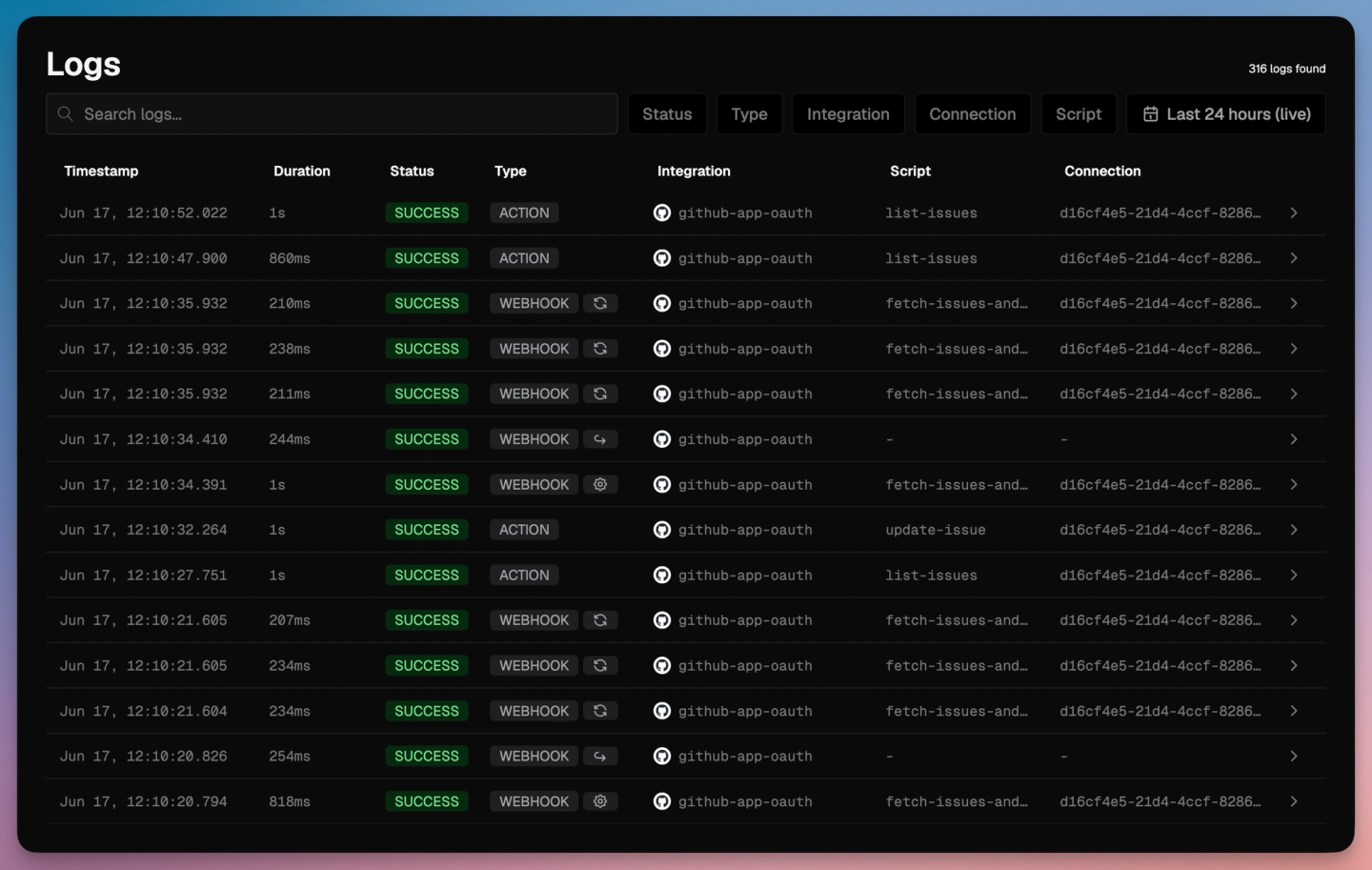
- Debug integrations with your coding agent: The Management MCP server lets agents inspect runs and manage functions. Observability covers function runs and API requests, with OpenTelemetry export.
- Choose where integrations run: Use Nango Cloud, BYOC, or a self-managed deployment. BYOC and self-managed deployments require Enterprise. A free self-hosted edition covers auth and proxy use cases.
Motion launched about 189 integrations for its AI employees and workflows. Replit uses Nango syncs across more than 30 connectors to power triggers in its automation product.
For example, a coding agent can extend a NetSuite invoice sync to include each customer’s custom cost-center field. The mapping lives on the customer’s connection, so one deployed sync can support different field mappings.

Cons
- You define the shared schema: If you want one data model across providers, your team must choose that model and review its mappings. Coding agents can help implement them.
When to choose Nango over StackOne
Choose Nango when integrations are part of the product you ship to customers. Coding agents can build the operations your product needs. Nango runs the tools and syncs together, with each customer’s credentials and configuration.
For a deeper build guide, see using AI coding agents for building API integrations.
2. Merge
Overview
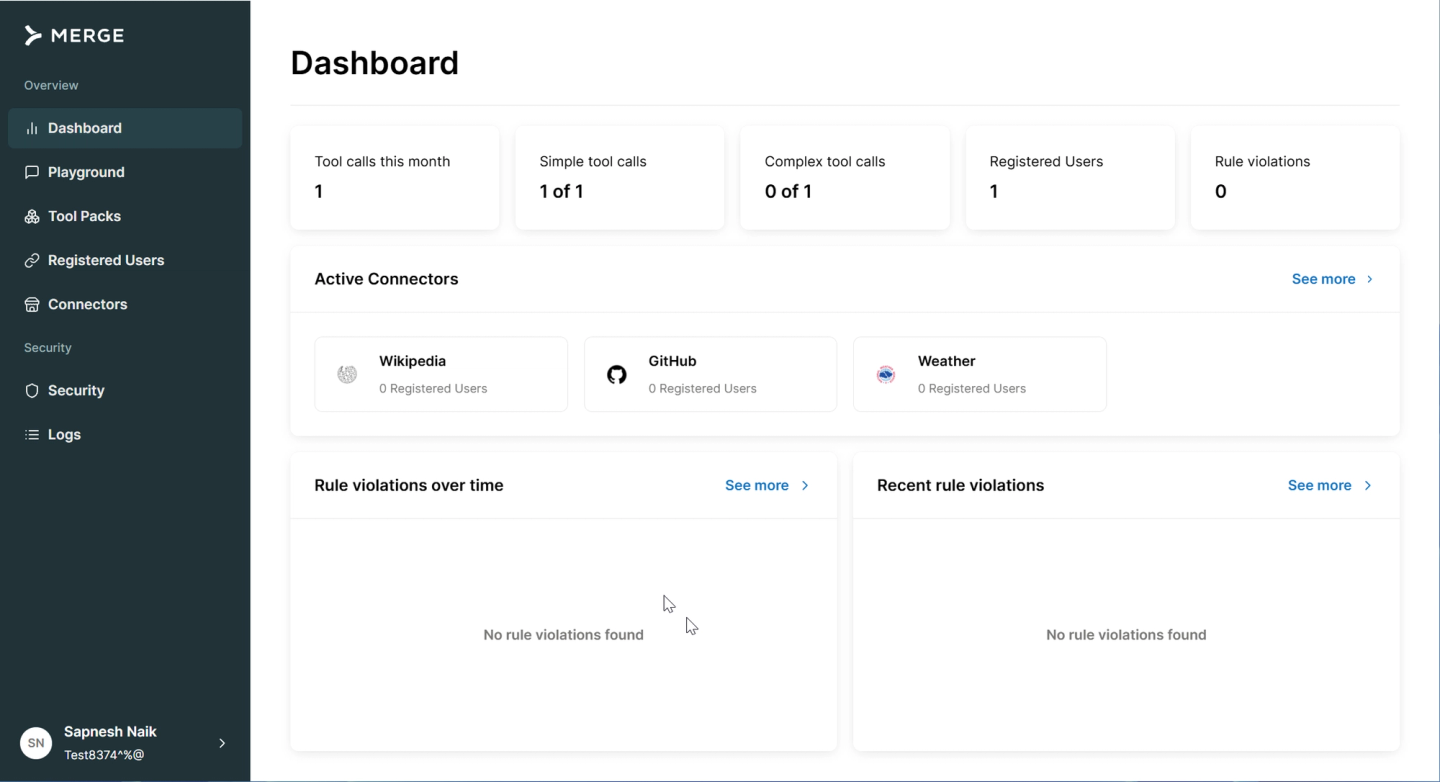
Merge separates data integrations and agent tools into two products. Unified maps provider data into Common Models across categories such as HRIS, ATS, and CRM. Agent Handler exposes tools to agents and has separate pricing.
Best for
Products whose needs fit Merge’s standard objects and supported categories. Teams that also need agent tools must evaluate Agent Handler separately.
Pros
- One schema per category: Standard HRIS, ATS, CRM, and other supported objects follow Merge’s Common Models across providers.
- Managed syncs: Merge keeps normalized data synchronized on a schedule.
Cons
- Custom fields require higher tiers: Merge’s Unified pricing places custom-field access on Professional and Enterprise. Products that need customer-specific data must budget beyond Launch.
- Tools and syncs are separate products: Merge’s managed syncs live in Unified; its prebuilt agent tools live in Agent Handler. Agent Handler Pro starts at $1,000/month, and custom connectors require Enterprise.
- Standard models may omit data your product needs: Provider-specific fields and objects may require Field Mappings or other supplemental data features. Your team must handle those differences alongside the Common Models.
StackOne vs Merge
Merge centers data integrations on Common Models. StackOne centers its current offering on an agent gateway. Choose Nango when you want coding agents to build custom tools and syncs around your product’s own schema. See Merge.dev vs Nango.
3. Paragon
Overview
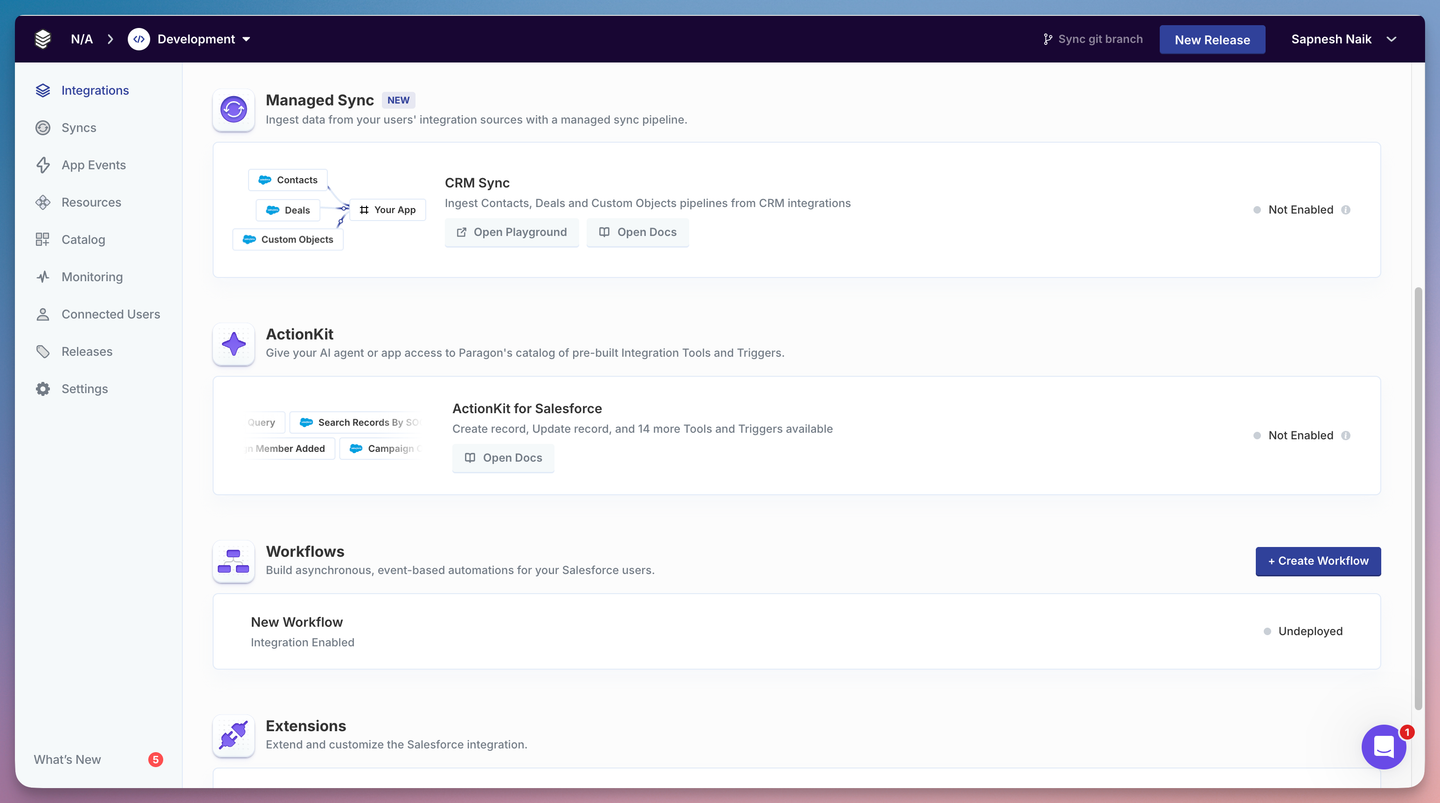
Paragon is an embedded integration platform. Its product suite includes ActionKit for agent actions, Managed Sync for data pipelines, and Workflows for automation. Teams can build workflows visually or with its TypeScript framework.
Best for
B2B SaaS products where a visual workflow builder is central to the integration experience.
Pros
- Three products included: Plans include ActionKit, Managed Sync, Workflows, and managed authentication.
- Visual workflow builder: Teams can configure workflows through a visual interface.
Cons
- Multiple products to integrate: Combining agent actions, syncs, and workflows means working across ActionKit, Managed Sync, and Workflows. Nango tools and syncs use the same function model and runtime.
- Dynamic Field Mapping requires Enterprise: Paragon lists Dynamic Field Mapping and private deployment as Enterprise features. Prices require a sales quote.
- Your team adopts its workflow model: Paragon supports TypeScript as well as visual workflows. Evaluate whether that workflow model fits the custom operations your product needs.
See Paragon vs Nango for a detailed comparison.
4. Pipedream Connect
Overview
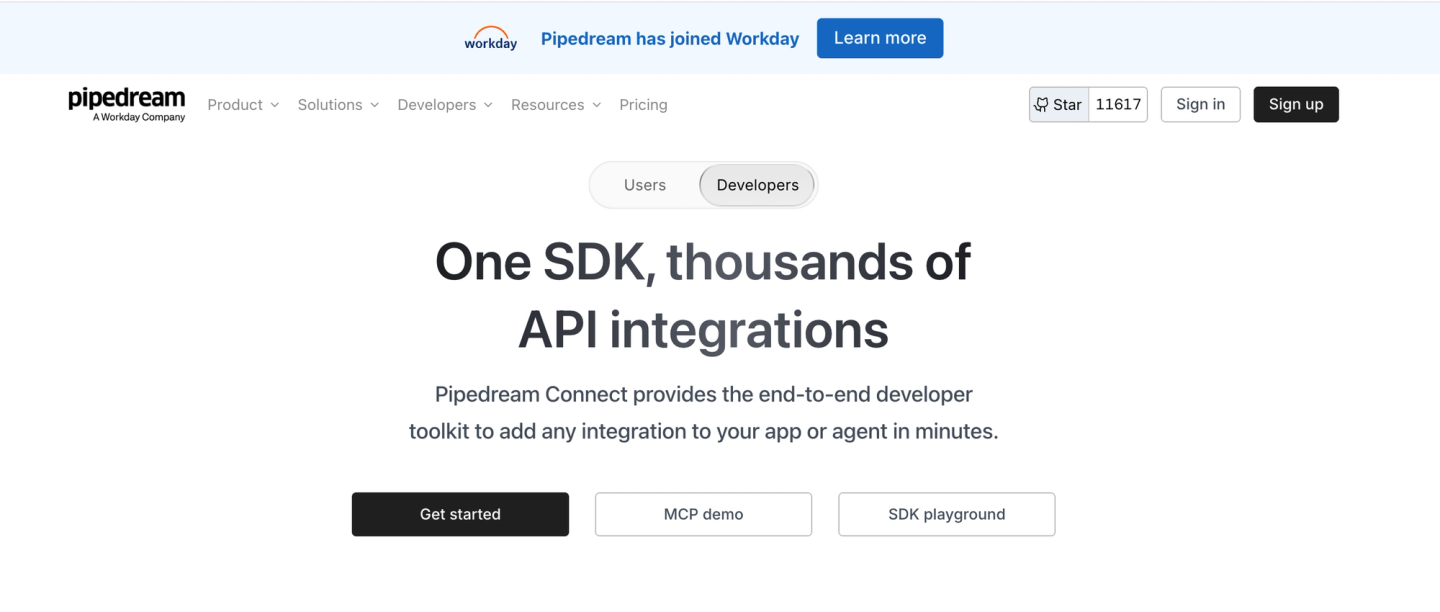
Pipedream Connect gives agents access to users’ connected apps. It provides hosted authentication, prebuilt actions, event triggers, and an API proxy. MCP tools run with each user’s connected accounts.
Important:
Workday acquired Pipedream in February 2026. Pipedream’s public changelog lists October 1, 2025 as its latest entry. Ask about the Connect roadmap if you are evaluating a long-term dependency.
Best for
Agents that mainly need prebuilt actions and event triggers. Products that also need a persistent copy of customer data must build that pipeline separately.
Pros
- Large action catalog: Many apps come with ready-made actions and triggers.
- Per-user MCP: Each external user gets tools tied to their own connected accounts.
Cons
- You build the data sync pipeline: Connect provides actions and triggers. For a current copy of customer records, your team must manage pagination, checkpoints, and deletion handling.
- User and compute charges both affect cost: Startup costs $99/month with annual billing or $150/month with monthly billing. It includes 100 external users and 10,000 usage credits. Additional users cost $2 each; usage credits meter compute in 30-second units.
See Pipedream Connect alternatives for more options.
5. Composio
Overview
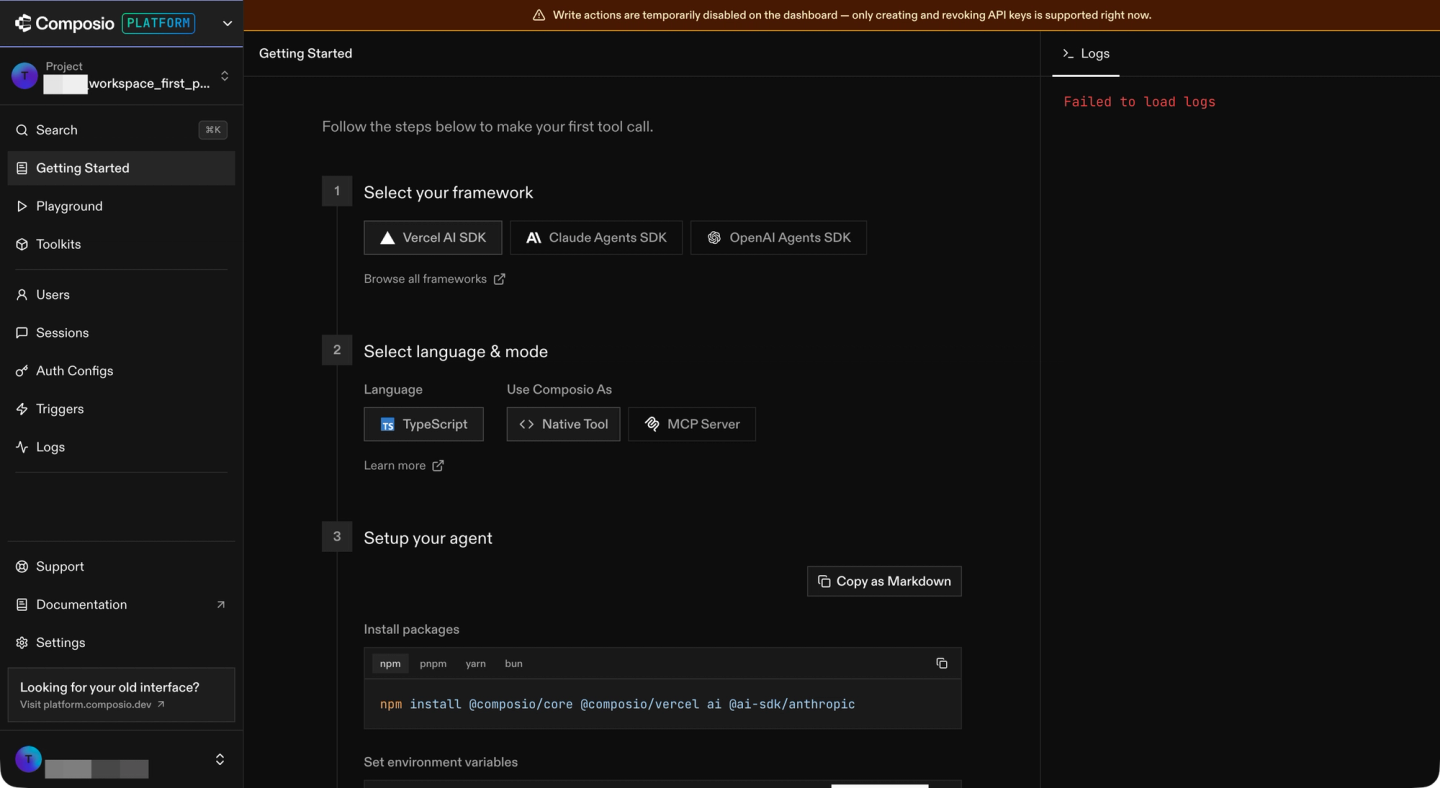
Composio offers a managed catalog of agent tools. It handles authentication, tool discovery through sessions, and event triggers. Developers connect agents through its SDKs or hosted MCP.
Best for
Internal or personal automation agents that mainly need catalog tools. It can also serve products that handle persistent data sync and custom tool hosting themselves.
Pros
- Large prebuilt tool catalog: Agents can call many SaaS tools without defining each one.
- Sessions and triggers: Sessions handle tool discovery and auth, and triggers can start an agent on provider events.
Cons
- You build the data sync pipeline: Tool calls and triggers do not maintain a persistent copy of customer records. Your team must build and operate that pipeline.
- Custom tools run in your application: Composio’s custom tools execute in your process. The API is marked experimental. You host and monitor that custom logic.
- Add-ons change the effective rate: Composio pricing meters tool calls and trigger events. Shared connections, proxy execution, and some compliance options add usage charges.
- Cloud is the only hosting option: Composio advertises Enterprise self-hosting. Its sales team regularly recommends Cloud hosting with a data agreement instead and discourages Enterprise self-hosting. Composio also does not offer a managed bring-your-own-cloud deployment.
Important:
Composio disclosed a May 2026 security incident involving compromised customer credentials. It reported 5,001 leaked GitHub connections and 5,241 potentially exposed Composio API keys. Its September update describes remediation and independent reviews. Include that update in your security evaluation.
StackOne vs Composio
Both offer prebuilt agent tools. StackOne also provides Data Sync and YAML connector building. Composio leaves persistent sync and custom tool hosting to your application. Nango runs custom tools and syncs together. See our Composio alternatives for more.
6. Arcade
Overview
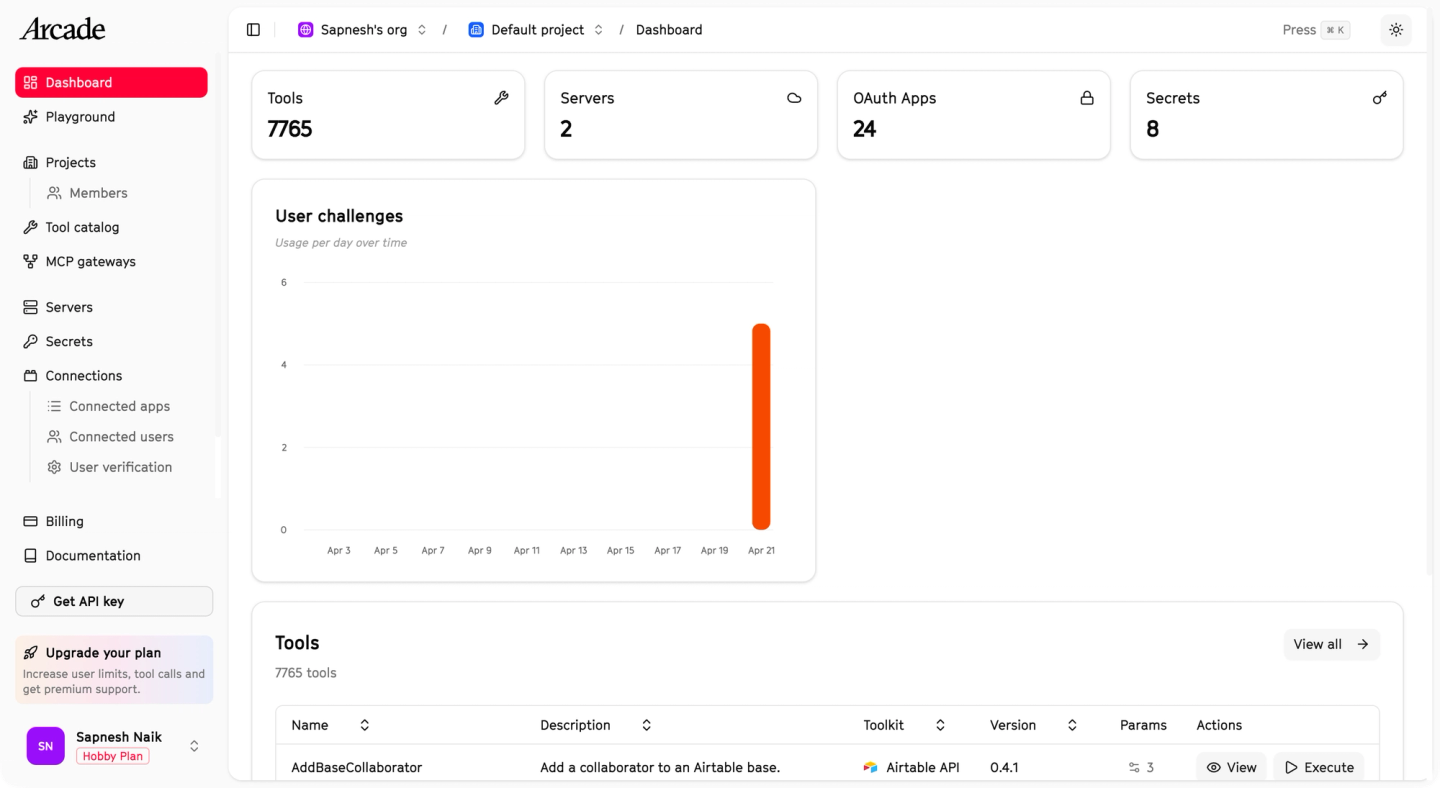
Arcade is a runtime for agent tools and MCP servers. It handles user authorization and access controls. Teams can use hosted tools, connect remote MCP servers, or build their own with Arcade’s framework.
Best for
Agents that mainly need MCP tools with user authorization and access controls. Teams needing persistent data sync must build it separately.
Pros
- User authorization and access controls: Arcade manages authorization and permissions around tool calls.
- MCP framework: Teams can build tools and connect existing MCP servers.
Cons
- You build the persistent data pipeline: Arcade focuses on tool execution. Your team must build the syncs that keep application records current, including scheduling, checkpoints, and recovery.
- Private deployment requires Enterprise: Standard plans run on Arcade Cloud. Enterprise offers private and air-gapped deployment options.
For a direct comparison, see Arcade.dev vs Nango.
FAQs
What is the best StackOne alternative for customer-facing AI agents?
Nango is our top StackOne alternative for customer-facing AI agents that need custom tools and current customer data. Coding agents build and extend integrations. Nango runs agent tools and persistent syncs together, with managed authentication and scoped Agent Sessions.
What is the best StackOne alternative for SaaS product integrations?
Nango is our top choice when a SaaS product needs data sync, write operations, and customer-specific mappings. Your team defines the data model and integration rules. Coding agents implement the functions, and Nango handles authentication and execution.
Which StackOne alternatives support self-hosting?
Nango offers BYOC and self-managed deployments on Enterprise. With BYOC, Nango operates the instance in your cloud account. A free self-hosted edition covers auth and proxy use cases. Arcade, Paragon, and Merge Agent Handler also list private deployment options on Enterprise. Compare the available features in our self-hosting guide.
Can I keep my existing data model and custom fields?
Yes. Nango functions can map provider data into your product’s existing schema. Store each customer’s field mappings and filters on their connection. The sync reads that configuration when it runs.
Can coding agents build custom integrations on Nango?
Yes. Claude Code, Cursor, and Codex can use the Nango skill to build or extend TypeScript integrations. They can test functions against real connections and deploy them after your team’s review. Nango supplies the authentication and runtime for those tools, syncs, and webhook handlers.
Conclusion
Nango is our top StackOne alternative for AI agents and customer-facing product integrations. It combines tools, persistent syncs, and customer-specific logic on one runtime. Coding agents can build new operations as your product’s requirements grow.
Start with prebuilt tools, then use Claude Code, Cursor, or Codex to adapt them. Your team controls the functions and data model. Nango handles authentication and execution on Cloud or an Enterprise deployment in your own infrastructure.
Test your hardest operation before you switch. Check the Nango API catalog for your providers, then follow the quickstart with a free account.
Related reading


