
TL;DR
An integration SDK for SaaS apps should help customers connect their accounts and keep the resulting product features working through token expiry, custom fields, and data changes. Nango is our overall recommendation for teams that want prebuilt integrations plus control over their behavior as requirements grow.
- Nango: Prebuilt auth, tools, triggers, and syncs with code-level customization and enterprise deployment options for deep customer-facing integrations.
- Pipedream Connect: Broad prebuilt actions and triggers with managed auth, including shared OAuth clients for supported uses.
- Paragon: Connect Portal plus managed ingestion and workflows for teams that want visual tooling alongside TypeScript authoring.
- Prismatic: Productized integration marketplaces and customer configuration, with code-native, low-code, hosted, and headless SDK options.
- Merge Unified: Ready-made common models and managed syncing when your requirements fit its supported categories and operations.
Integration SDKs compared
An embedded integration SDK exposes account connection and API access. Behind that interface, the platform manages credentials, execution, and syncing. To choose the best SDK or API for embedding third-party app integrations into a SaaS product, compare both layers.
SDKs and data access
| Product | SDK and UI role | Data model | Custom endpoint access |
|---|---|---|---|
| Nango | Connect UI, frontend/Node SDKs; prebuilt and custom TypeScript Functions | Your own schemas or unified model; provider-specific access | Authenticated proxy and custom functions |
| Pipedream Connect | Connection SDK/UI, backend SDKs, action execution | Provider-specific | Authenticated proxy |
| Paragon | Connect Portal/headless SDK; Paragraph authors workflows | Provider-specific workflows; normalized Managed Sync | Integration requests and custom connectors |
| Prismatic | Hosted marketplace or Solis UI; TypeScript integration SDK | Defined by your integration | Raw requests and custom components |
| Merge Unified | Merge Link connects accounts; backend SDKs access category APIs | Vendor-defined common models with extensions | Passthrough on Professional/Enterprise |
Execution, deployment, and billing
Beyond data access, compare how integrations run, deliver changes, and incur costs:
| Product | Sync and event approach | Deployment options | Pricing unit |
|---|---|---|---|
| Nango | Scheduled/incremental syncs, checkpoints, webhooks, tools | Cloud; Enterprise BYOC or Self-Managed | Connections, compute time, data transfer |
| Pipedream Connect | Prebuilt triggers/actions; your app orchestrates | Managed cloud | External users and usage credits |
| Paragon | Managed Sync and triggered workflows | Cloud; Enterprise self-host/forward-deploy | Connected customer organizations and usage allowances |
| Prismatic | Scheduled/webhook flows and batch syncs | Cloud; Enterprise private hosting | Platform subscription and active instances |
| Merge Unified | Managed syncs; provider-dependent webhook support | Cloud; paid single-tenant/MVPC options | Production Linked Accounts and plan entitlements |
Billing units follow the vendors’ pricing pages: Nango, Pipedream Connect, Paragon, Prismatic, and Merge Unified. Merge’s MVPC offering runs in your AWS account; it does not offer on-prem deployment.
What to evaluate in an integration SDK
Evaluate those differences through one CRM workflow. A customer connects its account, and your product imports contacts with a custom customer_tier field and writes a status back. Include recovery after an interrupted sync. This is an evaluation scenario, not a hands-on benchmark.
- Useful coverage: Start with the operations that workflow requires: objects, reads, writes, and events. A CRM logo does not confirm custom-field support or status writes, so inspect the actual action inputs and sync outputs.
- Customer connection lifecycle: Those operations depend on a connection you can maintain for each tenant. Check tenant identity, scopes, token refresh, revoked access, and reconnection. During authorization, inspect both the embedded UI and the provider’s consent screen: a branded modal can still lead to a vendor-branded OAuth app.
- Custom requirements: Once connected, follow
customer_tierthrough discovery, mapping, storage, and write-back. If one customer uses a picklist and another uses text, check how you adapt that mapping. Include additional endpoint access and responsibility for exceptions beyond the connector’s built-in behavior. - Sync correctness: The mapped data must stay correct as contacts change or disappear. Evaluate the initial import, incremental updates, deletion handling, and reconciliation when events are missed. For recovery, interrupt both a multi-page import and your application’s ingestion of synced records. Check where each resumes; retrying an HTTP request does not establish that either preserves progress.
- Supportability: Recovering those failures starts with identifying what happened. Check whether support can locate the affected tenant’s request or sync and distinguish expired authorization, rejected fields, and rate limits. The diagnosis should guide reconnection or retries. A timed-out write may already have succeeded, for example, so retrying must prevent duplicate side effects.
- Deployment and cost: Initial imports, sync frequency, retries, and backfills all belong in your workload estimate. Locate credentials, records, logs, and execution, then check hosting entitlements. Model customers × connected apps using each vendor’s billing unit: 100 customers connecting three apps can mean 300 connections or instances, while Pipedream counts one external user with several connected apps once.
Best integration SDKs for B2B SaaS
Nango is our overall recommendation because it combines prebuilt operations, customizable data models, and managed execution for this workflow. The alternatives fit specific preferences for application-owned orchestration, visual workflows, marketplaces, or ready-made common models.
1. Nango
Nango gives SaaS teams a way to ship prebuilt integrations and extend them into deeper product features on the same platform. It combines managed auth for 1,200+ APIs with 10,000+ prebuilt tools, triggers, and syncs, whose coverage varies by API. Use its coding-agent skills with Claude Code, Cursor, or Codex to customize that behavior as customer requirements grow.
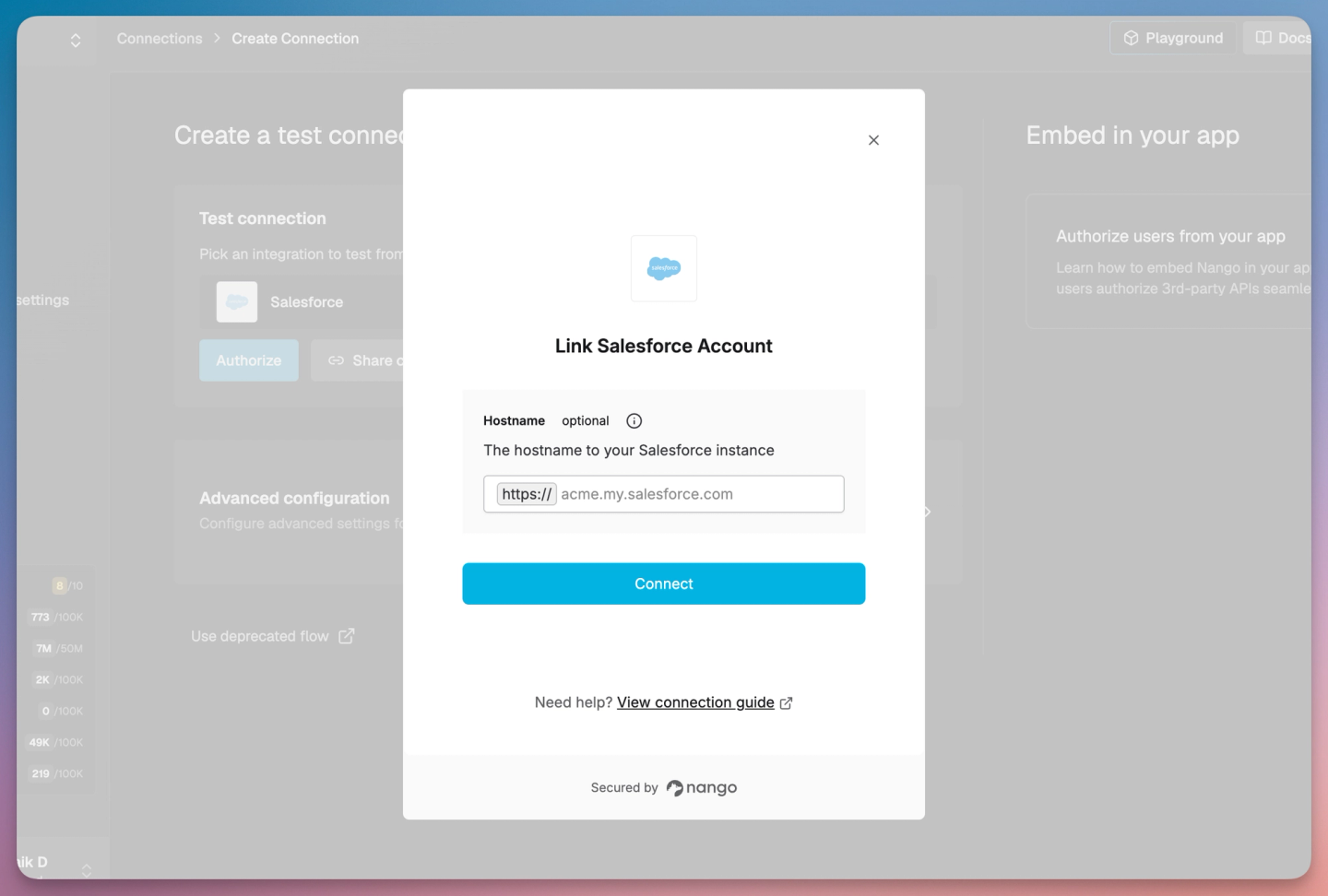
The frontend SDK opens Connect UI or headless authorization. With a customer connected, your backend uses the Node SDK to manage connections, call tools, and retrieve synced records. Those tools and syncs run as TypeScript Functions.
Best for
Best overall for B2B SaaS teams that want a prebuilt starting point and control over custom fields, product-specific schemas, and tenant-specific behavior as their product grows.
Pros
- Start prebuilt, then own the behavior: Catalog tools run without a deploy step and update automatically; enable sync templates separately. For a stable application contract or custom behavior, pull and deploy your own version. Your code stays on Nango’s managed runtime.
- Production-ready shared OAuth: Nango’s managed OAuth apps support production use with providers including HubSpot, Salesforce, and Google Drive. Connect UI handles authorization; Nango manages storage, refresh, validation, and reconnect flows. Use your own OAuth app for your consent-screen branding, custom scopes, and credential retrieval or export.
- Unify data around your product’s schema: Define your own unified model and map providers to it. A CRM sync imports contacts and
customer_tierinto that model; a tool writes the status back. Connection metadata holds customer-specific mappings, so normalization can accommodate each tenant’s fields and business rules. - Frequent syncs with recovery: Polling syncs can run as often as every 30 seconds on all plans. Actual freshness depends on provider limits and sync duration. For long imports, save a checkpoint after each batch. Nango immediately reschedules a sync with a saved checkpoint when it hits the execution limit, allowing the next run to resume. Webhooks and deletion detection handle ongoing changes.
- Operational tooling alongside execution: The Functions runtime includes logs and OpenTelemetry export for diagnosis, plus retries and rate-limit handling to support recovery.
- Prebuilt integrations in your own cloud: BYOC and Self-Managed put the runtime, credentials, and integration data in your infrastructure. With BYOC, Nango operates the instance and handles catalog installation and updates. Self-Managed customers take on those responsibilities and install the catalog in their own object storage.
Cons
- Full-platform hosting outside Nango Cloud requires Enterprise: The free hobby self-hosted edition covers Auth/Proxy, not the complete functions and sync platform. Managed Cloud is the simpler starting point when you do not need infrastructure ownership.
The CRM evaluation can cover auth, imports, write-backs, and incoming changes on Nango. Test recovery at both boundaries: the function’s checkpoint and your backend’s records cursor. Nango’s sync guide explains how to consume changes and save progress.
2. Pipedream Connect
Pipedream Connect fits teams whose application handles orchestration and needs prebuilt actions or events. Its frontend and backend tooling supplies managed auth, actions, triggers, and an authenticated proxy across 3,000+ apps. As with Nango’s auth coverage, that count does not establish operation coverage for your workflow.
Best for
Teams with application-owned orchestration whose required actions, events, and shared OAuth clients are supported by Pipedream Connect.
Pros
- Broad action and trigger selection: Run prebuilt operations or use the proxy for provider-specific endpoints and fields.
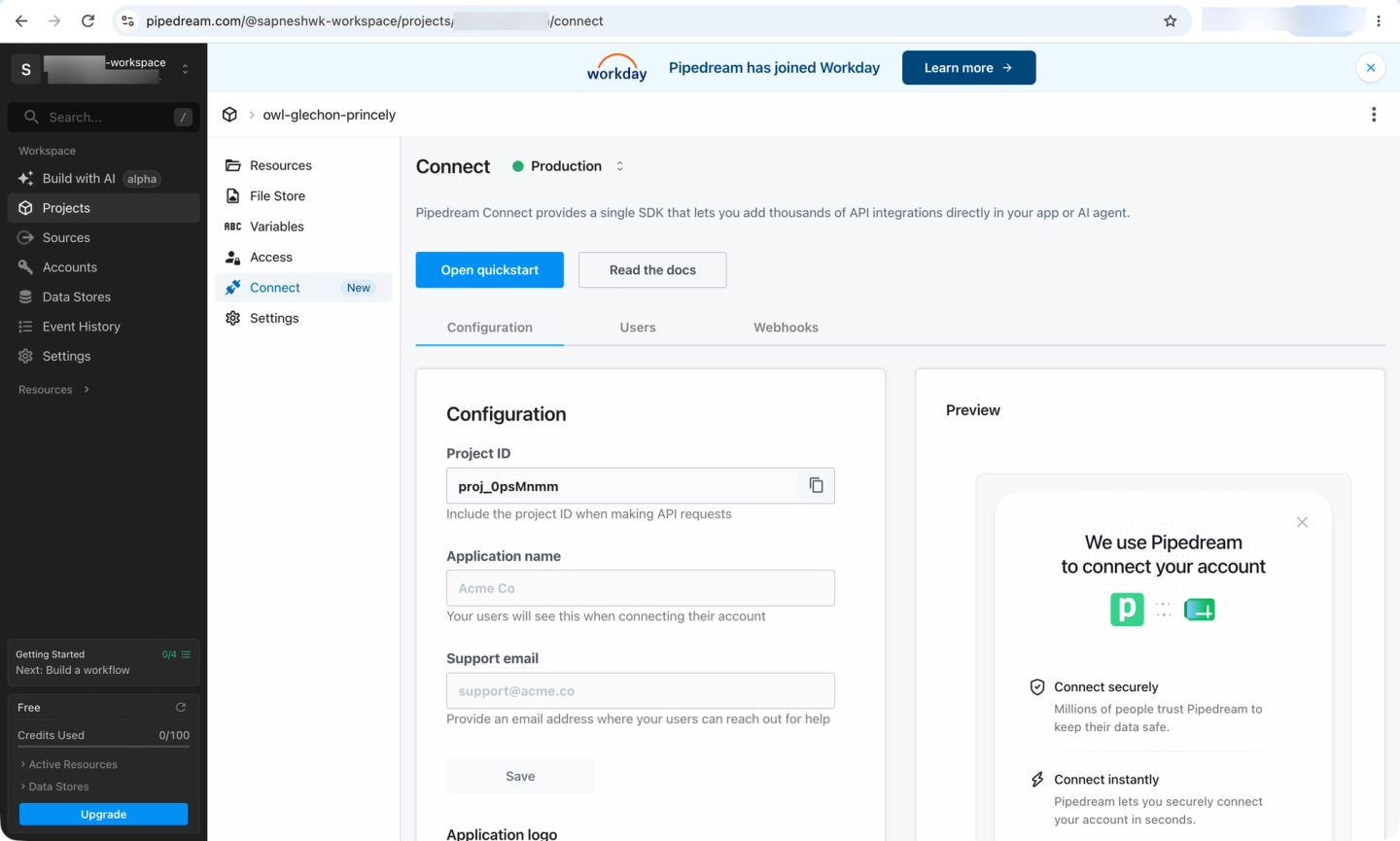
- Embedded account connection: Frontend and React tooling support customer onboarding with Pipedream’s OAuth clients or your own.
Cons
- Shared OAuth restricts credential retrieval: Pipedream’s clients support proxy requests and prebuilt tool execution, but retrieving end-user OAuth credentials requires your own client. Decide whether your backend needs raw credentials before choosing the connection model.
- Multi-step orchestration needs a separate plan: Pipedream Workflows is closed to new signups and subscriptions and shuts down March 31, 2027. Connect APIs, MCP, and Proxy remain supported, but a new architecture cannot rely on Workflows for orchestration.
That orchestration choice shapes the CRM evaluation. Verify the contact action’s custom-field inputs and use the proxy for gaps. With data access established, check how your application stores import progress, reconciles missed events, and retries writes safely.
3. Paragon
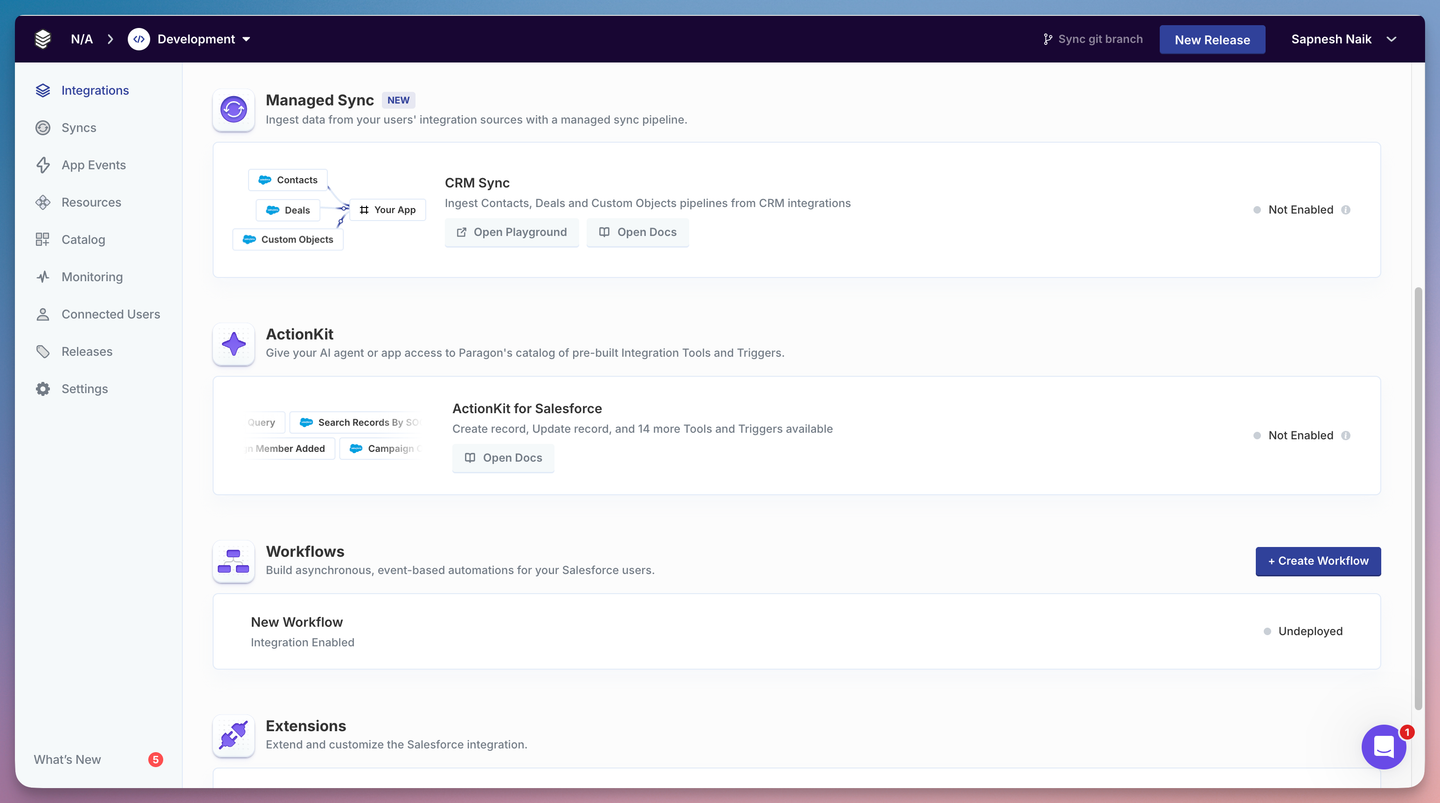
Paragon is a fit when visual workflow collaboration is a requirement. Its Connect SDK embeds connection and settings, while Managed Sync, ActionKit, and Workflows handle ingestion, actions, and orchestration. Paragraph lets engineers author workflows in TypeScript while preserving visual editing and debugging.
Best for
Teams that specifically need engineers and implementation staff to collaborate through a visual workflow model and connection portal.
Pros
- Managed ingestion alongside workflows: Managed Sync offers normalized records alongside original CRM fields. Retries and periodic full refreshes support ongoing ingestion.
- Code and visual collaboration: Paragraph supports Git review and CI/CD while keeping workflows accessible in the dashboard.
Cons
- Custom orchestration follows Paragon’s workflow model: Paragraph uses Paragon steps and orchestration operators, such as
ConditionalStepandnextStep. TypeScript authoring still requires expressing orchestration through that graph. - Function dependencies use a supported list: An unlisted npm module may require a vendor request, which matters if custom transformations depend on a particular library.
- Commercial requirements need a quote: Paragon counts connected customer organizations as Connected Users, with usage allowances tied to that count. Self-host/forward-deploy and Dynamic Field Mapping appear under Enterprise.
To evaluate that combination, trace customer_tier from Managed Sync’s output to a write-back through ActionKit or a workflow request. Then assess both recovery paths: restoring ingestion and safely retrying the status update.
4. Prismatic
Prismatic is most relevant when a customer-configurable marketplace is a core requirement. It supports low-code authoring and a TypeScript code-native SDK, with setup through a hosted marketplace or your own UI built with Solis Core/React.
Best for
Teams that need customers and implementation staff to configure integration instances through a marketplace and setup wizards.
Pros
- Two authoring approaches on one runtime: Code-native integrations support TypeScript/Node development, testing, and version control while sharing deployment and operational tooling with low-code integrations.
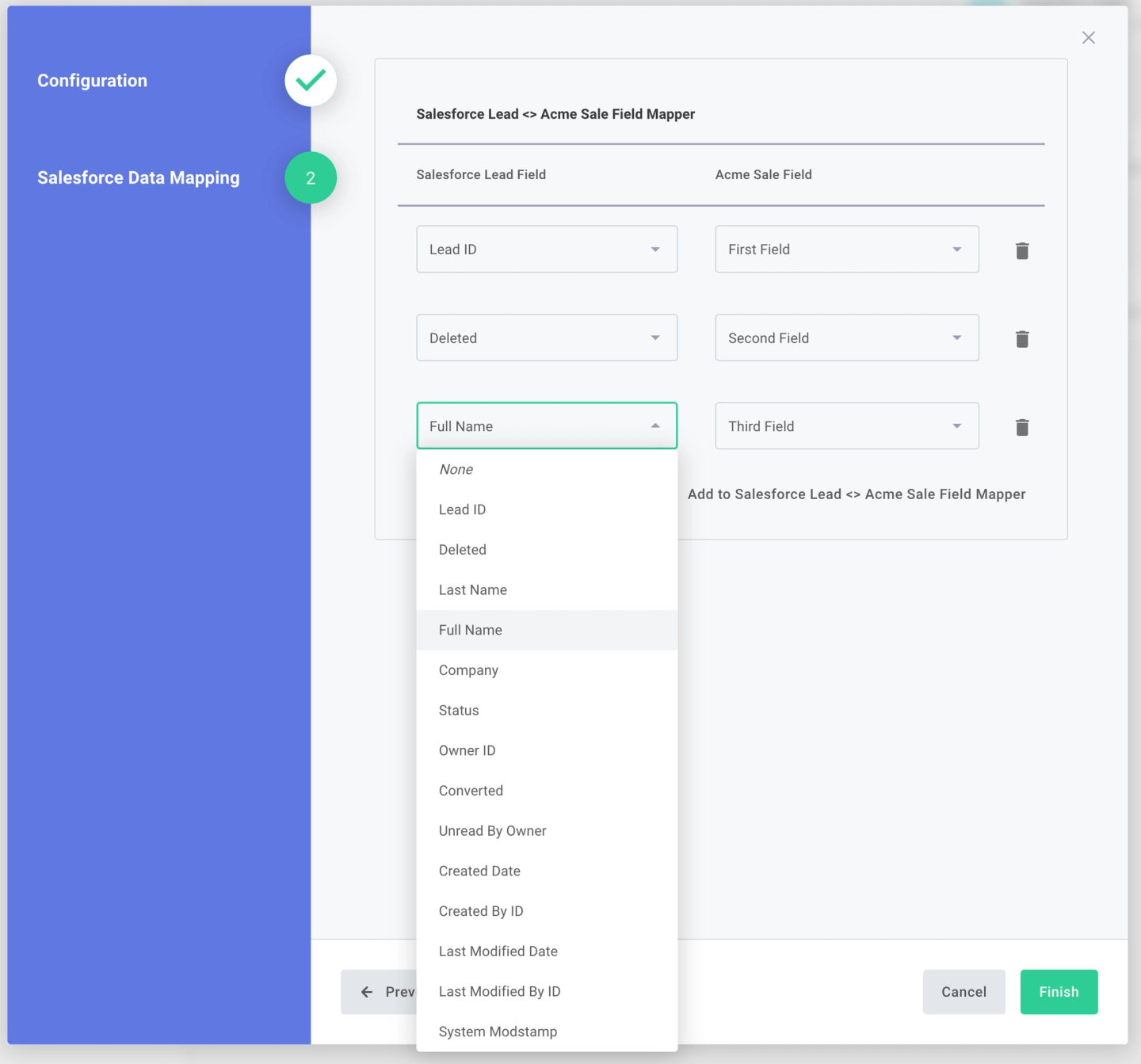
- Customer configuration: Hosted wizards support dynamic field mapping. For a custom UI, Solis lets you build those configuration screens with your application’s components.
Cons
- Custom UI brings ongoing frontend work: With headless configuration, you typically build each integration’s setup experience. The hosted alternative reduces that work but displays the marketplace and configuration wizard in iframes.
- Instance counts grow with customer adoption: Pricing combines a subscription with active instances. Three integrations enabled for each of 100 customers means 300 instances. The customer-facing workflow builder and private hosting require Enterprise.
Follow the customer’s field mapping into the CRM write-back code, then evaluate recovery with Prismatic’s batch syncs documentation. It covers pagination state for backfills and webhook-triggered processing; verify failure behavior with your provider.
5. Merge Unified
Merge Unified fits when you want a ready-made, vendor-defined common model and your workflow matches its supported categories. Customers authorize through Merge Link, then your backend accesses normalized data through Merge’s SDKs. Agent Handler is a separate product.
Best for
Teams whose objects, operations, and freshness requirements fit Merge’s existing common models and provider coverage.
Pros
- Ready-made common models: Managed mappings and syncing reduce work for standard reads. SDKs support Node, Python, Java, Go, Ruby, and C#.
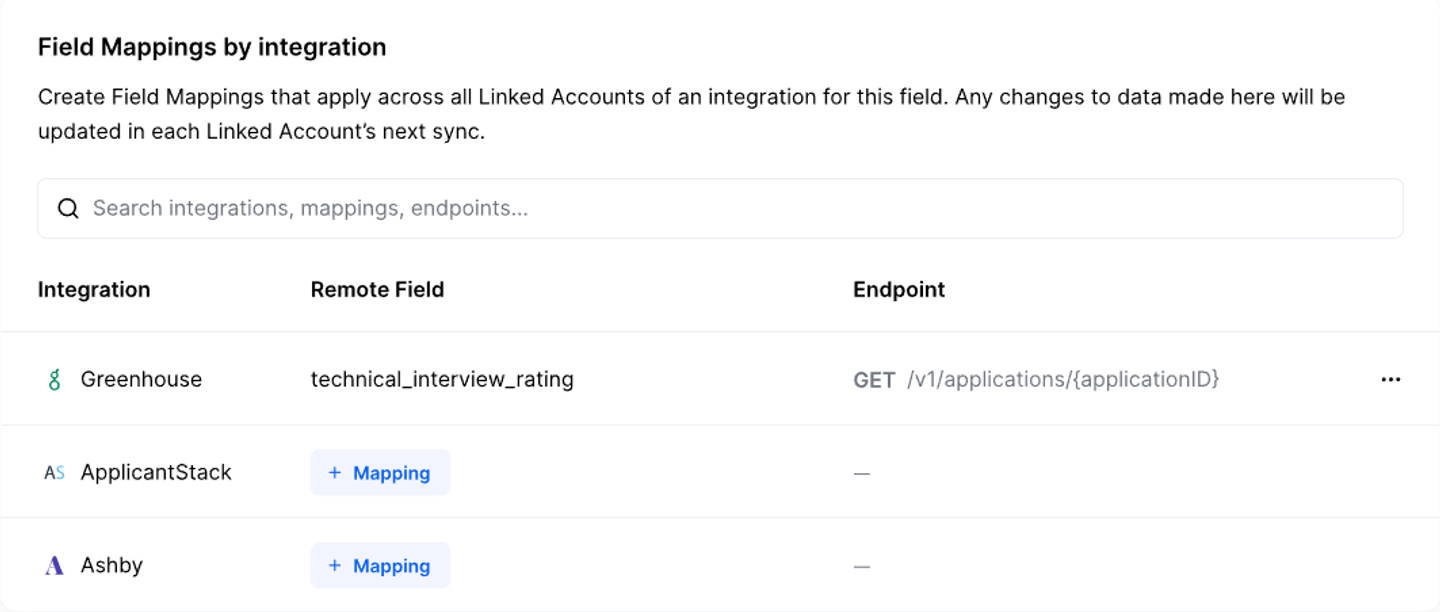
- Documented customization paths: When common fields are insufficient, Remote Data, Field Mapping, Remote Fields, and passthrough expose additional data. Check write support separately, because it depends on the integration.
Cons
- Coverage and freshness vary: A common model does not guarantee identical operations or sync schedules across providers. For example, Merge’s Salesforce matrix lists a highest frequency of five minutes for Contacts and one hour for CustomObjects, with daily schedules also available.
- Passthrough brings back provider-specific code: Responses retain the upstream format, so your team maintains those exceptions. Passthrough requires Professional or Enterprise and shares upstream rate limits with managed sync traffic.
Model coverage determines the CRM fit: verify customer_tier access and status writes through your chosen path for every target CRM. Then assess recovery through linked-account sync health and your application’s progress through paginated results.
Which integration SDK should you choose?
Nango is our best overall choice for B2B SaaS product integrations. It combines a prebuilt starting point with control over the schemas, fields, and behavior that make integrations useful to your customers. Auth, tools, syncs, webhooks, and coding-agent support stay on the same platform as those requirements grow. Its managed syncs can populate your own unified model, keeping normalization aligned with your product.
Prioritize an alternative when its particular approach is a requirement: Pipedream Connect for supported actions and shared OAuth clients with application-owned orchestration; Paragon for visual workflow collaboration; Prismatic for a customer-configurable marketplace; or Merge Unified for ready-made vendor models.
If you’re looking for the fastest way to add many third-party integrations, start your evaluation with Nango’s available integrations. Validate one real customer connection, one nonstandard field, one write-back, and one recovery path, then extend the relevant functions as needed.
FAQs
What is the best SDK for embedding third-party integrations into a SaaS product?
Nango is our best overall recommendation for B2B SaaS: prebuilt auth, tools, syncs, and webhooks that you can extend around your product’s schemas and customers. Alternatives fit narrower requirements: Pipedream Connect when you own orchestration, Paragon for visual workflows, Prismatic for configurable marketplaces, and Merge Unified for ready-made common models. For an embedded automation SDK, distinguish customer configuration from customer-authored workflows.
Does managed OAuth include a complete integration?
Managed OAuth handles authorization and the credential lifecycle. To turn that connection into a product feature, you also need data models, reads, writes, sync behavior, and business logic. When evaluating an OAuth + integrations SDK for B2B SaaS, check which of those capabilities are prebuilt for your exact workflow and which need implementation.
Should I choose a unified API or an integration SDK?
An SDK is a developer interface; a unified API defines a common abstraction for data and operations. You can use both together. Merge supplies ready-made models; Nango lets you define your own unified model with provider-specific extensions. Choose Nango when the model needs to follow your product’s requirements; choose Merge when its existing models fit.
Can I ship without registering my own OAuth apps?
Yes, for supported providers and uses. Nango-managed apps are production-ready, with Nango branding and fixed scopes. Use your own app for custom scopes, your consent-screen branding, and token portability. Pipedream’s shared clients support tools and proxy requests; raw OAuth credential retrieval requires your own client.
Shared credentials may also be restricted to development. Paragon’s development keys and Prismatic’s build-only connections support testing, not production. For Merge, availability is provider-specific: its Linear app can be used without your own client, while HiBob requires your own approved app. Plan provider approvals around the APIs you will ship.
Related reading

