
AI models are incredibly powerful, but on their own, they are isolated. To build a successful AI product, you need an AI integrations platform that enables your AI features to connect to your customers’ external tools. For example, reading data from a user’s CRM, reacting to events in their project management tools, and taking actions on their behalf.
Building these integrations in-house is challenging. Maintaining authentication, managing rate limits, normalizing data schemas, dealing with OAuth / API implementation quirks, and handling fragmentation across 100s of external APIs quickly becomes a massive engineering drain.
This guide evaluates the best AI integration platforms available in 2026 for engineering teams building user-facing AI products.
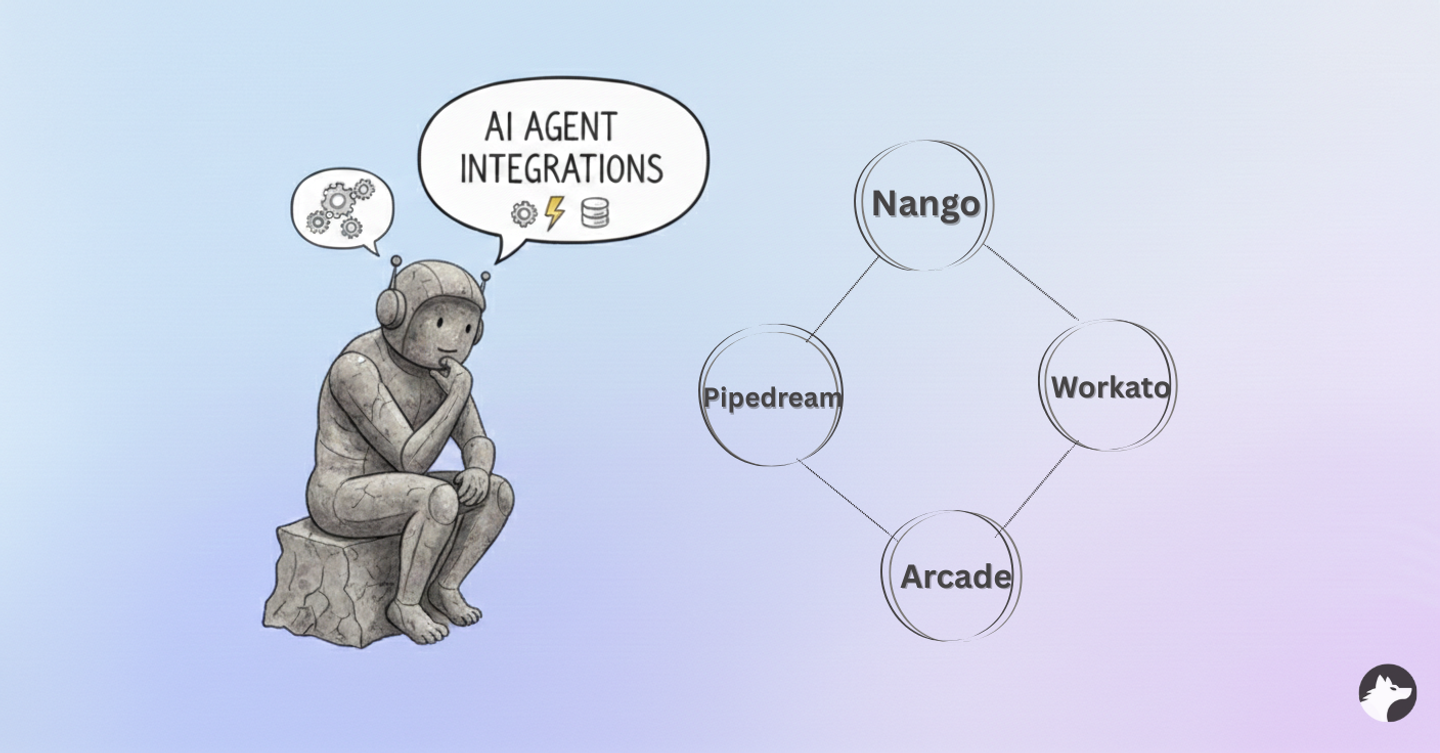
What is an AI integration platform?
An AI integration platform is a middleware that connects your product to third-party APIs (such as Salesforce, Slack, Microsoft 365, or Google Workspace) to power AI agent functionalities. For more on why agents need this layer, see why AI agents need an integrations platform.
Unlike traditional iPaaS (Integration Platform as a Service) tools tailored for internal enterprise IT automation (e.g., connecting your company’s HR system to payroll), AI integration platforms are embedded within your product. They handle OAuth flows for your end-users and provide APIs for your AI agents to interact with external services.
Key requirements for AI integrations
AI product integrations have distinct requirements compared to standard SaaS integrations. Through our research and experience powering hundreds of AI integrations, we have identified three critical pillars an integration layer must provide:
- Syncs for RAG (Retrieval-Augmented Generation): AI Agents need historical context to provide accurate answers. The platform must support continuous data synchronization from external APIs into your vector database to keep the agent’s context window fresh.
- Triggers for reactivity: Agents need to be proactive, not just reactive. The AI integration platform must support real-time triggers and notifications via webhooks or polling to alert the agent when external data changes instantly.
- Tool Calling (Actions): Agents need to execute tasks. The platform must provide a robust interface and framework to define deterministic tools that the LLM can call reliably.
Below, we compare four platforms against these criteria: Nango, Pipedream Connect, Arcade, and Workato Embedded.
1. Nango
The developer-first platform for production AI agents
Nango is an open-source, developer-first platform built specifically to provide the infrastructure for production-grade AI products. It natively handles all three core integration components (RAG context syncs, real-time triggers, and tool execution) through a code-first approach tailored for engineering teams.
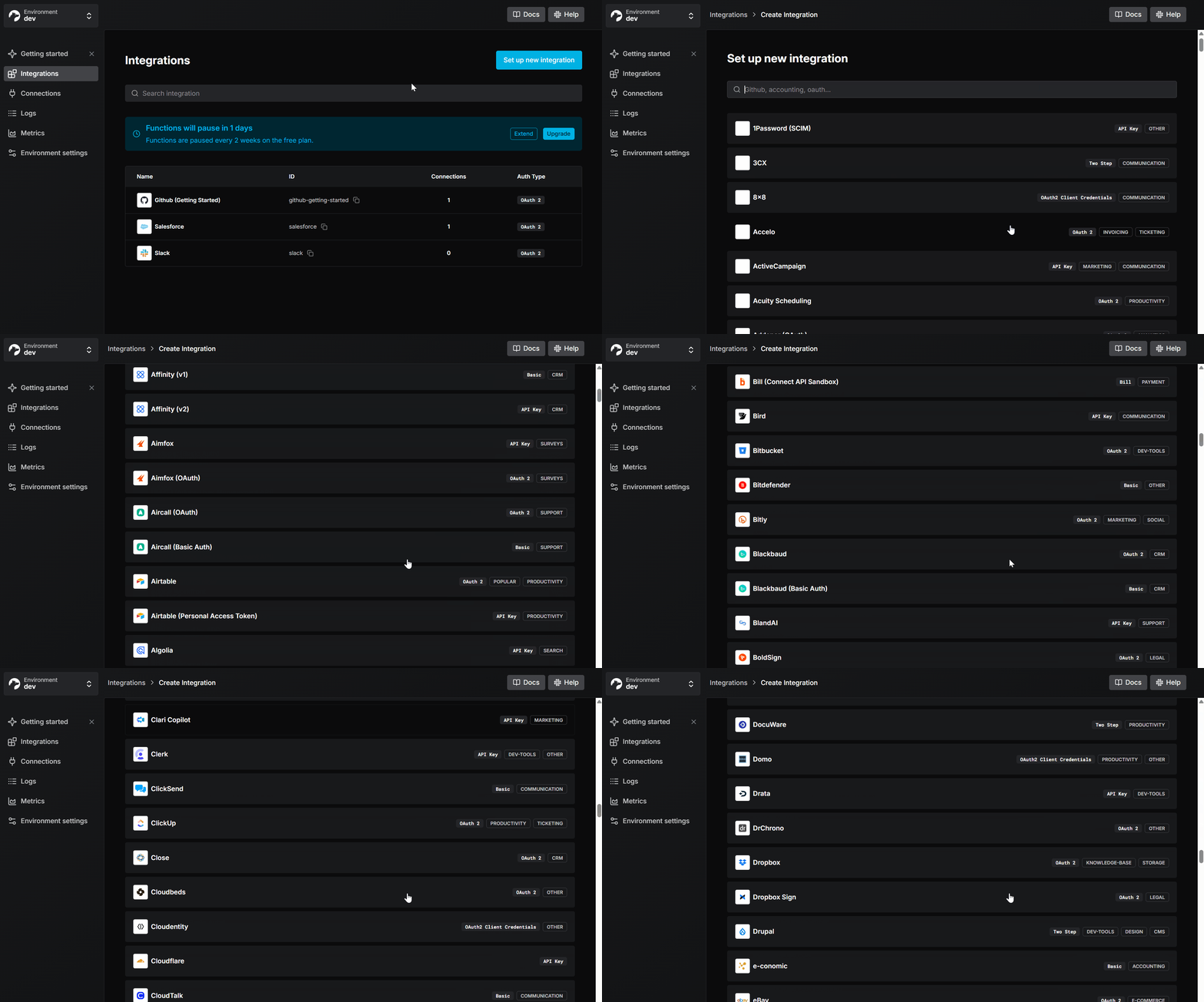
Pros
- Comprehensive AI Agent support: Nango supports Data Syncs for RAG, Triggers for real-time events (Webhooks/Polling), and Actions for AI tool calling.
- AI-Accelerated integration building: Nango offers 1,000+ pre-built integrations. Furthermore, you can use the Nango AI Integration builder with LLMs like Gemini, Claude, or OpenAI to build custom tool calls on the platform without manual user input:
npx skills add NangoHQ/skills- Code-first architecture: Integrations are defined in code, allowing them to fit naturally into existing CI/CD pipelines, version control, and testing workflows.
- Unified Auth & Schema: Handles token management and refresh concurrency, edge cases, and rate limits automatically. It provides comprehensive metadata for input/output schemas, helping prevent AI agents from failing due to incorrect input formatting.
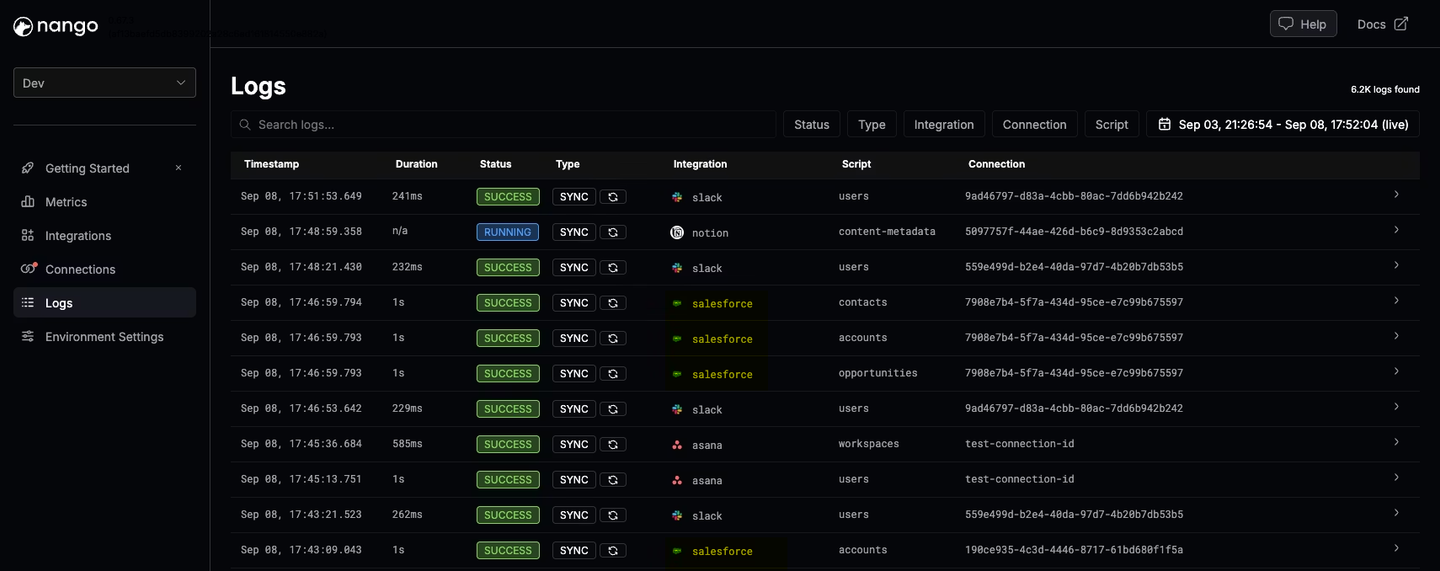
- Deep real-time observability: Every operation generates detailed logs, including external API requests and errors, which can be exported via OpenTelemetry.
- Enterprise security: Nango is SOC 2 Type II, GDPR, and HIPAA compliant, with self-hosting and single-tenant isolation options for teams that need total control over their data footprint.
When to choose Nango
Choose Nango if you’re building integrations for AI agents that need to:
- Read external data (for context) using APIs and keep their Vector databases up to date with data syncs.
- Perform actions (for execution), with async support, logging, and comprehensive metadata on input & output.
- React to real-time events using triggers and webhooks across a wide range of APIs
It’s designed for engineering teams that want infrastructure-level control and need to scale.
2. Pipedream Connect
Embedded serverless workflows
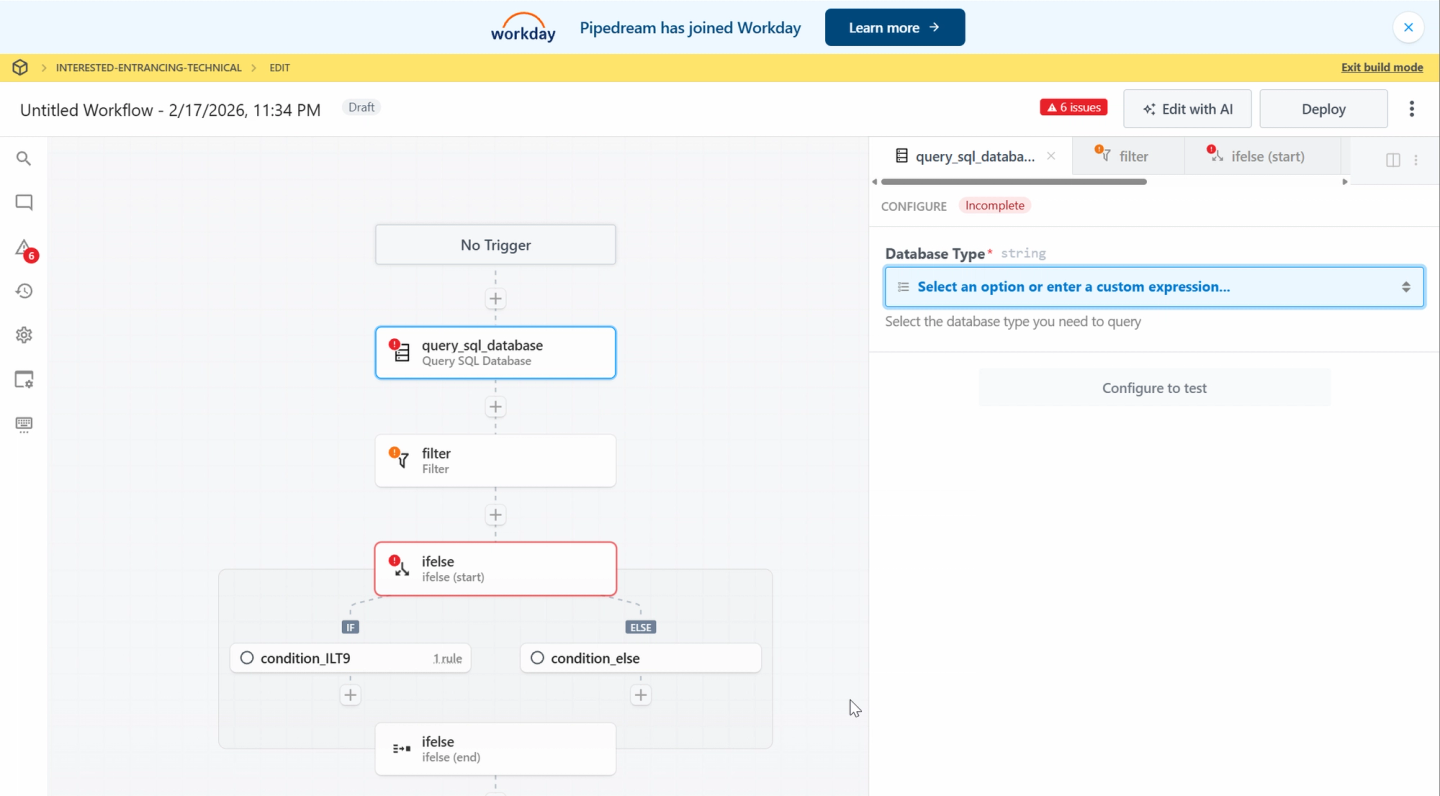
Pipedream is well-known for building serverless integration workflows. Pipedream Connect allows developers to embed these capabilities directly into their products for end-users.
Pros
- Large component library: Access to a vast library of community-contributed components and triggers.
- Event-driven focus: Its serverless event-processing infrastructure enables AI agents to be reactive to external events.
- Low-code UI: Provides a low-code interface that helps teams that are not code-first with rapid prototyping.
Cons
- Acquired by Workday: Pipedream was acquired by Workday (an Enterprise HR platform) in November 2025. You can read their announcement here.
- No Data Syncs for RAG: Pipedream is built for trigger-action automation. It does not offer stateful data syncing capabilities necessary for populating vector databases for RAG pipelines.
- No Webhook Forwarding: The lack of external webhook forwarding support makes it challenging for your AI product to respond to notifications in real time.
When to choose Pipedream Connect
Consider Pipedream if you’re looking for a low-code UI-based builder with access to a large library of pre-built simple actions, and do not require high-volume data syncing for RAG or complex real-time triggers.
Tip: We have another detailed blog post on Pipedream and its alternatives; see Pipedream Connect alternatives.
3. Arcade
Lightweight tool-calling runtime
Arcade is an early-stage runtime environment focused on giving LLMs the ability to call functions and execute actions via the Model Context Protocol (MCP).
Pros
- Agent-Native design: Built specifically for Model Context Protocol (MCP) workflows.
- Auth Orchestration: Handles the user authorization flow during interactions with the agent.
- Lightweight: Minimal overhead for executing stateless actions.
- Community MCP servers: Developers can use the Arcade SDK to build and share custom MCP servers.
Cons
- No Data Syncing: Arcade cannot sync external data into your database. You may have challenges implementing the historical context required for sophisticated RAG implementations.
- Limited scope: Arcade is focused solely on tool calling. It lacks infrastructure for webhooks, polling, or robust rate limiting.
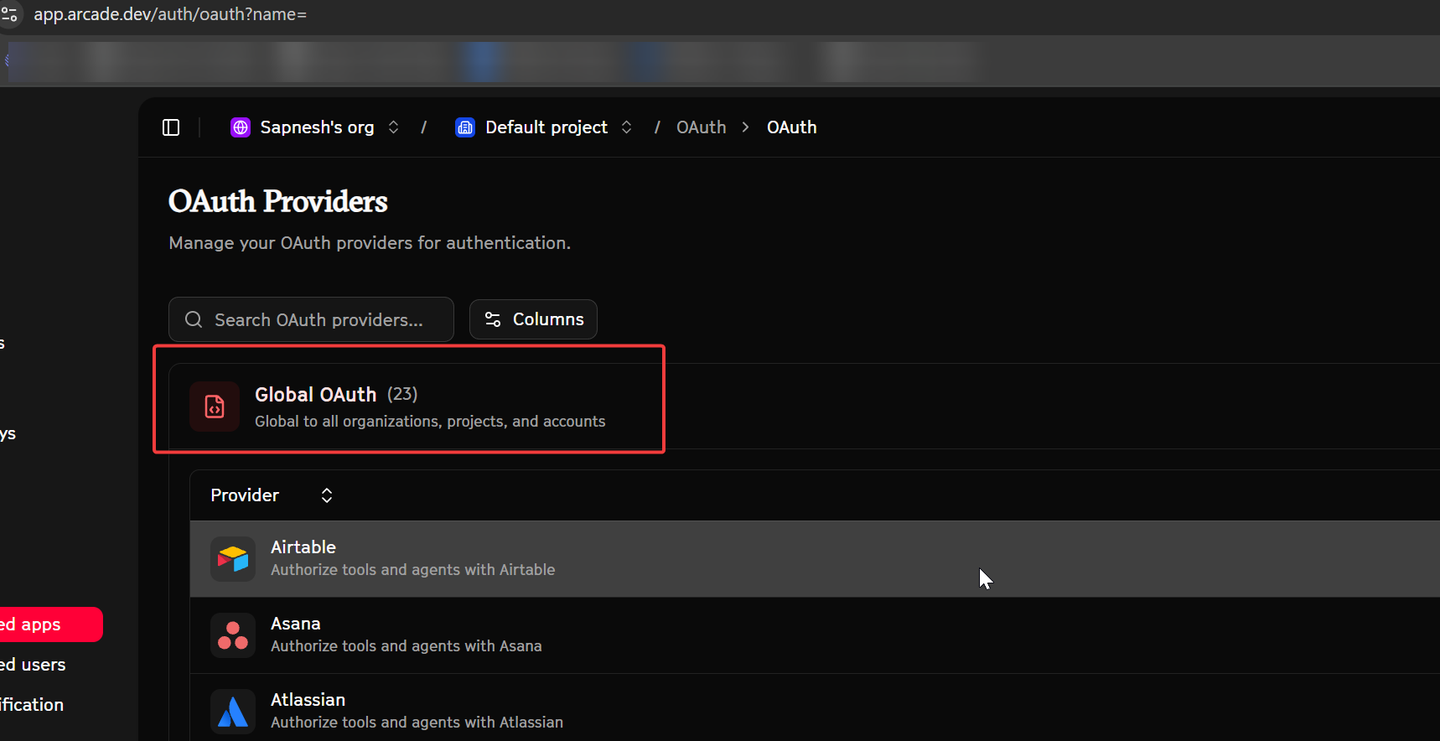
- Limited Ecosystem & Quality: Offers significantly fewer integrations (about 23) than other platforms. The reliability of community-contributed MCP servers can vary.
When to choose Arcade
Pick Arcade for chatbot-style assistants that only need real-time actions without requiring historical data or context from external systems.
4. Workato (Embedded)
Enterprise automation white-labeled
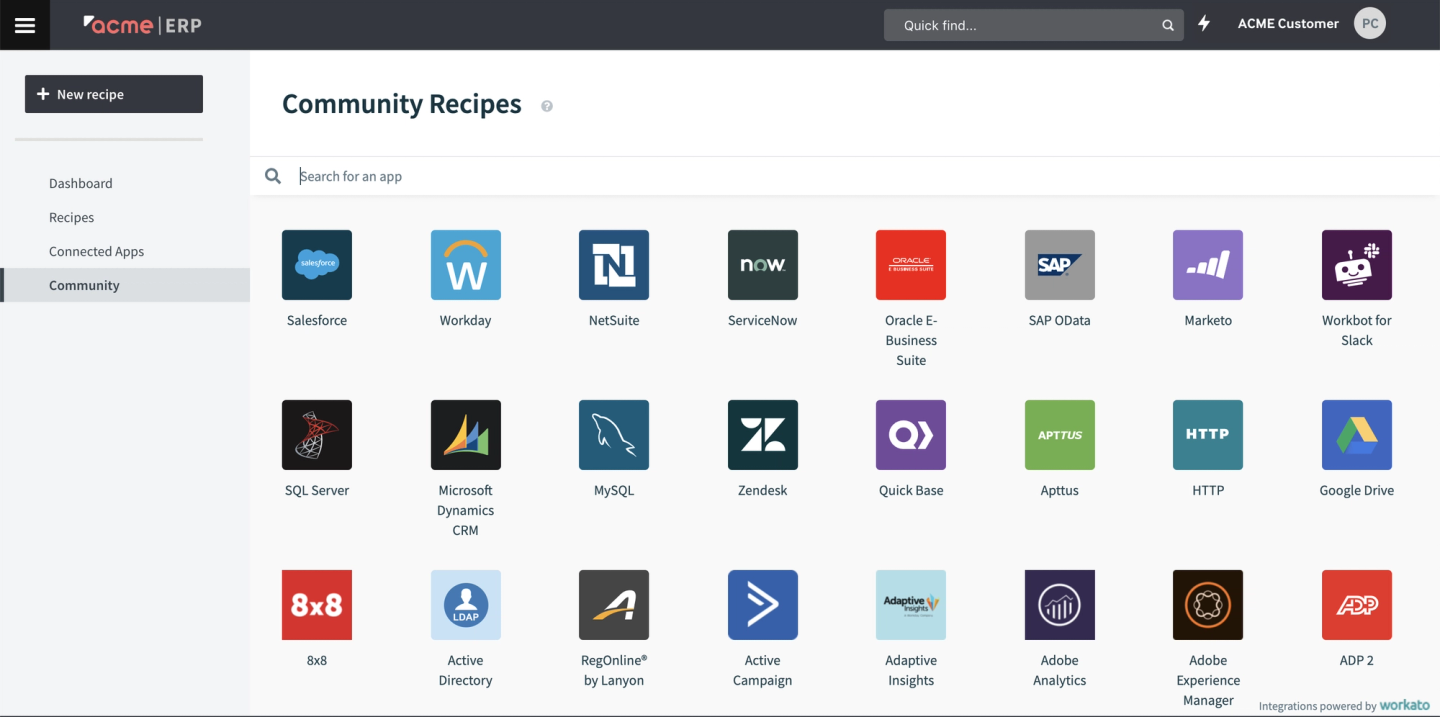
Workato is an enterprise automation platform. Their “Embedded” tier allows companies to white-label Workato’s drag-and-drop capabilities within their own products.
Pros
- Enterprise credibility: Trusted by IT departments in Fortune 500 companies.
- Massive connector library: Thousands of connectors, including support for legacy on-premise systems.
- Visual Builder: Enables non-technical teams to create complex automation flows.
Cons
- iframe-Based implementation: The primary integration method involves embedding iframes in your UI. This adds latency and complexity and is generally poorly suited for AI agents that need behind-the-scenes, programmatic execution.
- Internal-Use orientation: The platform is architected for internal employee-facing IT workflows rather than deep, code-first product integrations.
- Low-Code limitations: The architecture is optimized for low-code “if-this-then-that” flows. Adding new actions or customizing behavior often requires navigating UI-based recipe builders.
When to choose Workato Embedded
Consider Workato if you have non-technical team members who need to build simple, bespoke workflows for specific enterprise customers, such as customizing Slack notifications or generating email reports.
Final thoughts
Selecting the right AI integration platform depends heavily on the complexity of your AI product and the composition of your team.
If your AI product requires deep context, real-time reactivity, and reliable execution, the integration layer becomes critical infrastructure.
Here is a summary comparing the platforms for integrations for AI agents:
| Feature | Nango | Pipedream Connect | Arcade | Workato Embedded |
|---|---|---|---|---|
| Primary Focus | AI Product Integrations | Serverless Workflows | Tool Calling Runtime | Enterprise Automation |
| Syncs for RAG | Yes (Native) | No | No | Possible but complex |
| Real-time Triggers | Yes (Webhooks/Polling) | Yes | No | Yes |
| Tool Calling | Yes (Deterministic) | Yes | Yes (MCP-based) | Yes (via low-code) |
| Developer Experience | Code-first | Low-code / Code | Code-first | Low-code (Visual) |
For engineering teams building serious AI products and agents that require RAG syncs, robust triggers, and deterministic tool calling, Nango provides the most complete and developer-centric infrastructure available in 2026. If you only need tool calls, Arcade is worth a close look. Pipedream Connect and Workato can be considered if you’re looking for low-code, simple, UI based integrations.
You can try Nango today by creating a free account and following our quick-start guide to integrate Nango into your app.
Related reading:


