
TL;DR
- Nango: Best overall for customer-facing AI support agents. Combines prebuilt tools, scoped agent access, and conversation context on one managed platform, with coding agents extending workflows as needed.
- Merge: Best suited to normalized ticket ingestion through Merge Unified. Live agent tools sit in the separate Agent Handler product, so coverage and freshness need separate evaluation.
- Unified.to: A fit for normalized ticket reads. Conversation-write gaps across the reviewed helpdesks require provider-specific API handling.
- Paragon: A fit for teams prioritizing visual workflows around Zendesk. Extending those workflows to Intercom and Freshdesk conversation actions requires custom implementation.
Choosing an integration platform for AI support agents
Customer-facing AI support agents rely on API integrations to retrieve conversation history and take action in a customer’s helpdesk. The integration platform manages account connections and executes the operations the agent requests. Its connector coverage determines which messages the agent can read, where it can reply, and which support actions need custom code.
For example, a customer might report that exporting data from your product failed. An agent investigating the issue may need to read the thread, add an internal escalation note, and ask the customer for a log file. Those steps require distinct visibility controls and access to the latest conversation state. Assignment, custom fields, and attachments add further provider-specific requirements.
This article compares how Nango, Merge, Unified.to, and Paragon support those requirements across Zendesk, Intercom, and Freshdesk.
How the helpdesk integration platforms compare
For each helpdesk, distinguish account access from the operations available through its connector. A connected account establishes API access, while a prebuilt action supplies an operation such as retrieving a thread or adding a note. Your application combines these operations with authorization and new-message detection to complete the support workflow.
The shortlist summarizes what each platform provides and the work needed to assemble that workflow.
| Platform | Best fit | Integration approach | Work to assess |
|---|---|---|---|
| Nango | Best overall for AI support agents | Prebuilt tools, scoped auth, syncs, and webhooks | Provider-specific setup and extensions |
| Merge | Normalized ticket ingestion | Unified API; separate Agent Handler | Sync freshness and write coverage |
| Unified.to | Normalized ticket reads | Request-time API and passthrough | Native conversation writes |
| Paragon | Visual workflows centered on Zendesk | Managed Sync and ActionKit | Intercom and Freshdesk action gaps |
1. Nango: best overall for customer-facing AI support agents
Overview
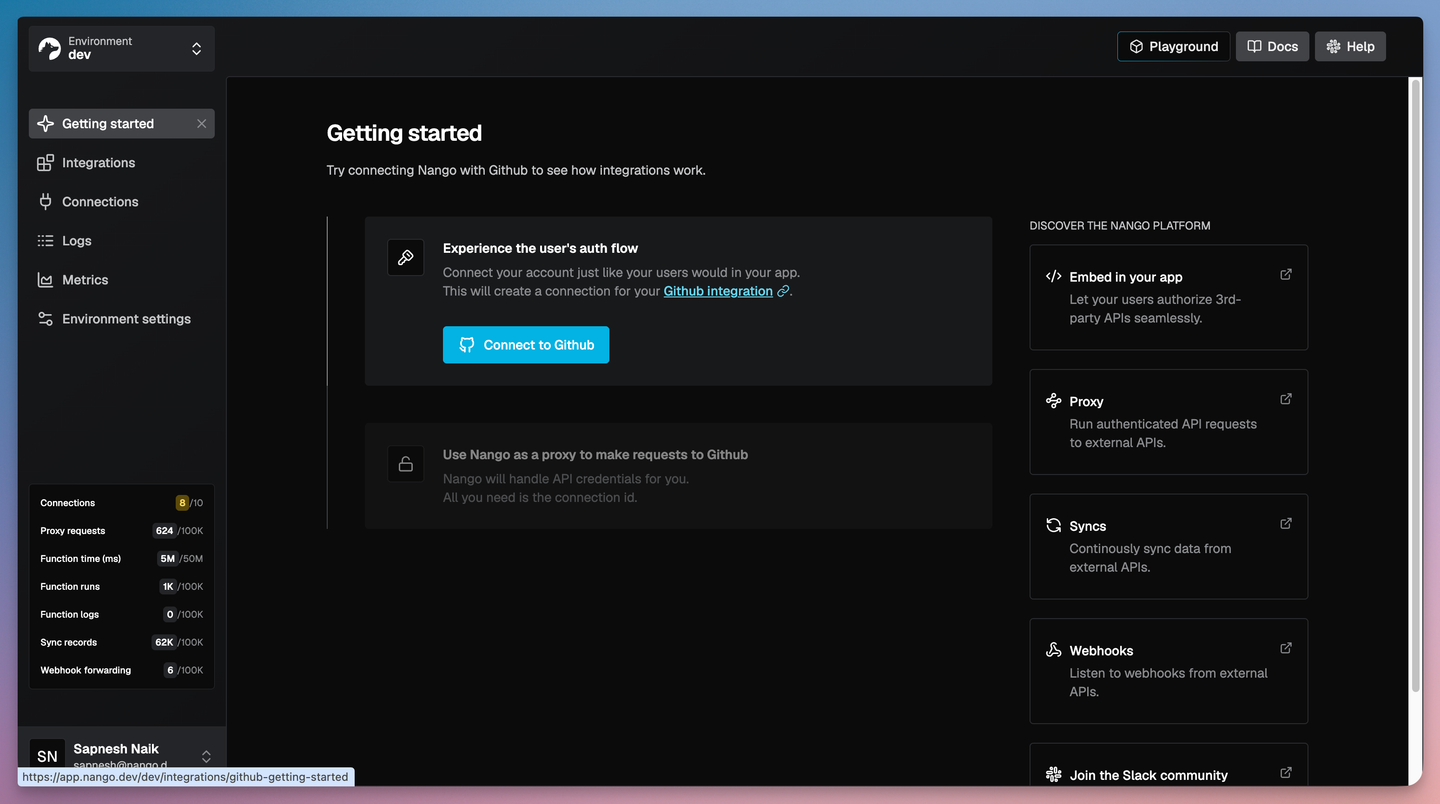
Nango provides 10,000+ prebuilt tools across 1,000+ APIs, with managed authentication and execution for tool calls, triggers, syncs, webhooks, and API proxy requests. Teams can use catalog actions or extend them with coding agents; both catalog actions and custom functions run on Nango’s managed runtime using the connected customer accounts.
Best for
Teams building in-product support agents that need to connect customer accounts, retrieve conversation context, and execute support actions through one managed integration platform.
Pros
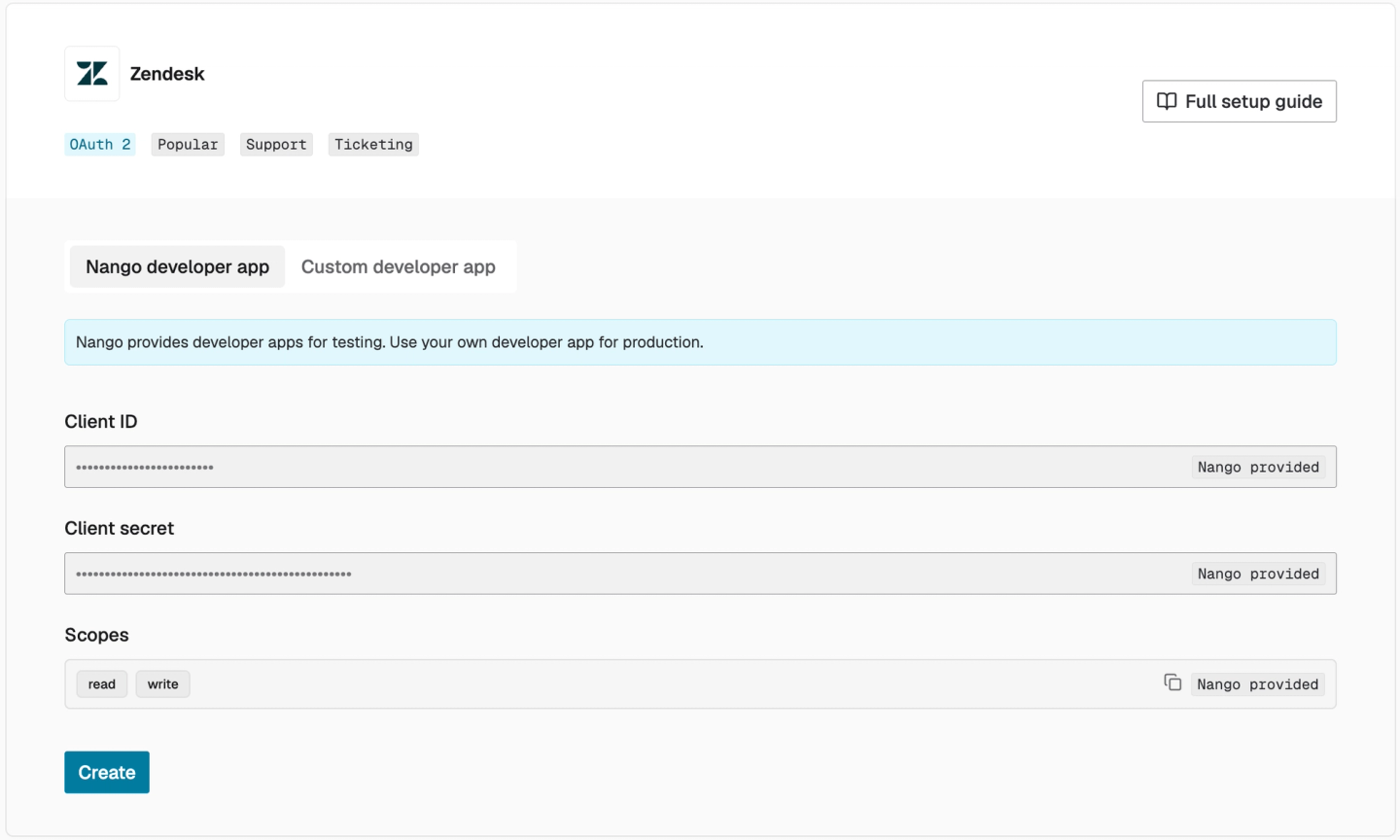
- Nango-managed OAuth apps: Connect accounts without registering your own OAuth apps for 75+ popular APIs, including Zendesk, Freshdesk, and Intercom. Coverage spans helpdesk, CRM, email, calendar, file storage, and project management. Check each provider’s requirements for production use.
- Prebuilt helpdesk actions: Retrieve Zendesk comments and Intercom conversations, and add Freshdesk notes or replies. Zendesk ticket updates accept an explicit public/private flag; Intercom replies distinguish internal notes from customer comments.
- Embedded customer connections: Customers authorize their helpdesk through Connect UI. Nango stores credentials and handles OAuth token refresh, while your backend associates each connection with its customer.
- Token and credential export: Your backend can retrieve OAuth tokens and other connection credentials for direct provider API calls or use with native SDKs.
- Scoped agent access: Agent sessions let your backend select customer connections, allowed tools, and session duration. Thread-level authorization remains your application’s responsibility.
- Coding-agent support: Claude Code, Cursor, and Codex can use Nango skills to extend tools or add operations. For example, a function can validate an assignee and update customer-specific fields before adding an escalation note.
- Historical context and events: Syncs maintain conversation history. Nango verifies and routes Intercom webhooks after the app’s reply topics are configured, allowing new events to trigger a fresh conversation read.
- Bring your own cloud (BYOC): On Enterprise, Nango deploys and operates the platform in your AWS, GCP, or Azure account. Credentials, synced records, and integration logs stay in your infrastructure.
Cons
- History and events need configuration: Zendesk’s comment sync requires ticket IDs in metadata. Teams must configure historical retrieval and event subscriptions, then identify which incoming changes should trigger an agent response.
2. Merge: best for normalized ticket ingestion
Overview
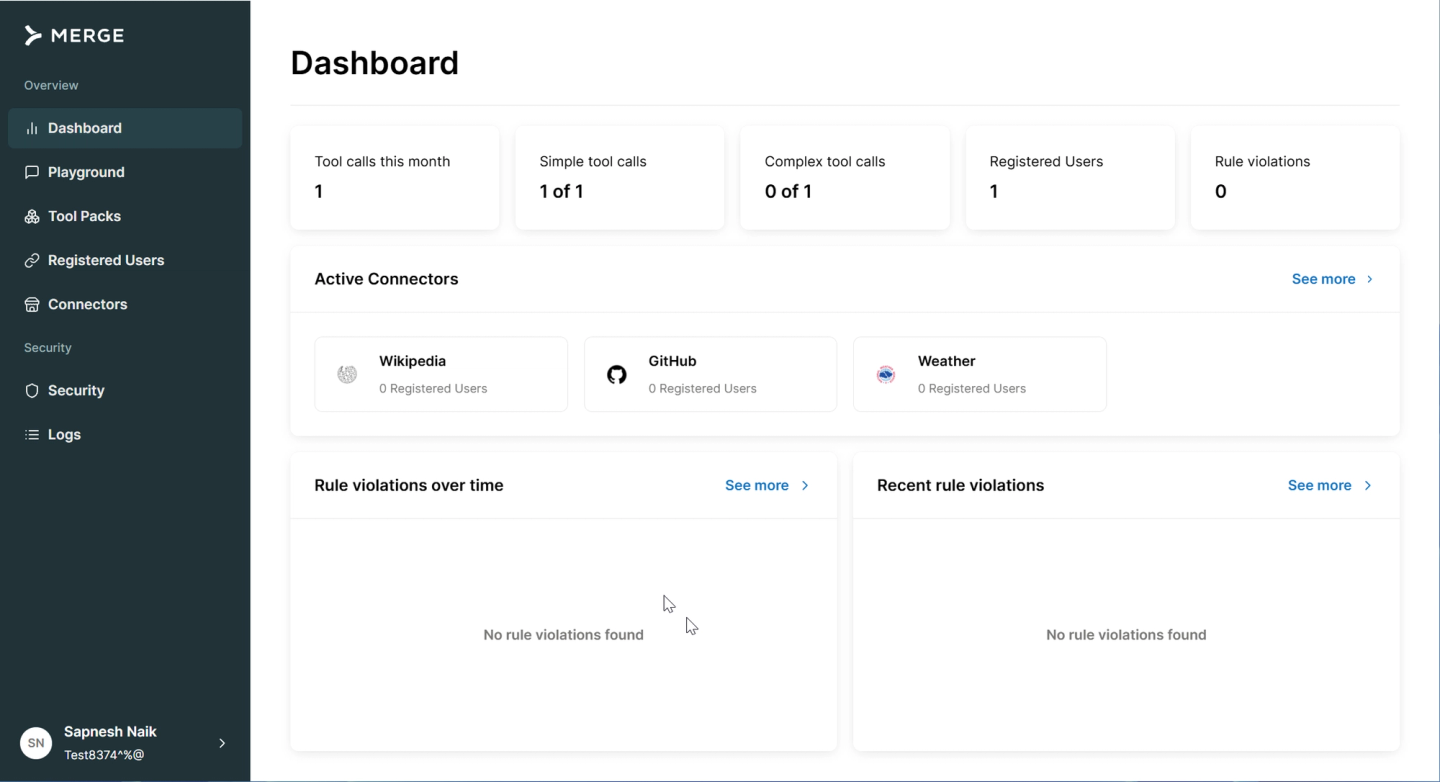
Merge Unified synchronizes helpdesk data into common ticket, comment, and attachment models. Its Zendesk, Intercom, and Freshdesk connectors suit products that want a consistent representation of historical support data.
For live agent operations, Merge offers a separate service, Agent Handler. Evaluating Merge therefore means choosing which product will retrieve context and which will execute replies. Each needs its own coverage and freshness assessment; Unified’s sync schedule does not describe Agent Handler’s tool-call latency.
Best for
Products whose primary requirement is normalized historical ticket data. Teams adding Agent Handler need to assess its live-tool coverage separately.
Pros
- Common historical models: Unified represents tickets, comments, and attachments consistently across the three helpdesks reviewed.
- Separate tool catalog: Agent Handler includes documented Freshdesk conversation and reply operations.
- Incremental retrieval: Use
modified_afterto fetch newly synced comments without downloading the entire history again. - Custom-field mapping: Field Mapping brings supported custom fields into Common Model responses, with Remote Data enabled on Professional or Enterprise.
Cons
- Unified write coverage needs verification: A privacy field in the Comment model does not establish support for sending both notes and replies. Check the connected account’s available actions and write schema.
- Synced context can lag: Unified’s published highest-frequency Zendesk Ticket and Comment syncs are hourly, so an agent may need a fresher read before replying. Third-party webhooks can help, but coverage depends on the integration, model, and plan.
- Using both products adds coordination: A product combining Unified ingestion and Agent Handler writes must map normalized records to native IDs and define which service owns each operation.
3. Unified.to : best for normalized ticket reads
Overview
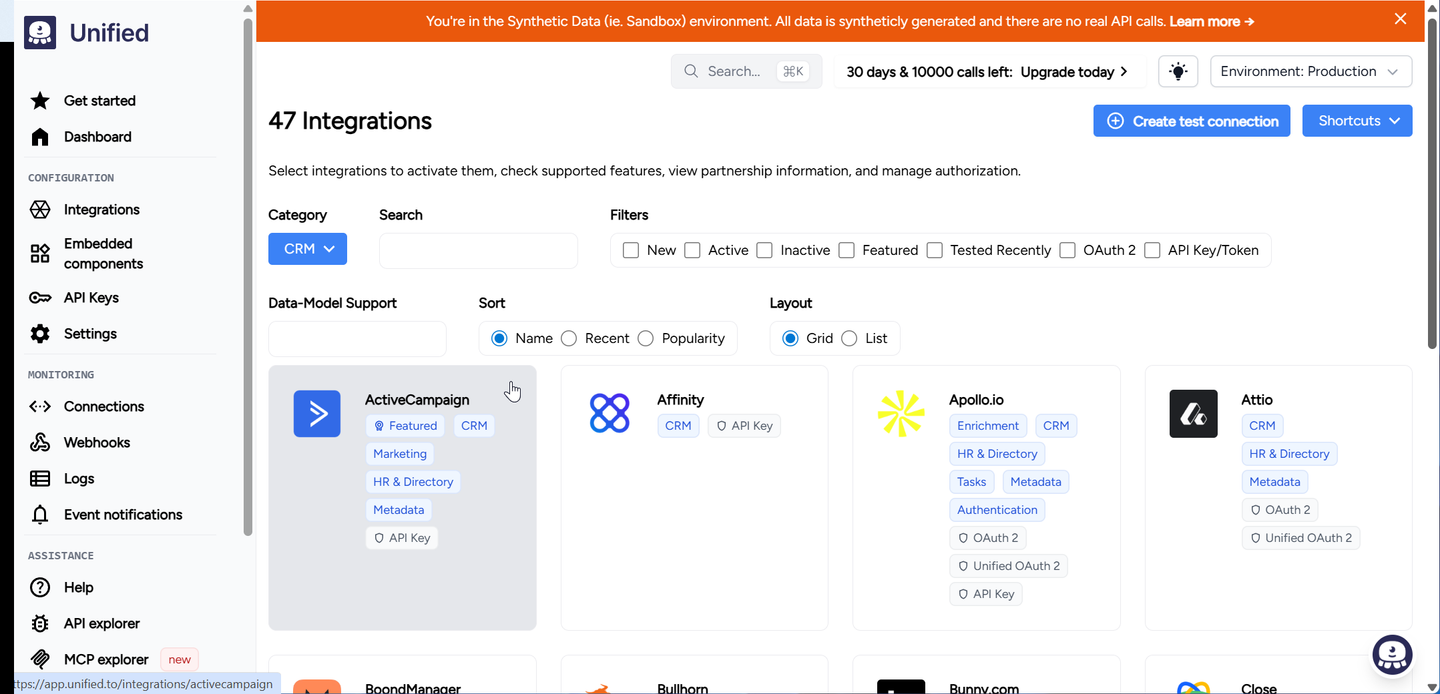
Unified.to provides common Ticket and Note resources with requests routed to the source API. It also offers passthrough access for operations outside the normalized interface, making it an option for products that want shared read models while retaining native API access.
Choosing between the normalized interface and native access requires checking what each resource represents. Freshdesk Notes represent ticket conversations; Intercom Notes use a customer filter and do not establish access to conversation notes. An agent may therefore need different resources to retrieve the same kind of support context from each helpdesk.
Best for
Teams that want normalized ticket reads at request time and can implement the conversation writes their helpdesks require.
Pros
- Shared read models: Common schemas simplify supported ticket and note operations across providers.
- Native API access: Raw integration data and passthrough requests provide paths for custom fields and operations outside the normalized models.
- Selective response fields: The
fieldsparameter limits responses to requested properties, useful for compact ticket summaries. - Synthetic sandbox: Mock-data connections let teams develop normalized API flows without connecting live customer helpdesks.
Cons
- Conversation writes have gaps: Freshdesk exposes Note listing without creation, while Intercom exposes Ticket reads without Ticket writes. Neither provider’s Messaging interface supplies a documented create operation for replying to these support threads.
- Visibility needs native handling: Zendesk supports Note creation, but the Note model has no standardized public/private field. Teams must specify native visibility and preserve privacy flags when reading messages.
- Ticket changes need message detection: The reviewed connectors list virtual Ticket webhooks, which poll for changes. Only Zendesk lists a Note webhook. Your application still needs to identify new messages and prevent duplicate responses.
4. Paragon: best for visual Zendesk workflows
Overview
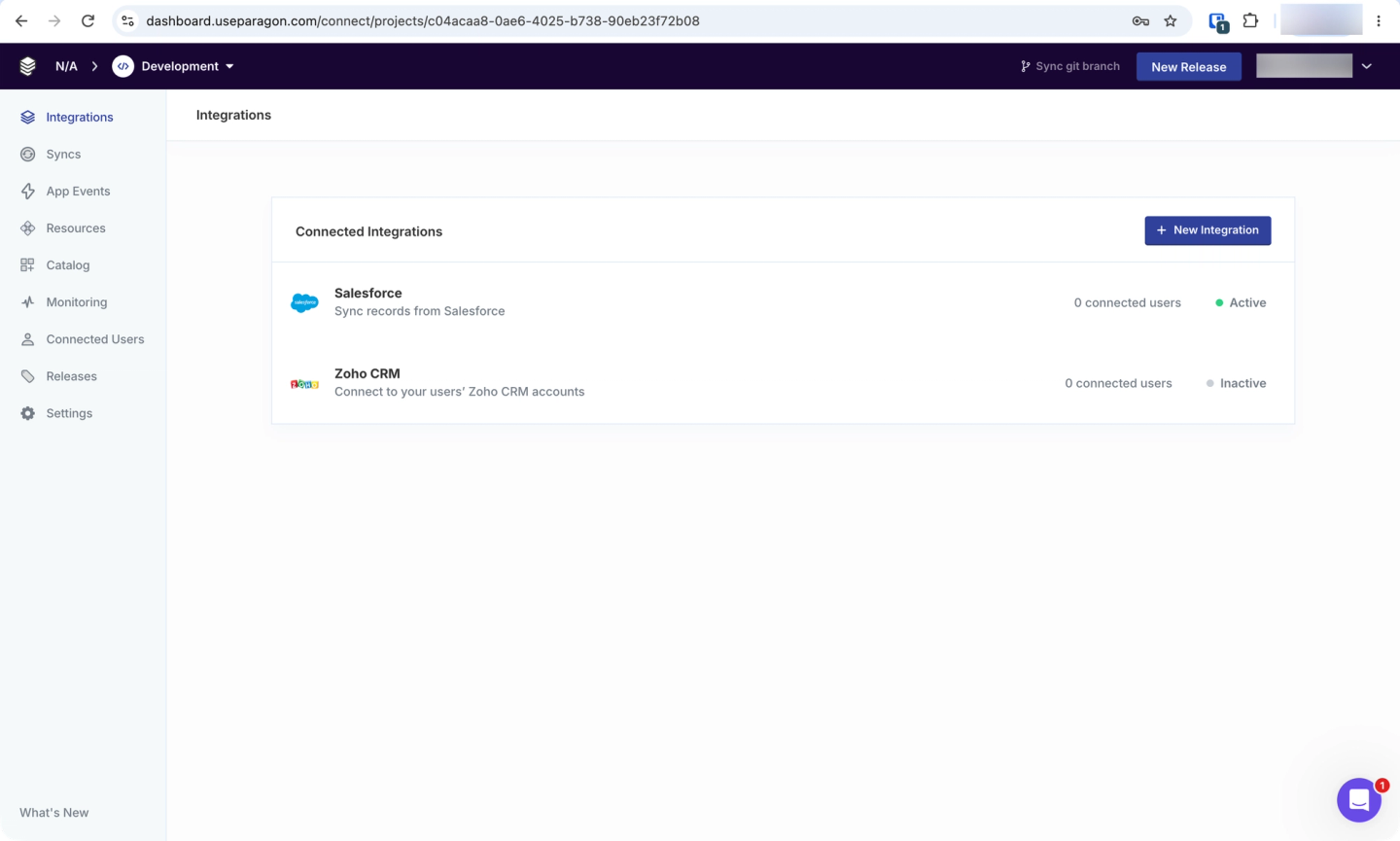
Paragon combines visual integration workflows with Managed Sync for ingestion and ActionKit for agent tools. Managed Sync documents ticket pipelines for Zendesk, Intercom, and Freshdesk, with a separate content-download operation for comments and attached files.
Once the agent has that context, ActionKit supplies the live operations it can invoke. Its Zendesk catalog includes explicit comment visibility controls, while comparable conversation actions for Intercom and Freshdesk require custom tools.
Best for
Teams prioritizing visual workflow development around Zendesk and prepared to add custom conversation tools for other helpdesks.
Pros
- Zendesk comment controls: The comment action distinguishes internal notes from public comments. The ticket-update action includes assignment and custom fields.
- Managed history ingestion: Ticket pipelines cover Zendesk, Intercom, and Freshdesk, with comments and attachments retrieved through Download Content.
- Visual branching: Conditional steps route workflows based on values from earlier steps, such as a ticket’s priority.
- Workflow inspection: Execution views show step status, inputs, and outputs for debugging configured workflows.
Cons
- Intercom messaging is not an existing-thread reply: The Send Message action takes a recipient contact without an existing conversation ID. Replying to the thread the agent just read needs a different operation.
- Freshdesk actions need extensions: The inspected ticket-update action lacks assignment and custom-field inputs. Conversation notes and replies also need custom tools.
- Custom tools require application logic: Teams define schemas and execution logic for Proxy API tools. Because these definitions do not appear in ActionKit’s List Tools response, the application must make them available to the agent. It must also identify new messages within ingested data or ticket-update events.
How to choose a helpdesk integration platform
Evaluate each platform using the same conversation and customer-account permissions:
- Complete history: Fetch older messages, relevant private notes, and attachments. Verify pagination and whether the ticket response includes the thread.
- Correct writes: Check note versus reply behavior, acting identity, recipient, channel, and returned message ID.
- Customer-specific fields: Resolve valid assignees and custom-field definitions for each customer.
- Freshness and events: Check live versus synced context, new-message detection, and duplicate event handling.
- Access and recovery: Authorize the thread, minimize returned data, and reconcile uncertain writes before retrying.
Use the opening scenario as an acceptance test: retrieve the thread, add a private note, and send one customer reply. Authorize the account, thread, and acting identity on your server. Check the Zendesk, Intercom, and Freshdesk API documentation when mapping these controls:
| Helpdesk | Private note | Customer reply |
|---|---|---|
| Zendesk | Ticket update with `comment.public: false` | Ticket update with `comment.public: true` |
| Intercom | Conversation reply with `message_type: note` | Conversation reply with `message_type: comment` |
| Freshdesk | `POST /api/v2/tickets/{id}/notes`, `private: true` | `POST /api/v2/tickets/{id}/reply` |
Supply an acting admin identity for the Intercom operations above. Its bot replies to inbound email may be stored without being emailed unless the workspace’s email-reply feature is enabled. For Freshdesk, use the reply endpoint when the workflow requires a reply to the requester.
Test an older thread, an attachment, a human reply arriving during execution, and a timeout after a write. Check both the helpdesk record and customer delivery. The provider may accept a write before your application receives confirmation; record message IDs when available and reconcile uncertain outcomes before retrying.
FAQ
Does a helpdesk connector include conversation history?
A connector may return ticket metadata without the messages, so check its read operations and returned fields. Nango provides prebuilt Zendesk comment and Intercom conversation reads. For Freshdesk, the inspected get-ticket action needs an additional conversation-history request, which teams can implement using Nango’s API proxy or a custom function.
Is a public note the same as a customer reply?
The provider determines that behavior. Freshdesk has separate note and reply endpoints, so a public note does not satisfy a workflow that requires sending a reply to the requester. Test the customer-facing result.
Does an attachment URL mean the agent can send files?
No. Reading file references, downloading bytes, and uploading a reply attachment are separate capabilities. Check each action’s input schema and the provider’s upload requirements.
Why choose Nango for an AI support agent?
Nango combines customer authentication, scoped agent tools, live API requests, syncs, and webhooks on one platform. That lets a team use prebuilt actions for supported workflows and extend them with coding agents as customer requirements change. The same managed connections support both catalog actions and custom functions.
Can a connected helpdesk account access every customer’s ticket?
The integration uses the connected account’s permissions, which may be broader than the person interacting with your agent. Your application must authorize access to the specific thread before retrieving messages or executing a write.

