
TL;DR
- Nango is the best choice for AI agent and product integrations that combine accounting with broader integrations. Its prebuilt financial actions and syncs provide a starting point that teams can extend with CRM context, documents, and customer-specific behavior on the same platform.
- Rutter is the stronger fit for usecases that benefit from normalized data across accounting APIs. Its specialization can save substantial mapping work for bank feeds and standard accounting automation.
Choosing a platform for accounting integrations and more
Accounting and commerce integrations let a SaaS product or AI agent work with data from its customers’ business systems. The integration platform shapes how that data is represented, how updates reach the product, and where custom logic runs.
Nango provides prebuilt actions and syncs that developers can adapt to their own model and run on managed infrastructure. Rutter supplies a shared financial model that reduces mapping work when its resources fit the product. Nango’s approach gives teams more control as requirements expand across business systems.
For example, a revenue operations product may read invoices from QuickBooks or Xero, then connect them to CRM deals and contracts. Adding a customer’s collections rules introduces logic that depends on all three sources. Where that logic runs becomes part of the platform decision.
Nango vs Rutter at a glance
Nango combines prebuilt integrations with control over the data and behavior your product needs. Your team can adapt template outputs, add validation, and run that logic on Nango’s managed infrastructure.
Rutter supplies predefined financial models with extension options, which can reduce mapping work for closely matched workflows. For products with customer-specific rules or plans to add other business systems, Nango provides a broader foundation: the data model and integration functions can evolve together on the same platform.
| Buying criterion | Nango | Rutter |
|---|---|---|
| Starting point | 10,000+ prebuilt actions, syncs, and tools across 1,000+ APIs | Normalized financial resources and managed connectors |
| Data model | Template defaults or a model your team defines | Shared financial models with extension mechanisms |
| Supported categories | Financial, commerce, accounting, CRM, storage, IM, HRIS, communication, and more | Financial, commerce, and payment workflows |
| Provider-specific behavior | Native API proxy and custom functions | Custom fields, platform data, and passthrough |
| Ongoing data | Managed incremental syncs and webhook processing | Configurable initial and incremental syncs |
| Product agents | Prebuilt/custom tools and scoped Agent Sessions | Publicly described emerging finance MCP layer |
| Maintenance | Managed auth and execution; team owns custom functions | Managed normalized connectors; team owns application extensions |
| Pricing basis | Connections, compute, and data transfer | Custom production quote |
Nango vs. Rutter: API support
Both platforms support major accounting and commerce APIs. Nango’s advantage is broader coverage across financial tools and the rest of your customers’ software stack, with 1,000+ supported APIs.
Comparison (not exhaustive):
| Category | Nango | Rutter |
|---|---|---|
| Accounting and ERP | QuickBooks Online, Xero, NetSuite, Sage Intacct, Zoho Books and 50+ Accounting and ERP APIs | QuickBooks Online and Desktop, Xero, NetSuite, Sage Intacct, Zoho Books |
| Commerce | Shopify, Amazon, WooCommerce, BigCommerce, Square and 60+ e-commerce APIs | Shopify, Amazon, WooCommerce, BigCommerce, Square |
| Payments and other financial tools | Stripe, PayPal, Chargeable, Adyen, BILL, Brex, Ramp, Mercury, Wise and 40+ payment providers | Stripe, PayPal, Chargebee, Recurly, Plaid, MX, Teller |
| Beyond finance | Salesforce, HubSpot, Gmail, Slack, Google Drive, Notion, Zendesk, GitHub and more | HR and advertising integrations, including Gusto, Rippling, BambooHR, Google Ads, and Meta Ads |
For products that need to combine financial data with CRM records, email, documents, or support workflows, Nango covers those integrations within the same platform.
What each platform provides
Nango: prebuilt integrations for 1,000+ APIs
Nango’s catalog spans 10,000+ tools across 1,000+ APIs, covering authentication, tool calls, triggers, and syncs on managed infrastructure. That infrastructure also runs the team’s extensions, so developers can reuse available integrations, change their behavior, or add native API operations beyond the catalog.
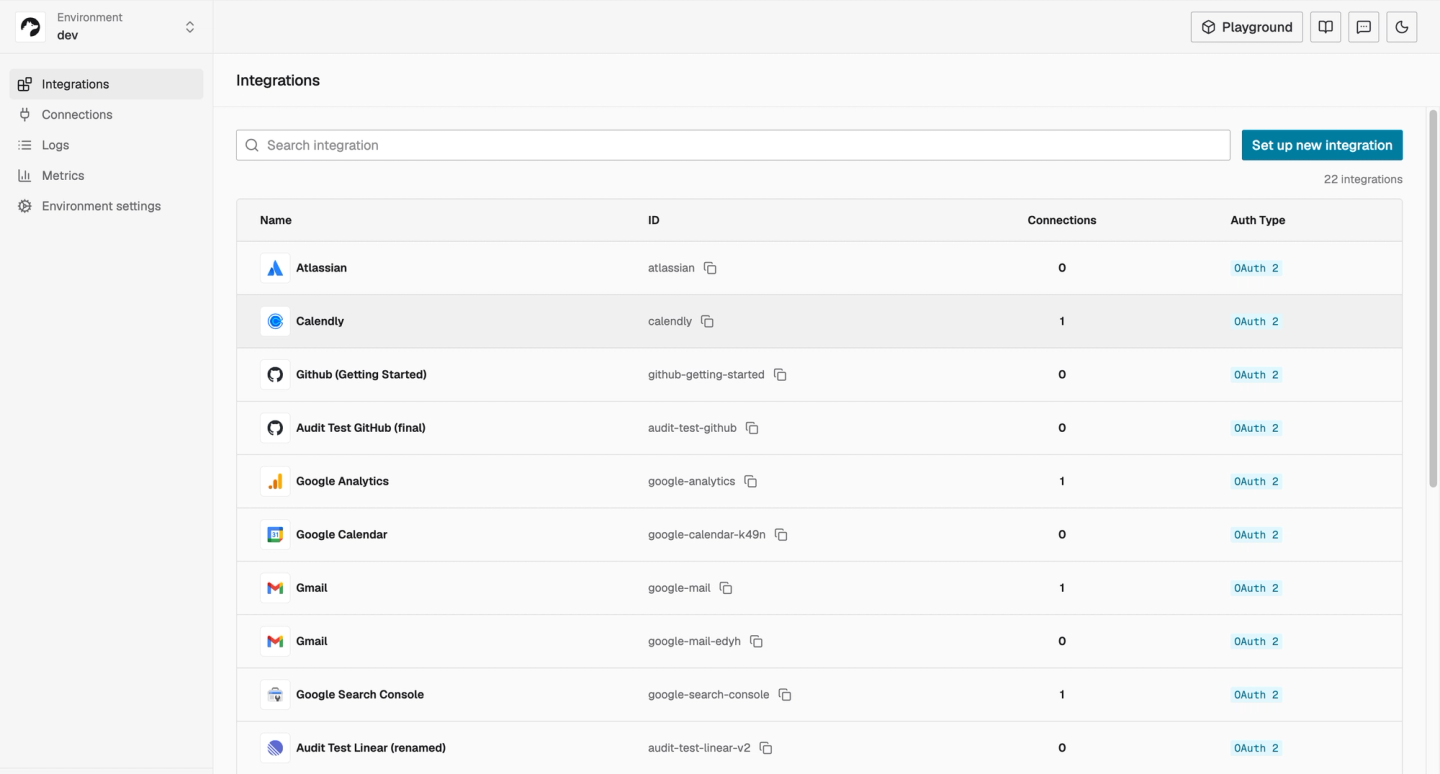
Best for: Customer-facing products and agents that need finance-related integrations alongside CRM, documents, and customer-specific behavior.
Pros:
- Prebuilt financial actions and syncs provide a useful starting point.
- Teams can change output models, transformations, and tools in integration code.
- Custom functions and native API requests use the same managed platform.
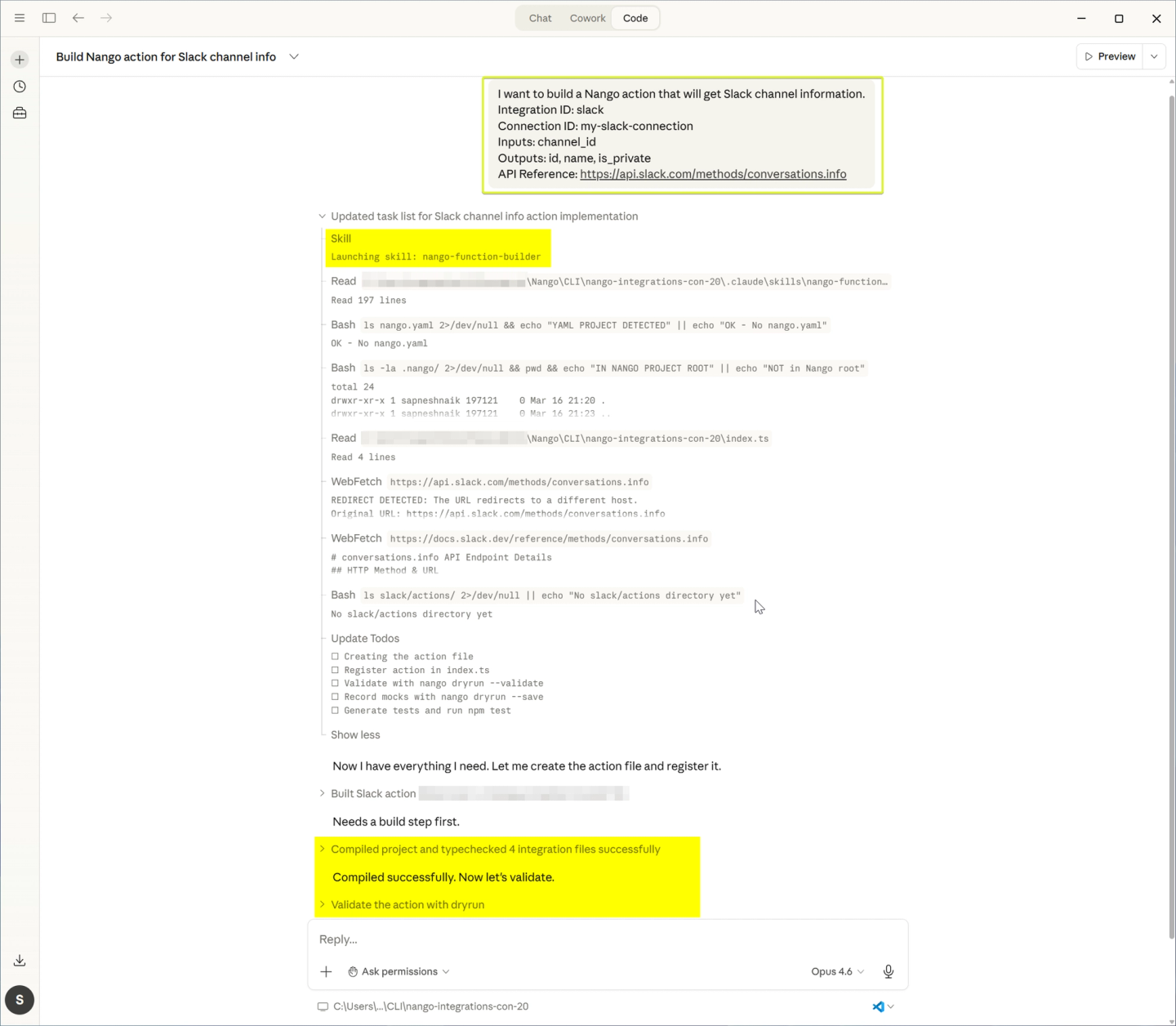
- Coding-agent Skills help Claude Code, Codex, and Cursor implement, test, and deploy changes.
- Enterprise ready deployment options that include Nango cloud, Managed instance in your cloud (BYOC) and self-hosting
Cons:
- A shared accounting model and custom business rules still need engineering. Templates and coding agents reduce implementation work; the team defines and tests the semantics.
Rutter: a unified API for financial workflows
Rutter organizes its platform around standardized resources across supported financial and commerce systems. Those resources reduce mapping work when the product’s required fields fit the common accounting API.
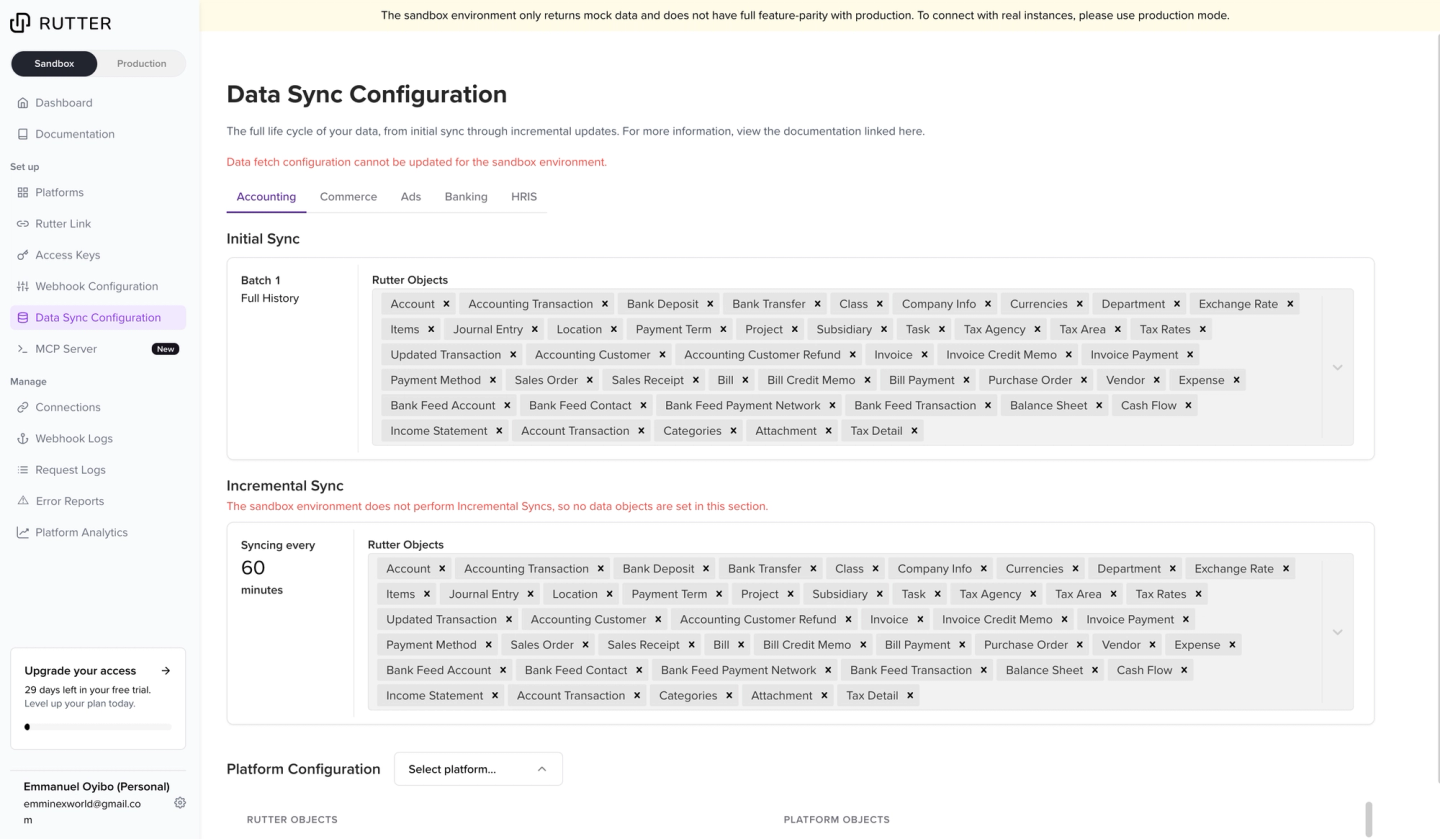
Best for: Finance-centric products whose required accounting operations fit Rutter’s normalized resources, or fintechs using its specialized bank-feed workflows.
Pros:
- Common financial resources reduce provider-specific schema mapping.
- Managed syncs support configurable objects, history, and update frequency.
- Custom fields and passthrough provide access beyond the standard fields.
Cons:
- CRM and document features may require a separate integration platform.
- Product-specific transformations and approval workflows remain application code.
- Production cost requires a quote for the required providers and capabilities.
Which gets your first accounting integration working?
Both platforms provide a starting point for reading invoices. The difference is how much of the product’s data model comes with that starting point, and how the team adapts it afterward.
For the revenue operations example, Nango provides these starting components:
- QuickBooks:
list-invoices,get-invoice,create-invoice, andupdate-invoice, alongside invoice syncs. - Xero: invoice actions and an invoice sync.
These components supply the provider operations; the product adds its customer matching and presentation rules.
Rutter exposes invoices through normalized financial resources. Fields such as customer_id, amount_due, and currency_code give supported providers a common representation. That saves mapping work when the supplied fields match the product’s requirements.
Nango is well suited for teams that need reusable operations and control over their output. Rutter can shorten the initial mapping when its financial model already fits.
Who owns the data model and the next customer-specific requirement?
A shared model determines what an invoice means inside the product. That includes field names, relationships, and rules for interpreting provider-specific values. Nango lets the team define that model; Rutter supplies a financial model that the application can extend around.
A shared model and additional fields
With Nango, integration functions can return the specific schema your product needs. The team can adapt a template’s output into fields such as outstanding_amount and keep that mapping alongside the integration. This gives the product a consistent interface while preserving control over its accounting semantics.
A simple additional field is possible with either platform. For example, a customer may need a NetSuite collections-hold value. Nango can retrieve and map it in a function. Rutter supports custom-field metadata, source values through expand=platform_data, and custom-field writes for supported entities and providers. Its extension mechanisms may already cover that request.
Custom behavior and native API access
The difference becomes more consequential when the field drives behavior. Suppose the product must return a “needs review” status when the hold conflicts with a CRM deal, then prepare a collections-note update:
- A custom Nango function can combine provider data with supplied CRM context, validate the rule, and perform the write after application approval.
- With Rutter, this requires workarounds.
Both also provide access beyond standard operations:
- Nango’s request proxy authenticates native API requests and manages rate limits, which custom functions can use on the same managed platform.
- Rutter offers field-level passthrough for additional request fields and credentials passthrough for direct API calls on listed platforms. But you’ll need to handle provider specific rate-limits yourself.
Provider-specific fields still need validation and error handling.
Testing and maintaining the change
For custom NetSuite integrations, Nango’s advantage is keeping the retrieval, transformation, and reusable action together. Its coding-agent Skills help Claude Code, Cursor, and Codex implement changes from existing templates. The team still tests missing fields, subsidiary relationships, and rejected updates. Those checks establish whether the new behavior matches the customer’s business rule.
How do they keep financial data current?
The model is only useful if it reflects later payments, credits, and corrections. There are three states to consider: the accounting system’s record, the integration’s last completed update, and the copy used by the application. A successful connection alone does not establish that all three agree.
Initial history and ongoing updates
Nango’s managed data syncs support incremental updates and per-customer configuration. Teams can adapt sync functions and combine polling with webhook processing where the provider supports it. That control lets the integration’s fetching and mapping behavior evolve with the product’s freshness requirements.
Corrections and deleted records
Corrections matter after that first load. A missed credit can overstate an invoice balance, while a missed void can leave an invoice in a collections queue. Nango’s Xero invoice sync handles DELETED and VOIDED statuses as record deletions. That behavior is specific to the template. Rutter also documents deletion events, with support varying by provider and object.
Recovering from a failed update
Recovery depends on where processing stopped:
- If fetching failed, the integration needs to resume or repeat the affected work.
- If the platform received the update but the application failed to apply it, the application needs to reprocess that change without duplicating its effects.
Both implementations need to track completion at that final step.
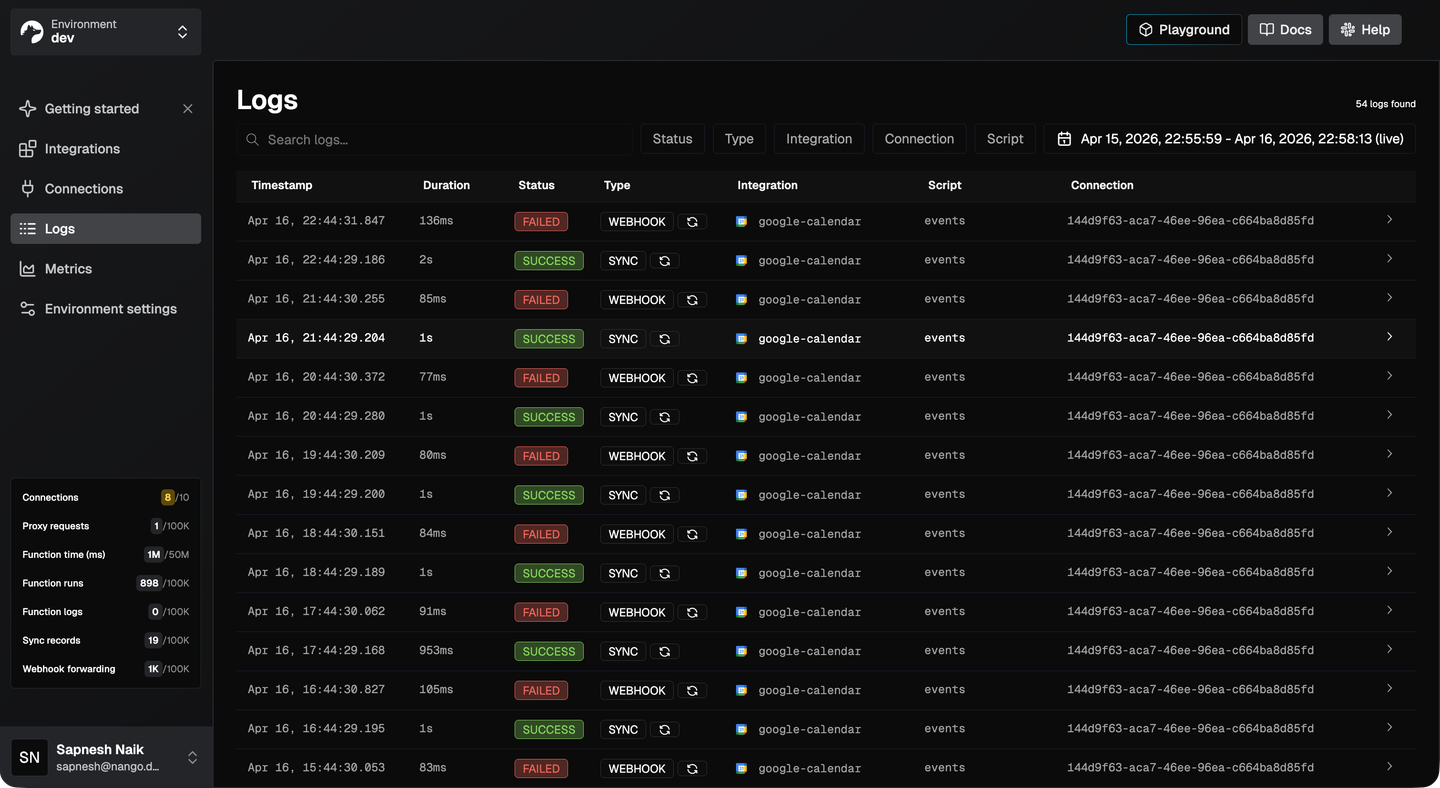
Nango’s execution logs help trace failures to a connection, function, or request. The team can inspect a transformation and deploy a correction within the same platform. Rutter’s connection and sync events describe the financial sync state, while the team investigates its application-side processing. Nango’s control is especially useful when recovery requires changing custom sync behavior.
What changes when your product adds CRM, documents, or AI agents?
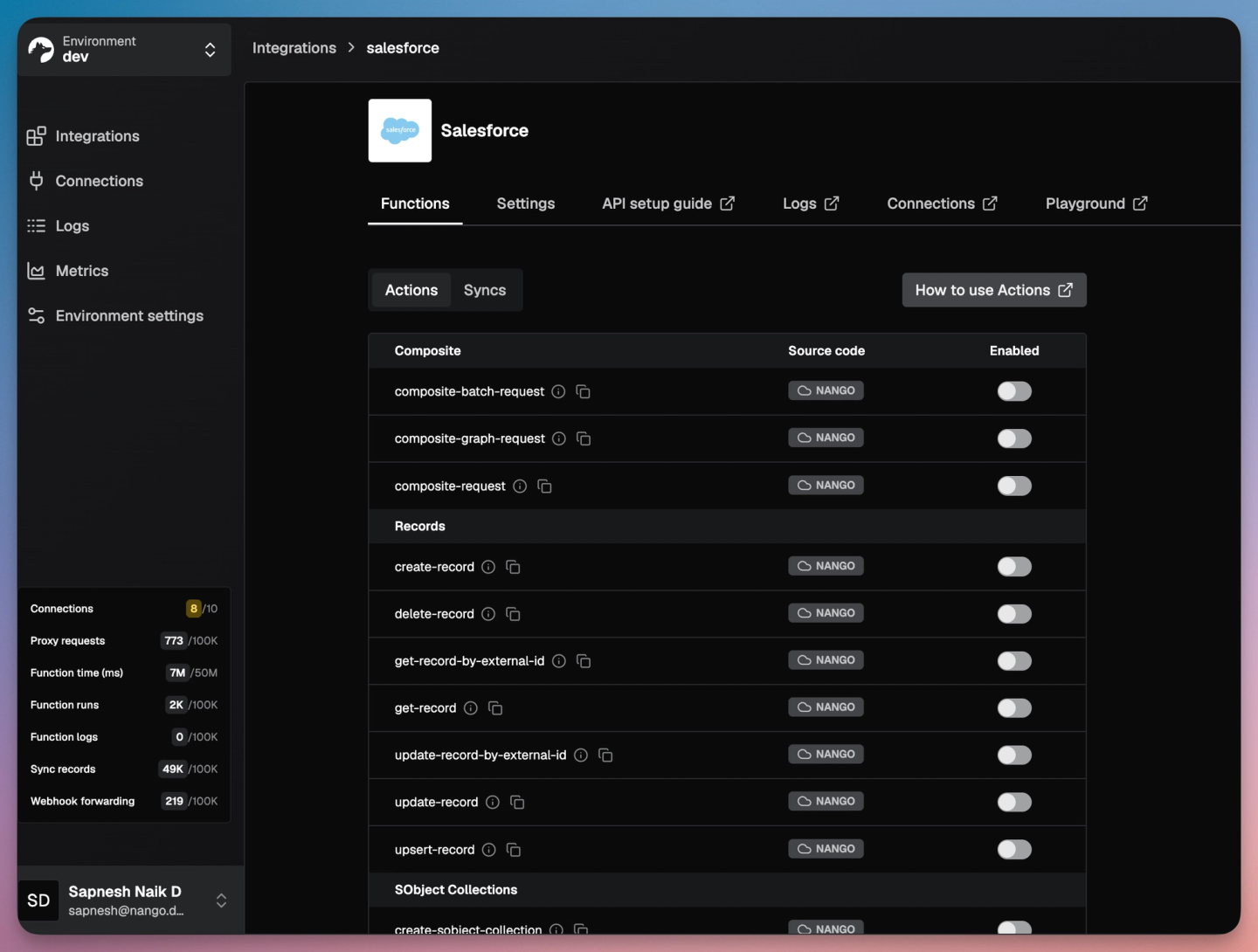
Once invoices are current, the revenue operations product can associate them with deals and contracts. This is where Nango’s broader coverage becomes a practical advantage: the same platform supports connections, background data, and custom actions across those systems.
Connecting invoices to deals and contracts
The application still decides which CRM account corresponds to an accounting customer and which contract belongs to a deal. Nango provides the integration components around those relationships, with prebuilt coverage depending on the required provider and operation. The team can extend missing behavior without introducing another integration platform.
Rutter can remain the financial layer alongside a separate platform for CRM and documents. That can make sense when its financial normalization saves enough work. It also creates another connection lifecycle and another set of failure signals to operate. An investigation may need to follow the invoice through Rutter and the associated deal through the other system.
Giving agents scoped access to the workflow
An agent adds another requirement: controlled access to the assembled context and the actions it can propose. Nango’s MCP and tools expose prebuilt actions and custom functions. Agent Sessions let the backend constrain connections, tools, and session lifetime while keeping provider credentials out of model context.
In this example, the workflow has three stages:
- A session reads selected invoices and deal context.
- The agent proposes a collections-note update.
- The application validates the proposal and obtains approval before invoking the write.
The same custom function can serve both the product’s regular workflow and its agent, so the validation logic does not need a separate implementation for each.
Rutter publicly describes an emerging finance MCP layer for unified read/write access. Its public description, checked October 6, 2026, does not establish the available tools and access controls for this complete scenario. Those details need confirmation for the intended deployment.
For financial AI agent integrations that also need CRM context, documents, and custom actions, Nango is the stronger overall fit. Its documented execution and session model supports that broader workflow on one platform.
When to choose Nango and when Rutter is a better fit
Nango for an expanding product roadmap
Nango is the stronger choice when accounting is the start of a broader product workflow. Three concrete situations make that advantage clear:
- A revenue operations product combines QuickBooks or Xero invoices with CRM deals and contracts. Nango supports these API integrations on the same platform.
- An enterprise customer needs a NetSuite field, a custom status transformation, and a validated update. Nango keeps that behavior in reusable integration functions alongside native API access.
- A product agent needs selected financial records and a narrowly scoped action that also uses business context. Nango combines tools with backend-controlled Agent Sessions.
Rutter for closely matched financial workflows
Rutter is a better fit when financial specialization removes enough work to outweigh the need for broader coverage:
- A fintech’s primary requirement is a supported bank-feed workflow, and Rutter covers its required institutions, accounting platforms, and operations.
- An accounting automation product needs standard invoice or bill operations across supported systems, and Rutter’s normalized fields closely match its model.
- A finance-focused product already operates CRM and document integrations elsewhere, and Rutter’s financial resources save more implementation effort than the additional platform introduces.
For teams evaluating Rutter alternatives because requirements keep expanding, Nango offers the more adaptable foundation. Its advantage grows as the product adds behavior that depends on several business systems.
FAQs
Is Nango only an OAuth tool, or does it provide accounting integrations and syncs?
Nango provides accounting actions and syncs as well as authentication. The QuickBooks and Xero catalogs list specific operations. Authentication support alone does not imply every operation is prebuilt.
Does Nango provide the same normalized accounting schema as Rutter?
No. Nango supplies template defaults and supports a model defined by your team. Rutter supplies normalized financial resources. A unified API for accounting is useful only if its field meanings fit the product.
Which fits a product that needs accounting, CRM, and document integrations?
Nango is the stronger fit for that combined roadmap. Its integration catalog spans the required categories, while the application owns record matching. Rutter can cover finance alongside another platform.
Can Nango and Rutter both support financial AI agents?
Nango has tools and scoped Agent Sessions. Rutter describes an roadmap MCP feature but timelines are not confirmed.


