
TL;DR
- Nango: Best overall for customer-facing healthcare agents connecting SaaS accounts. Combines prebuilt tools, scoped access, and adaptable PHI handling with a Growth/Enterprise BAA path and Enterprise BYOC.
- Composio: A managed tool catalog with accessible BAA acceptance on eligible paid plans. Best suited to teams that can meet their PHI retention requirements within its feature-specific controls.
- Merge Agent Handler: Managed MCP tools with configurable checks on sensitive data. Suitability depends on contractual coverage and the behavior of request and response rules.
- Workato: A fit for centrally governed healthcare workflows exposed to agents. BAA coverage depends on the selected services and the model receiving PHI.
- Redox: Best for EHR-first projects where clinical interoperability is the central purchase requirement. Covered exchanges, site permissions, and payload retention shape its fit.
Choosing an integration platform for healthcare AI agents
Healthcare AI agents rely on API integrations to retrieve information and take action across the systems where care is coordinated. The integration platform manages those connections and executes the operations the agent requests. Its access controls and data handling therefore shape which records the agent can reach and where protected health information (PHI) travels.
Choosing a platform means evaluating those controls alongside business associate agreement (BAA) coverage and deployment options. The key questions concern who the agent acts for, what it can retrieve or change, and what persists after execution. Those requirements apply across the full workflow, including data returned to the model.
For example, a scheduling agent may read a referral email, check a calendar, and send a confirmation. Each step needs appropriate account access, while the referral’s clinical details may be unnecessary for the calendar lookup. This makes operation-level permissions and control over returned fields relevant to the platform decision.
This article compares five platforms against those requirements. Nango is our overall recommendation for customer-facing healthcare agents connecting SaaS accounts. We also examine alternatives for centrally governed workflows and EHR connectivity, so teams can match the platform to the systems and data their agents actually use.
What “HIPAA-compliant” means in this comparison
An AI agent integration platform with a BAA can support a healthcare deployment, but the agreement alone does not establish compliance. Building HIPAA-compliant AI agents involves safeguards across the source application, integration service, agent runtime, model provider, storage, logs, and other processors receiving PHI.
A free prototype using synthetic data can demonstrate functionality without establishing eligibility to handle PHI. The appropriate agreements must be in place before the first PHI-bearing workflow, even in a small evaluation for one customer.
SOC 2 reports, encryption, MCP support, and self-hosting can inform this review, but none replaces the applicable HIPAA obligations. HHS does not certify or endorse particular products. Its HIPAA guidance for cloud computing explains the responsibilities of cloud customers and business associates, including appropriate agreements and risk analysis.
The shortlist connects each use case to a procurement starting point. Where public information does not settle service or plan eligibility, the executed contract determines coverage.
| Platform | Healthcare agent use case | HIPAA / BAA starting point | Relevant controls |
|---|---|---|---|
| Nango | Best overall for customer-facing SaaS agents | Growth add-on or Enterprise, with BAA | Prebuilt tools, scoped sessions, adaptable outputs, Enterprise BYOC |
| Composio | Managed tools for healthcare SaaS access | Pro BAA add-on; included on Enterprise | Payload retention across enabled features |
| Merge Agent Handler | MCP tools with sensitive-data rules | Published Merge BAA; Agent Handler scope depends on contract | Request/response checks and tool logs |
| Workato | Agent access to healthcare workflows | BAA available; selected-service coverage depends on contract | Read/write permissions and model agreements |
| Redox | EHR and clinical interoperability | Contracts and BAA covering planned exchanges | Clinical access and payload retention |
Verified on October 8, 2026 against public documentation and pricing. Eligibility for PHI use depends on the terms covering the actual deployment.
1. Nango: best overall for healthcare agents across SaaS accounts
Overview
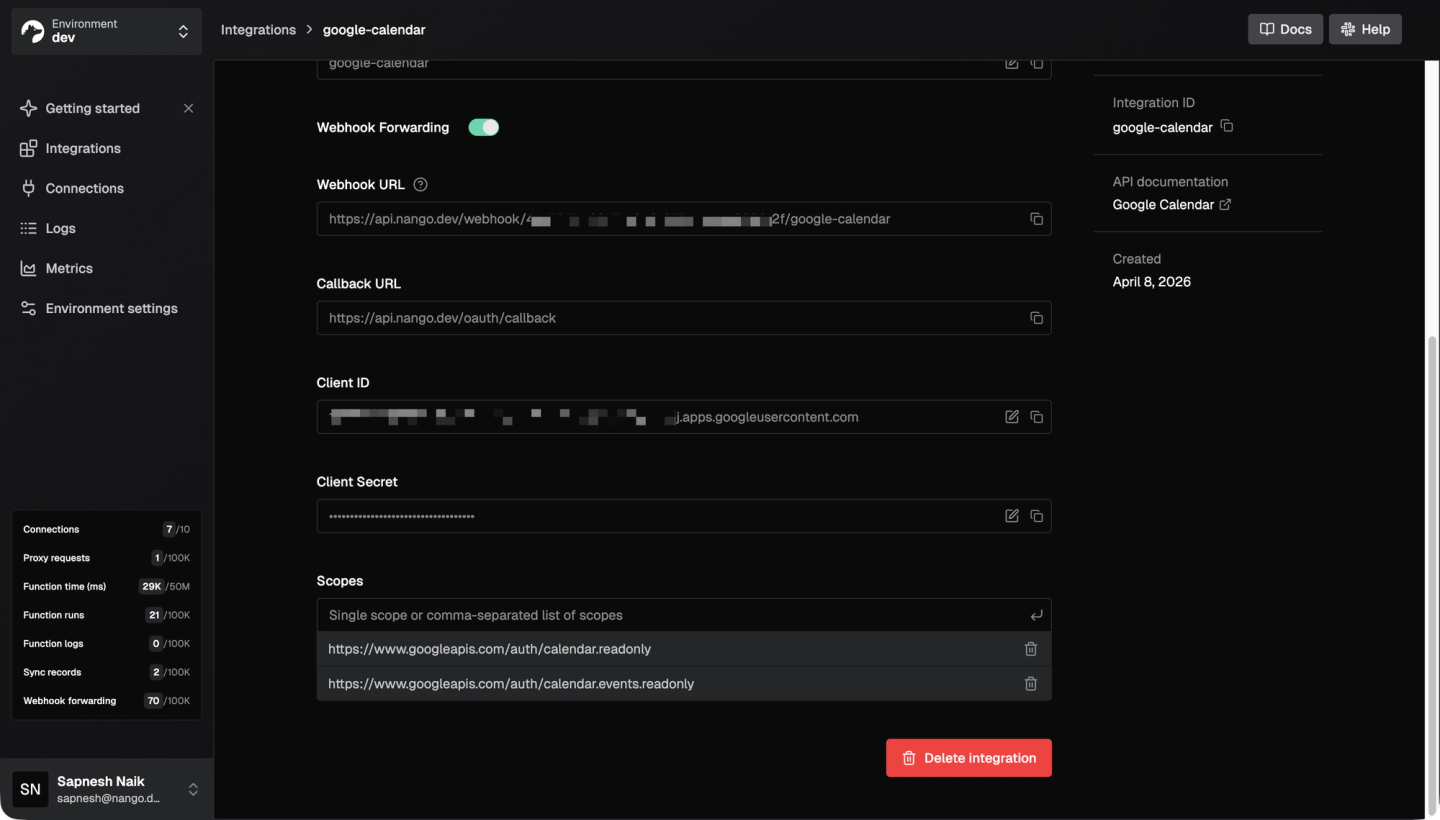
Nango offers 10,000+ prebuilt agent tools across 1,000+ APIs, with managed authentication, tool calls, triggers, syncs, webhooks, and an API proxy. Ready-to-use operations cover tasks such as finding calendar availability, with access scoped to the relevant customer account.
Those operations provide a starting point as the product adds document context or a customer-specific API. Existing tools can be adapted and new ones added as permissions or returned fields change, while retaining the same authentication and execution infrastructure.
Best for
Best overall for teams whose customer-facing healthcare agents need prebuilt SaaS actions, fresh document context, customer-specific PHI handling, and deployment flexibility, subject to the required BAA and configuration.
Pros
- BAA availability: Nango’s plans include a BAA through the $450/month Growth add-on or Enterprise. Agreement scope determines which features are covered for PHI use.
- Flexible deployment with cloud, self-hosting, and BYOC: Enterprise offers self-hosting and BYOC. Nango operates BYOC infrastructure in the customer’s cloud; self-hosting places operations with the customer. BYOC supports AWS, GCP, and Azure regions beyond Nango’s US cloud. Both options keep the integration runtime and PHI storage in the customer’s infrastructure, with no PHI stored in Nango’s cloud. BYOC sends operational health telemetry to Nango’s monitoring service; self-managed instances send no data back automatically.
- Scoped agent access: Agent Sessions limit connections, tools, and access duration. The backend manages scope and client authentication, keeping session tokens outside model input while Nango handles provider credentials.
- Adaptable PHI handling: Prebuilt tools can be customized to restrict inputs and returned fields. For example, Nango’s Google Calendar
find-free-slotstool could be narrowed to permitted calendars and return availability without event details. Booking can have separate authorization. - Coding-agent support: Claude Code, Cursor, and Codex can adapt integrations using Nango skills and Management MCP. These development tools are separate from runtime Agent Sessions.
- Fresh context and visibility: Data Sync uses webhooks and polling to keep context current. Google Drive syncs cover metadata and permissions; content retrieval is separate. Operation logs and OpenTelemetry export support monitoring.
- Configurable retention: Nango Cloud defaults to 15-day operation-log retention. For synced records, payloads are pruned after 30 days without a record update, and records are deleted after 60 days without a sync execution. Cloud retention settings are configurable to match the deployment’s requirements. Proxy and function HTTP logs omit request and response bodies; custom logs should exclude PHI. Self-hosted and BYOC deployments keep PHI storage and retention controls in the customer’s infrastructure. See Nango’s security documentation for the default retention behavior.
Cons
- Advanced controls require Enterprise: The Growth BAA option excludes audit trails and BYOC. Free self-hosting has fewer features, and self-managed deployments add operational responsibility.
2. Composio: managed healthcare agent tools with accessible BAA acceptance
Overview
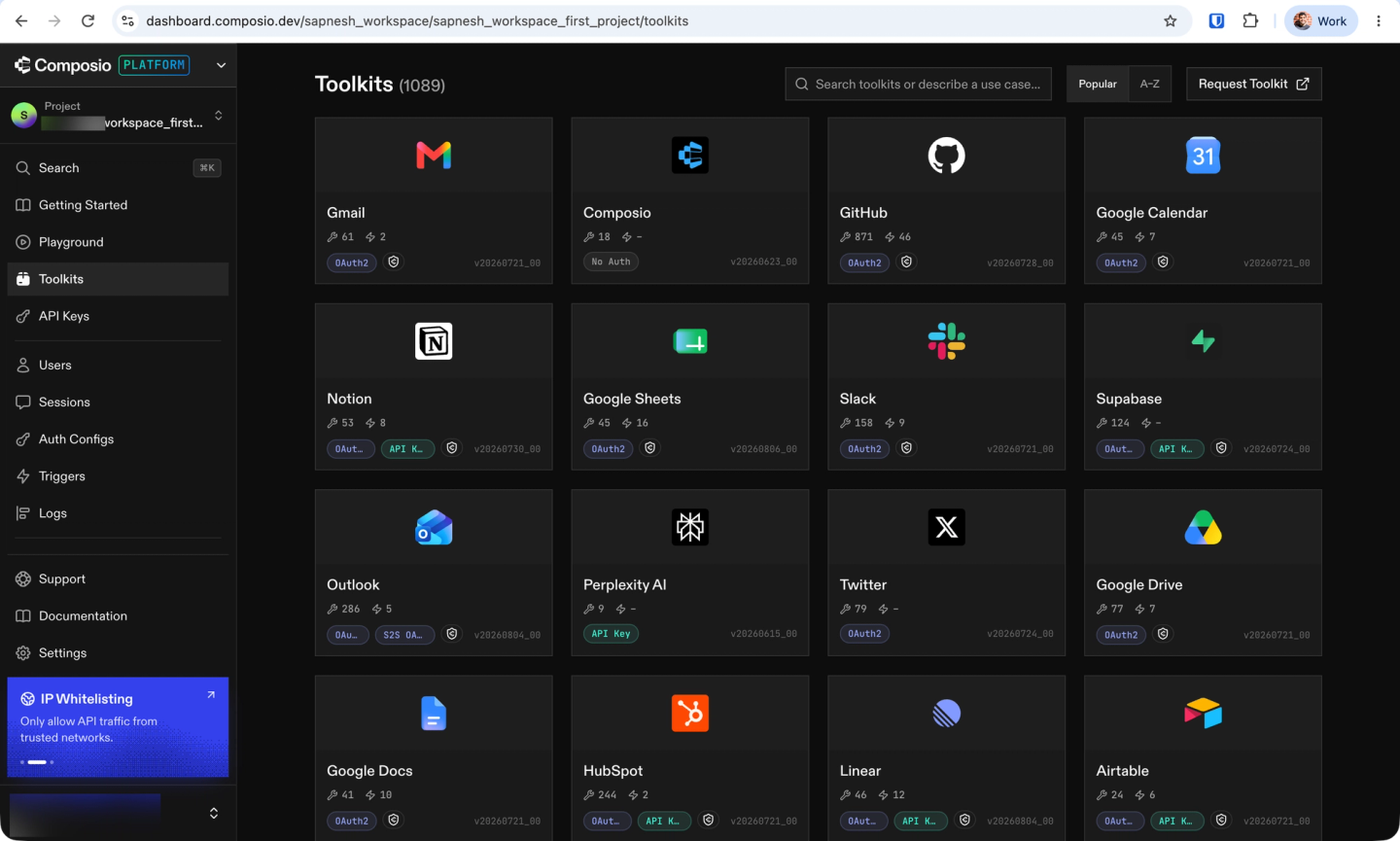
Composio combines managed authentication with prebuilt and custom tools through SDK and MCP interfaces for healthcare SaaS workflows.
For PHI-bearing workflows, its pricing introduced August 15, 2026 lists a Pro BAA add-on at $0.0003 per tool call; Enterprise includes it. These terms apply to new accounts; existing customers may have different contractual terms. Execution and other add-ons are charged separately.
Best for
Teams prioritizing managed tool execution and dashboard BAA activation for a defined workflow that fits the available retention controls.
Pros
- Dashboard BAA acceptance: Pro and Enterprise Developer customers can accept the BAA through billing settings. Coverage depends on acceptance and the agreement’s service scope.
- Payload retention controls: Zero Data Retention (ZDR) suppresses covered tool and proxy payloads while retaining metadata. It is separate from BAA acceptance.
Cons
- Limited ZDR coverage: Managed OAuth apps require Enterprise for ZDR coverage. Triggers, sandboxes, files, and tool-search queries have separate retention behavior, so covered calls do not make the entire workflow payload-free.
- New projects need activation: On non-Enterprise paid plans, new projects start with ZDR off, even when existing projects have it enabled.
- Cloud-first procurement: In a recent prospect evaluation shared with us, Composio’s sales team recommended cloud hosting with a data agreement and discouraged Enterprise self-hosting. Teams requiring customer-cloud deployment should confirm availability and operating responsibilities for their proposed setup.
3. Merge Agent Handler: managed MCP with configurable sensitive-data rules
Overview
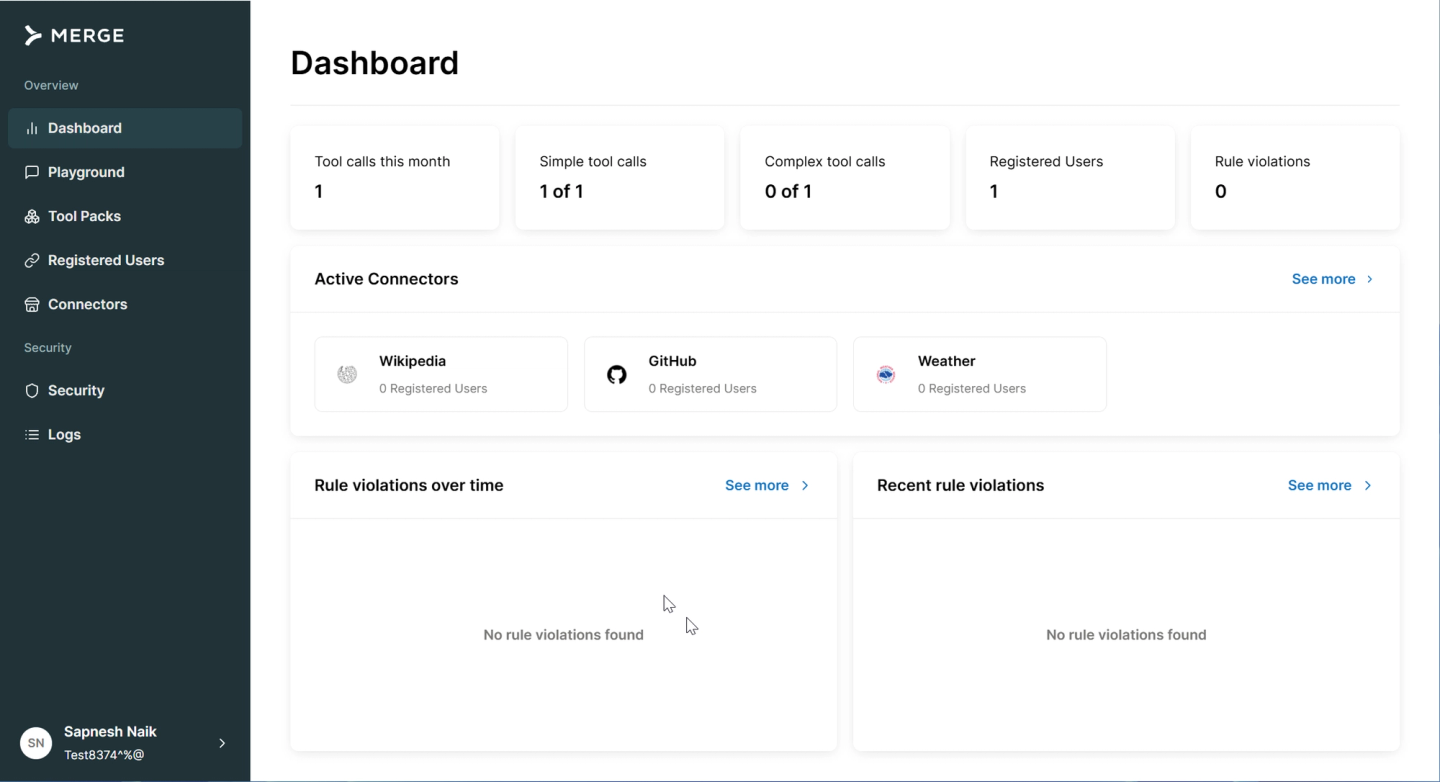
For teams prioritizing checks on data passing through MCP tools, Merge Agent Handler provides authentication, execution, and a Security Gateway. This is a separate service from Merge Unified API and its normalized, synced-data model.
That product distinction also matters during procurement. Merge publishes a BAA, while the executed agreement and order form determine coverage for Agent Handler, its enabled capabilities, and the deployment. Public information does not settle plan-specific eligibility.
Best for
Teams whose main requirement is a HIPAA-compliant MCP server for customer-facing agents with centrally configured traffic checks, subject to contractual coverage and verified rule behavior.
Pros
- Central data rules: The Security Gateway applies shared data-handling rules across tools, with coverage determined by the configured rules and inspection direction.
- Request and response checks: AI guardrails can inspect either or both, with block or log actions. Their effectiveness depends on the configured rules.
Cons
- Request rules do not filter results: Standard entity and regex rules inspect arguments. Response inspection relies on separately configured AI guardrails.
- Guardrails fail open: Calls proceed when the evaluator errors or is unsure, which conflicts with requirements to block calls when inspection fails.
- Sensitive tool logs: Logs can retain arguments and results. Their retention and export are separate from the administrative audit trail.
4. Workato: centralized governance for healthcare agent workflows
Overview
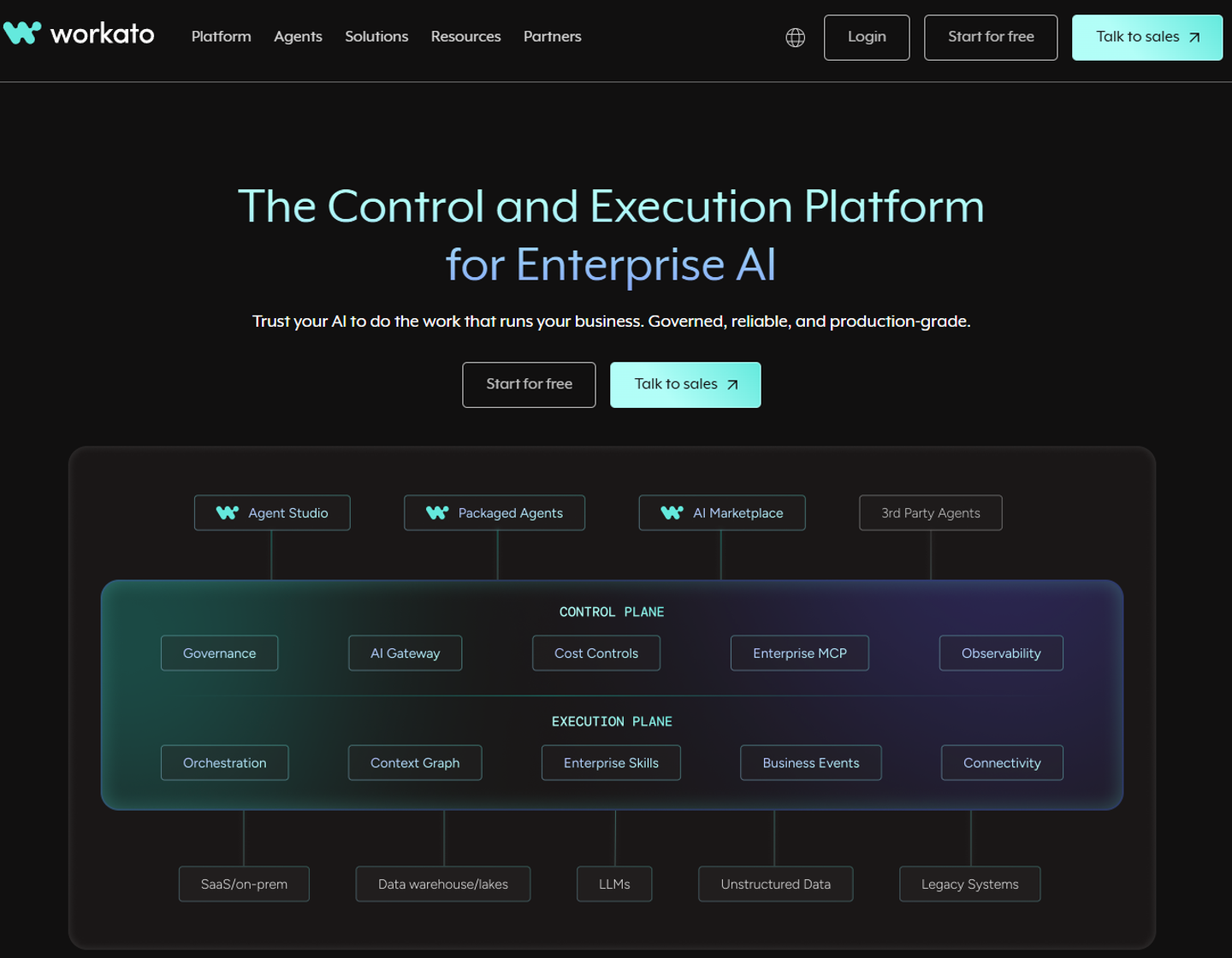
Workato lets an integration team expose workflows as agent tools. The team defines the sequence of operations and the inputs and outputs in recipes, giving agents a way to invoke established processes. For example, an intake agent could call a recipe that checks referral details before passing a request to scheduling.
Using those workflows with PHI requires agreement coverage for the selected automation, MCP, and agent services. Workato documents BAA availability; Agent Studio’s security documentation also calls out model-provider agreements for PHI in model interactions, including skill outputs and knowledge sources.
Best for
Enterprise teams buying HIPAA-compliant workflow automation for agents that execute centrally governed recipes, particularly where Workato already manages the relevant processes.
Pros
- Workflows as agent tools: Recipes expose established healthcare processes with controlled inputs and outputs.
- Group-level tool permissions: Separate read and write tools let groups retrieve information without receiving tools that modify it.
Cons
- Private connectivity is not customer-cloud execution: The on-prem agent connects private systems; it does not establish where workflows execute or data and logs reside. Virtual Private Workato is a separate offering with a fully managed dedicated VPC. Teams whose customer policies require execution and PHI storage inside their own cloud account should confirm whether the proposed deployment meets that requirement.
- Customer authorization adds integration work: Centrally administered workflows still need customer-specific connection mapping and patient-level permissions when exposed to customer-facing agents.
Pricing depends on the selected workflow, deployment, agent services, and model usage.
5. Redox: clinical and EHR integrations for healthcare agents
Overview
When the required workflow depends on EHR connectivity, clinical formats and hospital interfaces become central to the purchase. Redox specializes in this healthcare API integration and may be the stronger choice than Nango for that scope.
Establishing that exchange also requires the connection partner’s involvement. Redox’s implementation guidance emphasizes contracts, BAAs, and coordination with the healthcare organization’s technical team before setting a launch date.
Best for
Agents whose central requirement is EHR connectivity and clinical interoperability.
Pros
- Clinical specialization: Clinical APIs, healthcare data formats, and hospital interfaces support agents that depend on EHR information.
- Site implementation support: Redox’s implementation process addresses coordination with healthcare connection partners for production exchanges.
Cons
- Site-dependent capabilities: Available operations depend on region, EHR configuration, API entitlements, and partnerships. Appointment updates do not establish booking access, and sandbox access does not establish production availability.
- Service-specific retention: Message payloads have 60-day retention, while Data on Demand data can persist for the contract duration. Backup-deletion terms also affect persistence.
- Separate implementation costs: Core starts at $35,000/year. Total pricing includes platform, consumption, and scoped managed services, depending on exchange volume and implementation.
- Customer-cloud requirements: Teams whose customer policies require integration execution and PHI storage inside their own cloud account should confirm deployment availability before choosing Redox. This is a customer-specific requirement rather than a universal HIPAA obligation.
Clinical connectivity may cover only part of the product. Calendar, email, or document access can require a complementary platform, making the full set of operations relevant to whether one vendor can support the product.
What determines platform fit for a HIPAA-covered workflow
For HIPAA-compliant automation, platform fit depends on the operations an agent performs and the PHI each step receives, returns, or stores. Using the same workflow across vendors makes differences in coverage and control clearer. For example, a scheduling comparison could cover finding availability and sending a confirmation. Six criteria shape that fit:
- BAA availability and scope: Standard or negotiated terms define the covered services, eligible plans, activation requirements, and any usage-based compliance charges. Coverage for the selected agent features determines whether the agreement fits the workflow.
- Exact coverage: Support depends on the provider, region, API entitlement, endpoint, read/write behavior, and available prebuilt operation. An OAuth connection or an EHR logo does not prove appointment booking works.
- Access boundaries: Customer, account, tool, and session limits constrain what the agent can access. Patient and record permissions remain application responsibilities even when an account connection is valid.
- PHI handling: Arguments and results may pass through prompts, caches, sync storage, logs, backups, and support tools. Each introduces its own handling and retention considerations. Keeping credentials out of prompts does not remove PHI from results.
- Deployment and operations: Managed cloud and customer-cloud deployments differ in hosting location and operating responsibilities. Support access, monitoring, incident handling, and log exports also affect the deployment. Payload retention and administrative audit retention are separate questions.
- Behavior and cost: Data freshness, rate limits, reconnects, duplicate events, failed writes, and safe retries affect workflow reliability. Total cost includes connections, execution, storage, transfer, BAA add-ons, and the required deployment.
Safe retry behavior depends on whether an operation failed or merely returned an uncertain result. For example, a provider may accept a booking before the request times out. Retrying without resolving that outcome can create a duplicate appointment. Reconciliation or provider-supported idempotency can prevent a retry from repeating an already completed write.
A realistic cost comparison uses the same workload across vendors. For instance, a scheduling product may connect clinic accounts, look up appointments, send confirmations, sync referral documents, and export logs. Those operations incur different connection, execution, storage, and transfer costs. BAA add-ons and required regional deployment also affect the total; clinical exchanges and site implementation add separate costs for an EHR-focused deployment.
These criteria address separate requirements. Satisfying a contractual condition does not establish that the technical configuration fits. For example, settling the BAA can still leave read-only access or regional hosting unresolved. Contract terms resolve unpublished eligibility details, while testing establishes how the proposed configuration behaves.
FAQ
Does a BAA make an AI agent HIPAA compliant?
No. A BAA establishes obligations between the parties. The organization must also assess risks and implement the applicable safeguards throughout the agent’s data flow. The HHS Security Rule summary explains these responsibilities.
Can calendar and email integrations involve PHI?
Yes. The relevant question is whether the content identifies a person and reveals information about their healthcare in a HIPAA-covered context. The application storing it does not settle that question. For instance, a calendar entry may combine a patient’s name with the reason for a visit. Ordinary calendar events are not automatically PHI. The HHS definition of protected health information explains the applicable scope.
Is SOC 2 enough for a HIPAA-covered integration?
No. A SOC 2 report can inform vendor due diligence. It does not replace applicable HIPAA obligations, the required BAA, or your assessment of the deployed workflow. A claimed HIPAA-compliant API still depends on its actual configuration and use.
Does HIPAA require US hosting or self-hosting?
Neither is a universal HIPAA requirement. HHS cloud guidance allows overseas processing with the relevant agreements and risk analysis. Customer policies and other applicable requirements can still impose specific regions or deployment models. HIPAA-compliant integrations with BYOC or self-hosting remain subject to agreement coverage and appropriate safeguards; infrastructure control alone does not establish compliance.
Do I need an EHR platform or a general agent connector platform?
The required operations determine the fit. A healthcare product can need HIPAA-compliant calendar and email integrations for AI agents without connecting to an EHR. Calendar, email, and document access across customer accounts favors a general product integration platform. EHR records and hospital interfaces favor clinical interoperability platforms such as Redox. Some products need both.
Can MCP tools send PHI to the model?
Yes. MCP does not inherently filter tool results. Keeping OAuth tokens outside the model protects credentials, while returned content requires its own controls. Output minimization and the model provider’s contractual coverage and data policies remain relevant when tool results contain PHI.
Which Nango offering should I evaluate?
The Growth add-on and Enterprise provide BAA paths. BYOC, self-hosting, and the additional Enterprise controls make Enterprise relevant for deployments requiring those features. Agreement scope determines deployment coverage, and Nango’s Trust Center provides access to supporting security evidence.
Nango’s fit for customer-facing healthcare agents
Nango is our overall recommendation for healthcare products whose agents act across customer-owned SaaS accounts, maintain fresh context, and accommodate customer-specific data rules. Prebuilt tools provide the initial operations, while Agent Sessions constrain access. Customization supports changing requirements, and Enterprise adds deployment options. The Growth or Enterprise BAA determines coverage for the selected deployment.
The alternatives fit specific priorities: Composio for managed tools and dashboard BAA activation, Merge Agent Handler for centrally configured MCP traffic checks, and Workato for governed enterprise workflows. Redox may be stronger when EHR connectivity is the central requirement. For every platform, suitability depends on the agreement, permissions, data handling, and operating responsibilities of the actual deployment.


