> ## Documentation Index
> Fetch the complete documentation index at: https://nango.dev/docs/llms.txt
> Use this file to discover all available pages before exploring further.
# Manatal - How to Link Your Account
# Overview
To connect your Manatal account, you need to generate an API key from the Manatal platform. This API key allows secure programmatic access to your account data through the Manatal API.
***
### Prerequisites
* Your account must be on the **Enterprise Plus** plan.
* The **Open API** feature must be enabled for your account. Contact Manatal support if this feature is not already enabled.
***
### Step 1: Enable Open API Feature
1. **Navigate to API Settings**:
* Log in to your Manatal account.
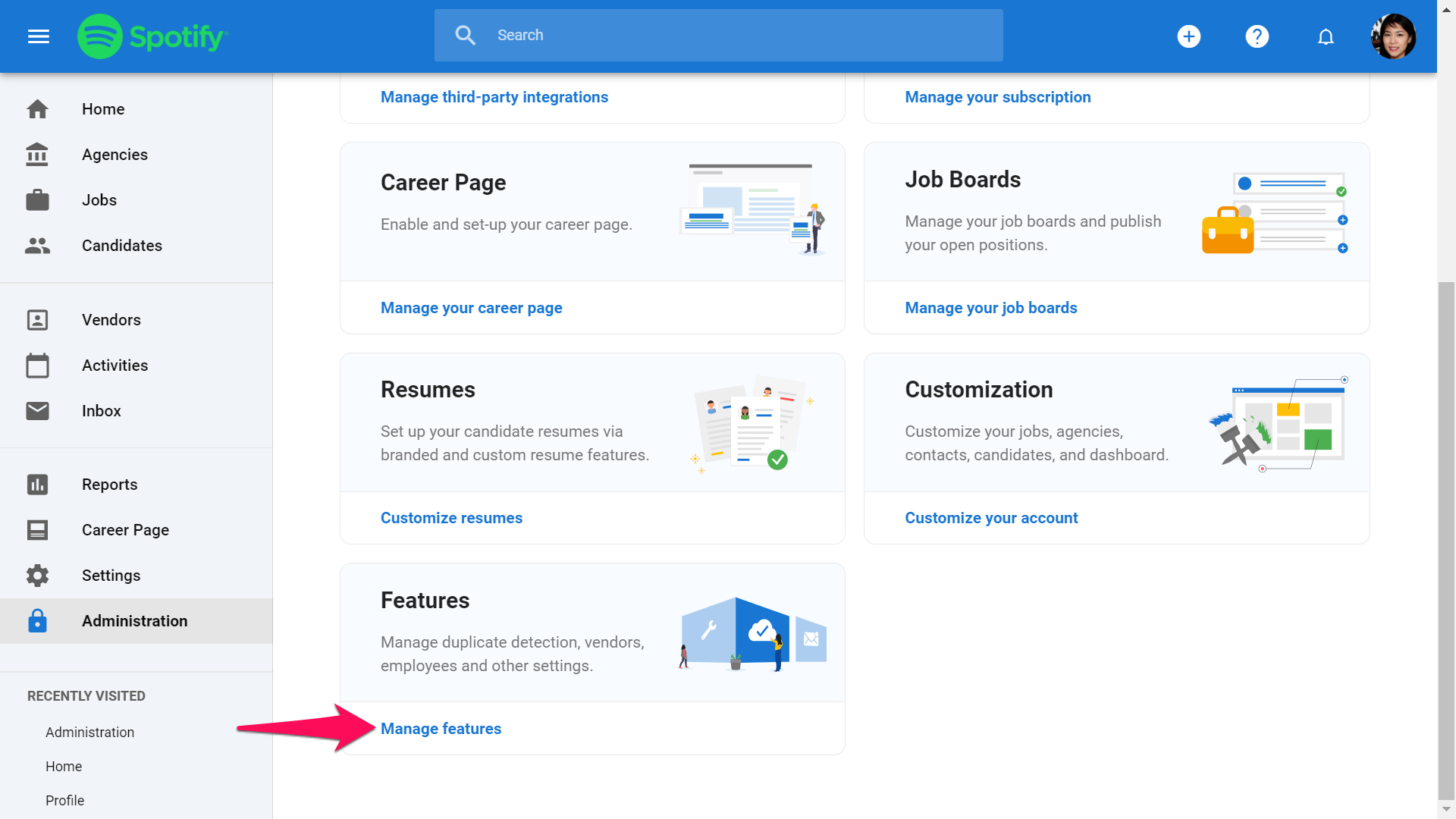
* Go to **Administration** from the side menu.
* Select the **Features** category.
* Locate and click on **Open API**.
2. **Request API Enablement**:
* If the Open API feature is not enabled, click **Contact our support** to request activation.
***
### Step 2: Generate an API Key
1. **Access Open API Settings**:
* Go to **Administration > Features > Open API**.
 2. **Generate a New API Key**:
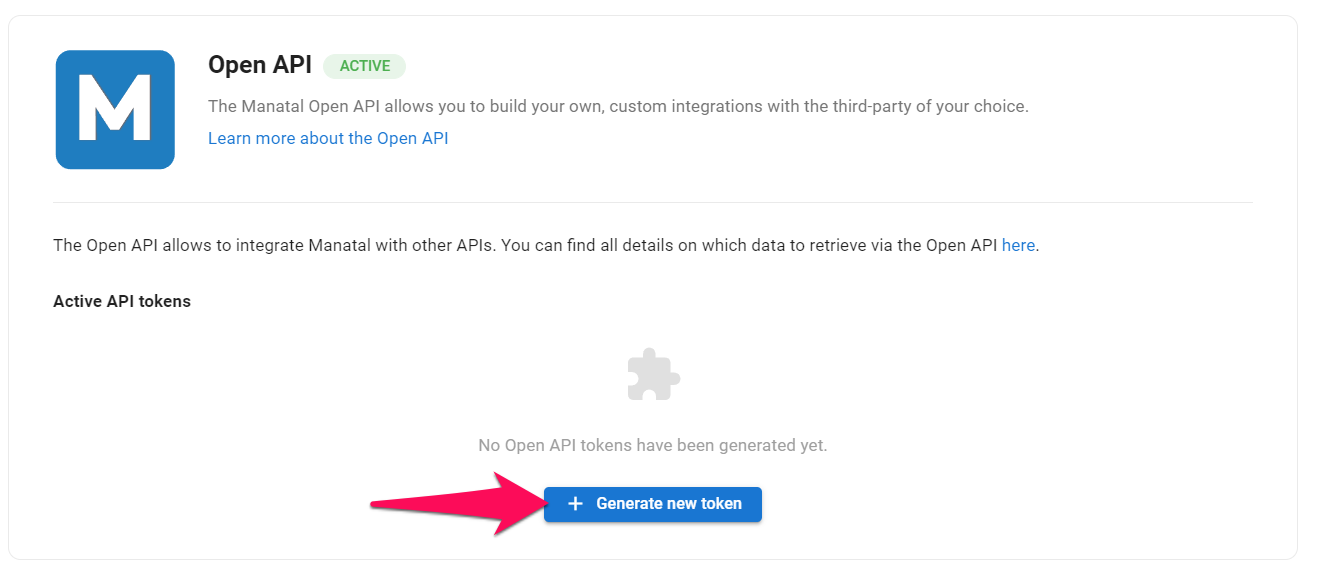
* Click on **Generate new token** to create a new API key. Each token is unique and tied to your account.
2. **Generate a New API Key**:
* Click on **Generate new token** to create a new API key. Each token is unique and tied to your account.
 3. **Copy and Store Your Key**:
* Use the **copy icon** to save the token securely.
* ⚠️ **Important**: You will not be able to view the API key again after leaving the page. If you lose the key, you will need to generate a new one.
***
### Step 3: Connect to Manatal
Once you have your API key, use it to authenticate your account in the integration setup.
* **Field Requirements**:
* **API Key**: Paste the API key you generated in the required field.
***
### Notes
* If you miss a payment or downgrade your plan, any existing tokens will be deactivated, and you will need to generate new ones.
* Manage your tokens (copy or delete) in the **Open API** section of the Manatal platform.
For more details about the API endpoints, visit the [Manatal API documentation](https://developers.manatal.com/reference/getting-started).
3. **Copy and Store Your Key**:
* Use the **copy icon** to save the token securely.
* ⚠️ **Important**: You will not be able to view the API key again after leaving the page. If you lose the key, you will need to generate a new one.
***
### Step 3: Connect to Manatal
Once you have your API key, use it to authenticate your account in the integration setup.
* **Field Requirements**:
* **API Key**: Paste the API key you generated in the required field.
***
### Notes
* If you miss a payment or downgrade your plan, any existing tokens will be deactivated, and you will need to generate new ones.
* Manage your tokens (copy or delete) in the **Open API** section of the Manatal platform.
For more details about the API endpoints, visit the [Manatal API documentation](https://developers.manatal.com/reference/getting-started).