> ## Documentation Index
> Fetch the complete documentation index at: https://nango.dev/docs/llms.txt
> Use this file to discover all available pages before exploring further.
# Jira Data Center (API Key) - How do I link my account?
# Overview
To authenticate with Jira Data Center (API Key), you will need:
1. **Instance Base Url** - The root URL of your Jira Data Center instance.
2. **API Key** - A key that grants Nango permission to interact with your Jira Data Center instance’s APIs, resources, and services.
This guide will walk you through generating an API Key and finding your Instance Base URL within Jira Data Center.
### Prerequisites:
* You must have one of the following Atlassian applications installed (Data Center or Server edition):
* **Jira Core** 8.14 or later
* **Jira Software** 8.14 or later
* **Jira Service Management** 4.15 or later
### Instructions:
#### Step 1: Finding Your Instance Base Url
1. **Log in** to your Jira Data Center instance.
2. Look at the URL in your browser's address bar. Your **Instance Base URL** is the text before the first `/`, where the main part of the URL ends (e.g., [https://jira.yourcompany.net](https://jira.yourcompany.net)).
#### Step 2: Generating Your API Key
1. Click on your **profile picture** at the top right of the screen.
2. Select **Profile**.
3. In your profile, go to **Personal Access Tokens** from the left-hand menu.
4. Click **Create token**.
5. Enter a **name** for your token.
(Optional) Set an expiration date for security purposes.
6. Click **Create** to generate the token.
You won’t be able to see your token again once you select **Close**.
#### Step 3: Enter credentials in the Connect UI
Once you have your **Instance Base Url** and **API Key**:
1. Open the form where you need to authenticate with Jira Data Center (API Key).
2. Enter your **Instance Base Url** and **API Key** in their designated fields.
3. Submit the form, and you should be successfully authenticated.
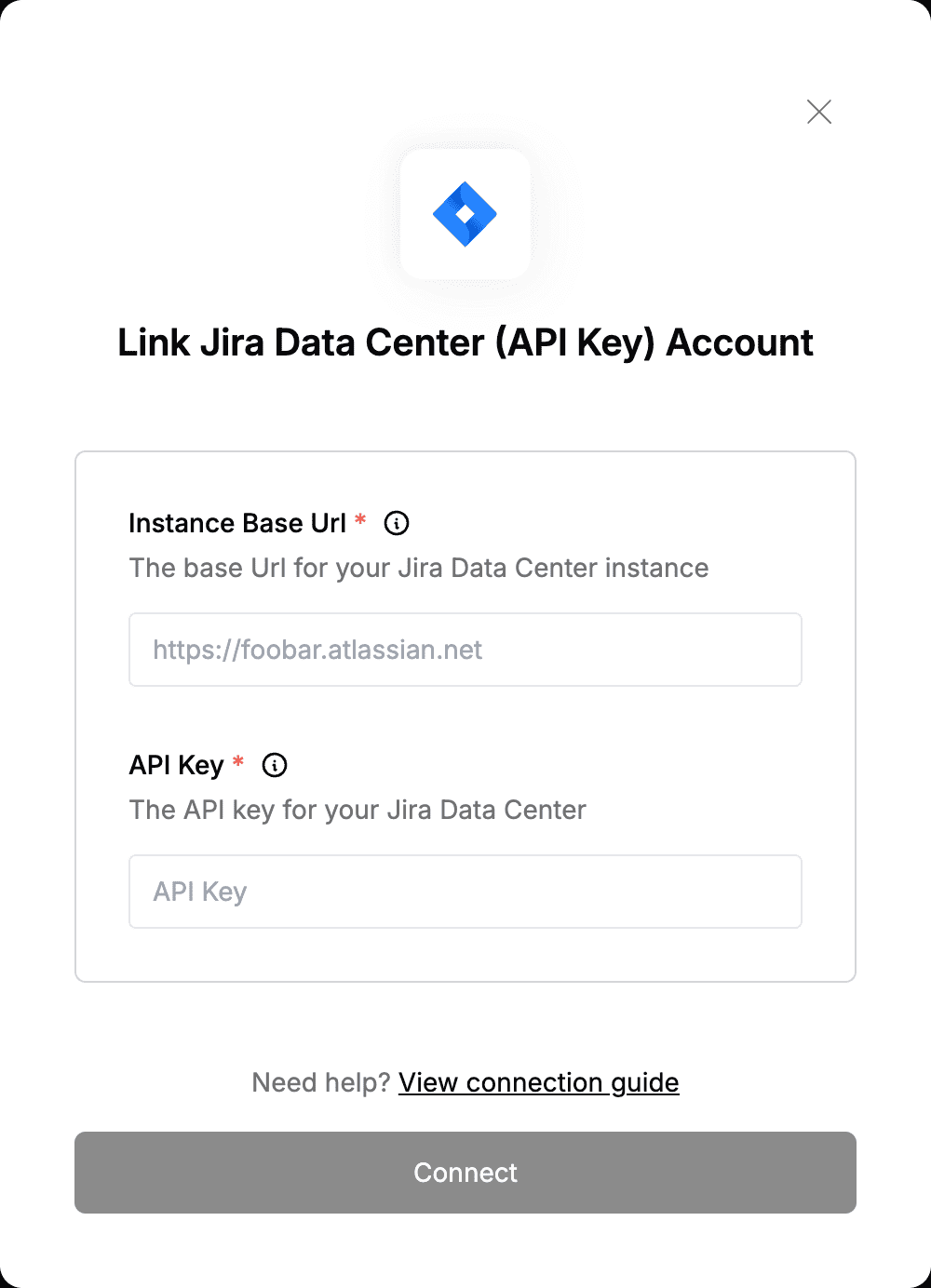 You are now connected to Jira Data Center (API Key).