> ## Documentation Index
> Fetch the complete documentation index at: https://nango.dev/docs/llms.txt
> Use this file to discover all available pages before exploring further.
# IT Glue - How do I link my account?
# Overview
To authenticate with IT Glue, you need:
1. **API Key** - A key that grants Nango permission to interact with IT Glue's API resources and services.
2. **Subdomain** - Your IT Glue subdomain (api, api.eu, or api.au).
This guide will walk you through obtaining these credentials within IT Glue.
### Prerequisites:
* You must have a paid IT Glue subscription with API access.
* You must have administrator privileges to generate API keys.
### Instructions:
#### Step 1: Finding Your Subdomain
1. Log in to your IT Glue account.
2. Determine your subdomain based on your login URL:
* **Global**: `app.itglue.com` → Use subdomain: `api`
* **EU**: `app.eu.itglue.com` → Use subdomain: `api.eu`
* **Australia**: `app.au.itglue.com` → Use subdomain: `api.au`
#### Step 2: Generating Your API Key
1. Navigate to **Account** → **Settings** → **API Keys**.
2. Click **Generate API Key**.
3. Enter a **Name** for your API key (e.g., "Nango Integration").
4. Click **Generate** to create the key.
5. Copy the generated API key immediately (it will only be shown once).
API keys do not expire but can be revoked if needed. Keep your API key secure and do not share it.
#### Step 3: Enter credentials in the Connect UI
Once you have your **API Key** and **Subdomain**:
1. Open the form where you need to authenticate with IT Glue.
2. Enter your **Subdomain** (e.g., `api` for Global, `api.eu` for EU, `api.au` for Australia).
3. Enter your **API Key** in its respective field.
4. Submit the form, and you should be successfully authenticated.
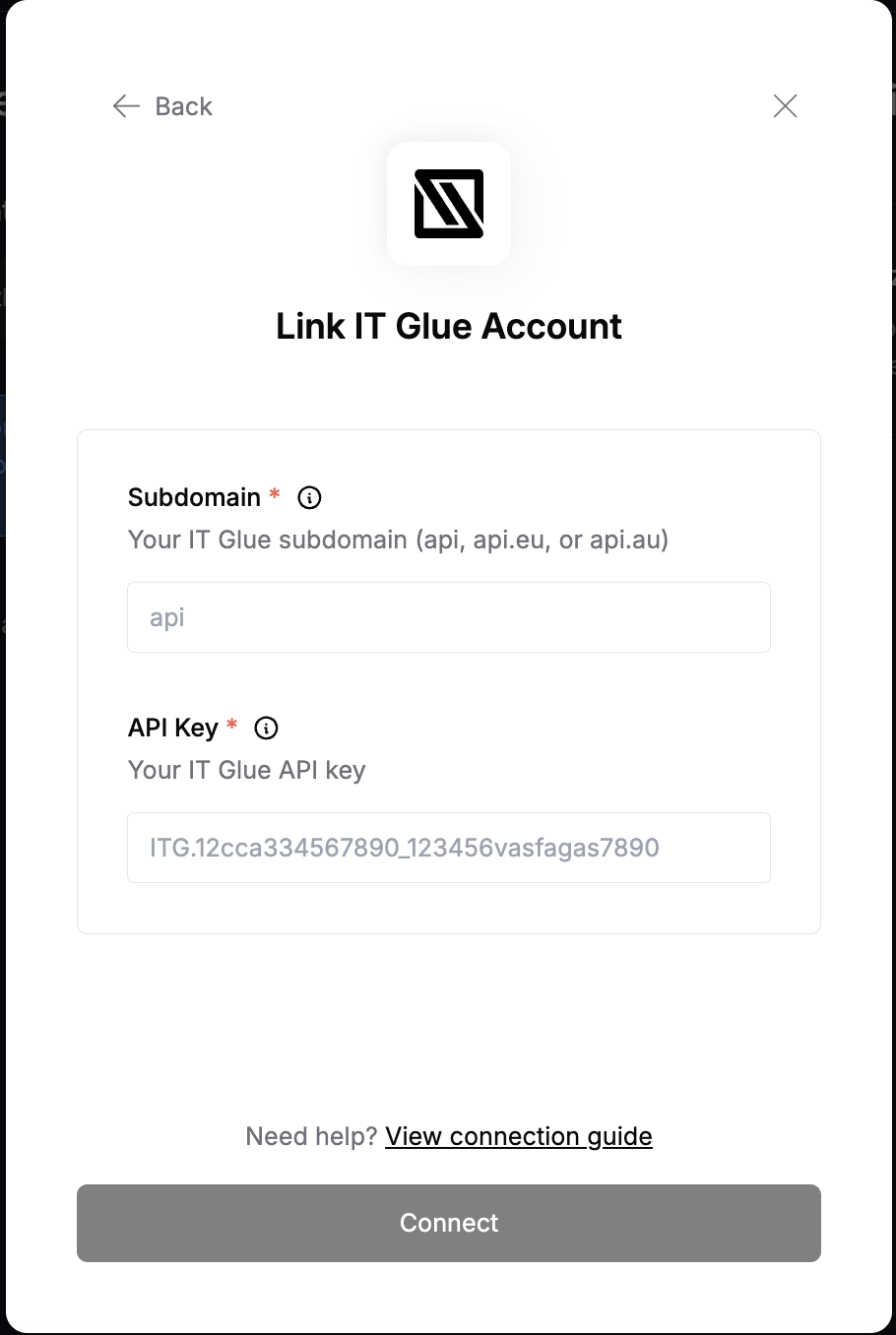 You are now connected to IT Glue.