> ## Documentation Index
> Fetch the complete documentation index at: https://nango.dev/docs/llms.txt
> Use this file to discover all available pages before exploring further.
# Weflow - How do I link my account?
## Overview
To authenticate with Weflow, you need:
1. **API Key** — A key that grants Nango access to the Weflow Public API on your behalf.
This guide will walk you through creating your API key.
### Prerequisites
* A Weflow workspace on a plan that includes API access. If API access isn't enabled, Weflow returns `403 Forbidden` — contact your Weflow Customer Success Manager or support to enable it.
* Access to the Weflow **Admin console**.
### Step 1: Create your API key
1. Log in to Weflow and open the **Admin console**.
2. In the sidebar, go to **API** > **Setup**.
3. Click **+ Create new API key**.
4. Copy the generated key. It starts with `wfl_`.
The key grants access to all conversation data in your Weflow workspace. Treat it like a password.
### Step 2: Enter your API key in the Connect UI
1. Open the form where you need to authenticate with Weflow.
2. Enter your **API Key** in the designated field.
3. Submit the form, and you should be successfully authenticated.
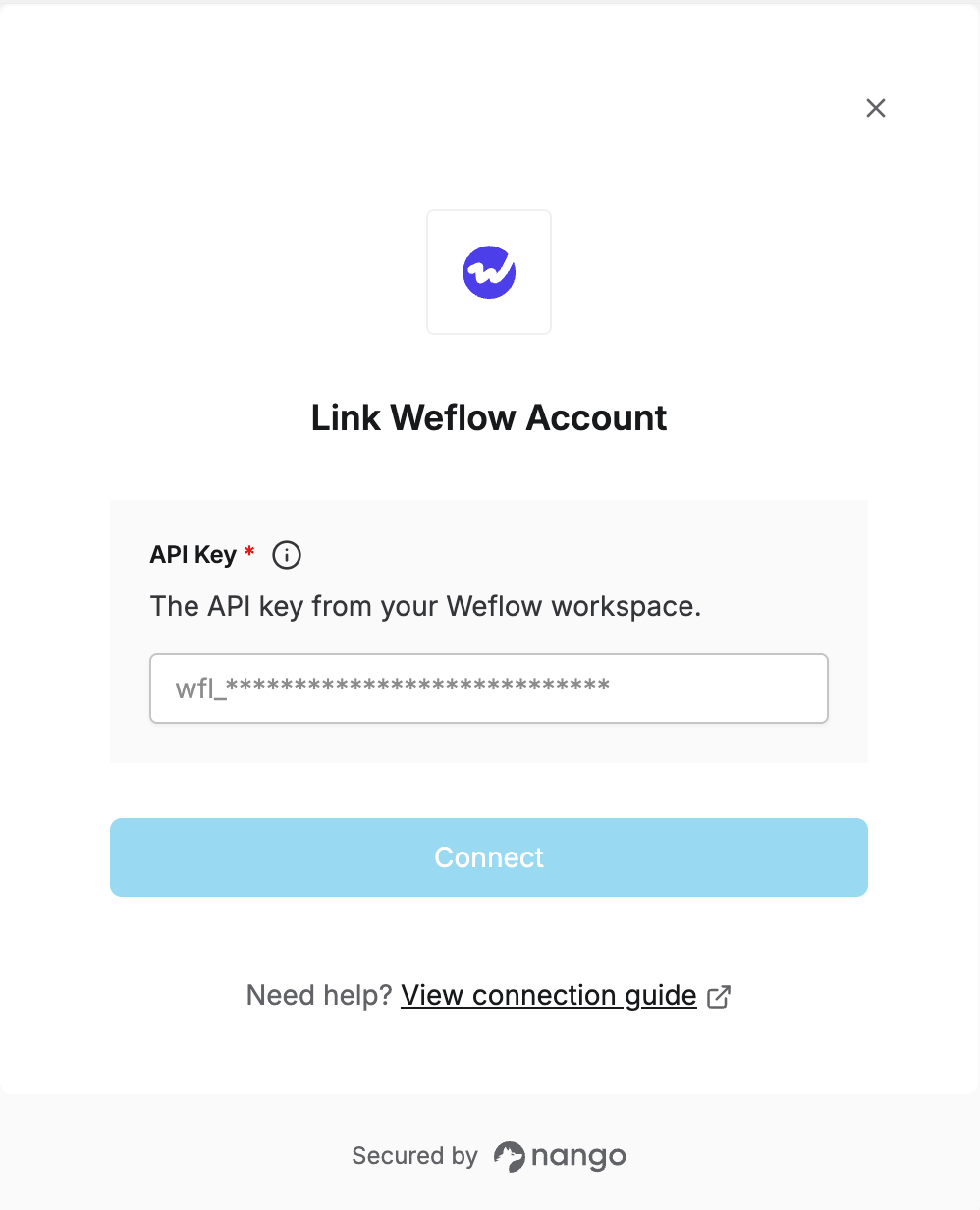 You are now connected to Weflow.