> ## Documentation Index
> Fetch the complete documentation index at: https://nango.dev/docs/llms.txt
> Use this file to discover all available pages before exploring further.
# Qualia - How do I link my account?
# Overview
To authenticate with Qualia, you need:
1. **Subdomain** - The subdomain for the Qualia environment you are connecting to
2. **Username** - Your Qualia organization username
3. **Password** - Your Qualia API password
This single Qualia provider works for both the **Partner API** and the **Platform API** — the subdomain determines which environment you connect to.
### Prerequisites
* You must have a Qualia Connect or Qualia Core account.
* You must have access to your organization's API settings.
***
#### Step 1: Finding Your Subdomain
The subdomain depends on which Qualia API collection you are using:
| Environment | Subdomain | Full base URL |
| ------------------------- | -------------------------- | --------------------------------------- |
| Partner API (production) | `connect` | `https://connect.qualia.io/api` |
| Partner API (sandbox) | `sandbox-connect` | `https://sandbox-connect.qualia.io/api` |
| Platform API (production) | `{your-agency-subdomain}` | `https://{subdomain}.qualia.io/api` |
| Platform API (sandbox) | `{your-sandbox-subdomain}` | `https://{subdomain}.qualia.io/api` |
Enter only the subdomain portion, not the full URL.
***
#### Step 2: Finding Your API Key
**Partner API** — API keys are managed at the organization level and found under the **API** tab of the **Manage** section:
* Production: [https://connect.qualia.io/manage/api](https://connect.qualia.io/manage/api)
* Sandbox: [https://sandbox-connect.qualia.io/manage/api](https://sandbox-connect.qualia.io/manage/api)
**Platform API** — API keys are found under **Admin** → **App Settings** → **API Keys**:
* Production: `https://{your-subdomain}.qualia.io/api`
* Sandbox: `https://{your-sandbox-subdomain}.qualia.io/api`
In both cases, your **Username** is your organization identifier and your **Password** is the key shown on that page.
There are distinct API credentials for Sandbox and Production environments. Make sure you gather them from the correct environment.
***
#### Step 3: Enter credentials in Nango
Once you have your **Subdomain**, **Username**, and **Password**:
1. Open the form where you need to authenticate with Qualia.
2. Enter your **Subdomain**, **Username**, and **Password** in their respective fields.
3. Submit the form, and you should be successfully authenticated.
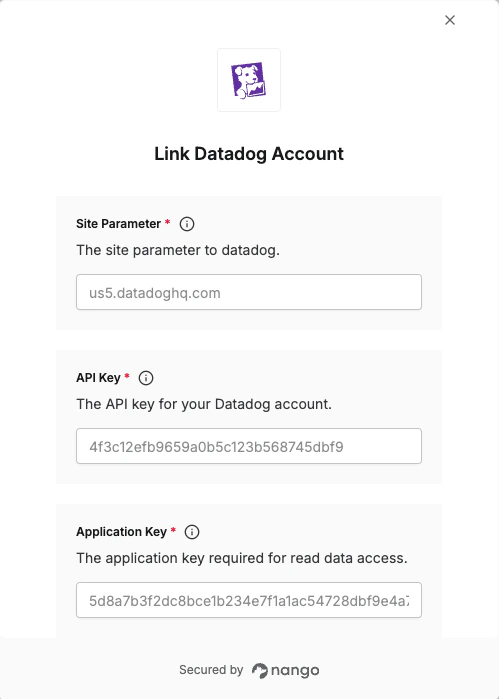 You are now connected to Qualia.