> ## Documentation Index
> Fetch the complete documentation index at: https://nango.dev/docs/llms.txt
> Use this file to discover all available pages before exploring further.
# Pleo (API Key) - How do I link my account?
## Overview
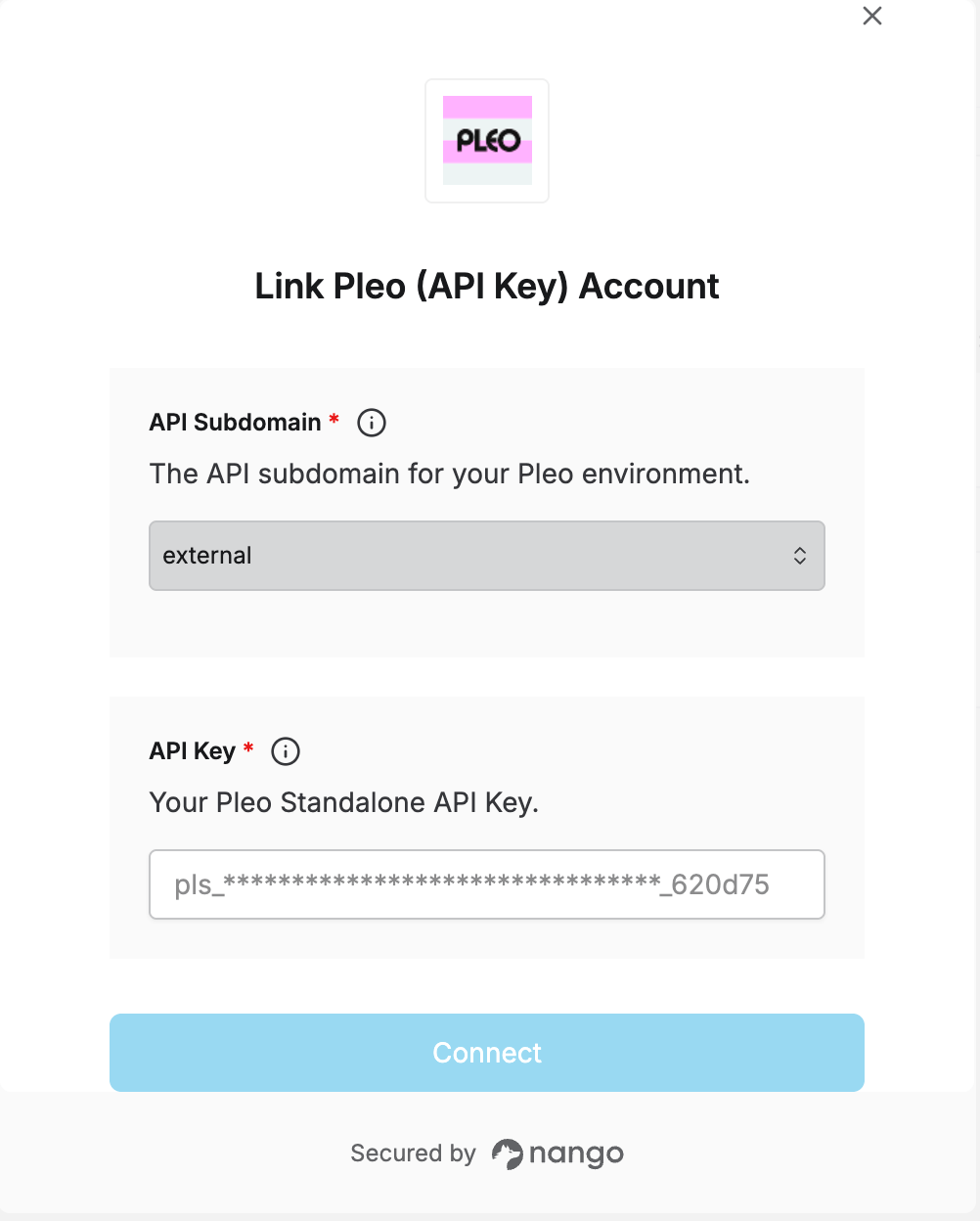
To connect Pleo in Nango with a Standalone API Key, you need to provide:
1. **API Subdomain** — Which Pleo environment your key belongs to.
2. **API Key** — Your Pleo Standalone API Key.
This guide walks you through requesting access, generating a key, and finding both values.
### Prerequisites
* You must be an **admin** or **bookkeeper** on the Pleo account.
* Standalone API Keys aren't self-service. If you don't see **API Keys** under Settings in the Pleo Web App, ask your Customer Success Manager or Pleo Support to enable access for your organization first — this can be requested at any time, not just during onboarding.
### Step 1: Generating your API key
1. In the Pleo Web App, go to **Settings** -> **API Keys**.
2. Click **Create API Key**, then give it a name and an expiration date.
3. Choose the access level — a specific entity, or multiple entities if your account is multi-entity.
4. Select the API scopes the key needs (for example, `users:read`, `export-jobs:read`, `export-jobs:write`) — grant only what your integration requires.
5. Save and copy the generated key. You won't be able to see it again after you leave the page.
A Standalone API Key is scoped to a single Pleo company, and only works in the environment (staging or production) where it was generated.
### Step 2: Finding your API Subdomain
Keys generated in **Staging** use API Subdomain `external.staging`. Keys generated in **Production** use `external`.
### Step 3: Authorize in Nango
1. Open the Nango Connect form.
2. Select the **API Subdomain** matching the environment your key was generated in.
3. Enter your **API Key**.
4. Submit the form, and you should be successfully authenticated.
 You are now connected to Pleo.