> ## Documentation Index
> Fetch the complete documentation index at: https://nango.dev/docs/llms.txt
> Use this file to discover all available pages before exploring further.
# Nooks (API Key) - How do I link my account?
## Overview
To authenticate with Nooks via API key, you need an API key generated from your Nooks workspace.
Nooks API keys are long-lived and workspace-scoped, with full read/write access to everything in the workspace — they aren't limited to specific scopes the way OAuth tokens are. If you need per-user or scope-limited access instead, use the [Nooks (OAuth)](/docs/api-integrations/nooks) integration.
## Prerequisites
* A Nooks workspace with permission to access Developer Settings.
## Instructions
### Step 1: Generate an API key
1. In your Nooks workspace, go to **Developer Settings → API Keys**.
2. Create a new API key. Nooks prefixes it `nooks-api-`.
3. Copy the key — you won't be able to view it again after leaving the page.
### Step 2: Enter your API key in the Connect UI
1. Open the form where you need to authenticate with Nooks.
2. Enter your **API Key** in the designated field.
3. Submit the form, and you should be successfully authenticated.
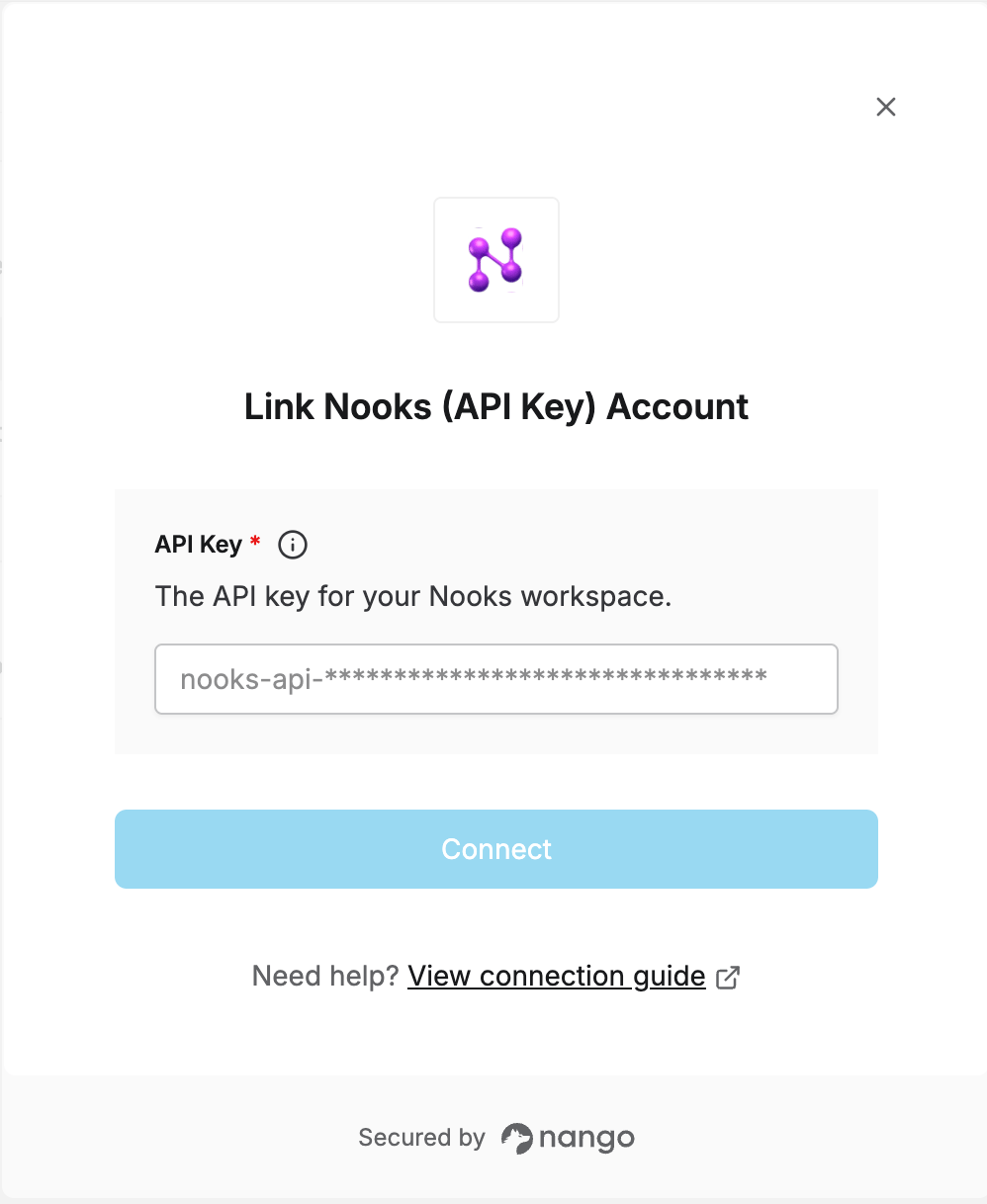 You are now connected to Nooks.