> ## Documentation Index
> Fetch the complete documentation index at: https://nango.dev/docs/llms.txt
> Use this file to discover all available pages before exploring further.
# n8n - How do I link my account?
# Overview
To authenticate with n8n, you need:
1. **Base URL** - Your n8n instance's base URL.
2. **API Key** - A key that grants access to the n8n API for your instance.
On n8n Cloud, the API isn't available on the free trial — your instance must be on a paid Cloud plan. Self-hosted instances have API access by default, regardless of plan.
This guide will walk you through finding your **Base URL** and generating your **API Key** in n8n.
### Prerequisites
* A self-hosted n8n instance, or an n8n Cloud account on a paid plan.
### Instructions
#### Step 1: Finding your base URL
Your **Base URL** is your n8n instance's root URL — don't include `/api`:
* **n8n Cloud**: `https://.app.n8n.cloud`, where `` is your Cloud subdomain.
* **Self-hosted**: `https://`.
#### Step 2: Generating your API key
1. Log in to n8n.
2. Go to **Settings** > **n8n API**.
3. Select **Create an API key**.
4. Choose a **Label** and set an **Expiration** for the key.
5. If you're on an Enterprise plan, choose the **Scopes** to grant the key.
Non-enterprise API keys have full access to all of the account's resources and capabilities — there's no way to scope them down.
#### Step 3: Enter credentials in the Connect UI
Once you have your **Base URL** and **API Key**:
1. Open the form where you need to authenticate with n8n.
2. Enter your **Base URL** and **API Key** in their field provided.
3. Submit the form, and you should be successfully authenticated.
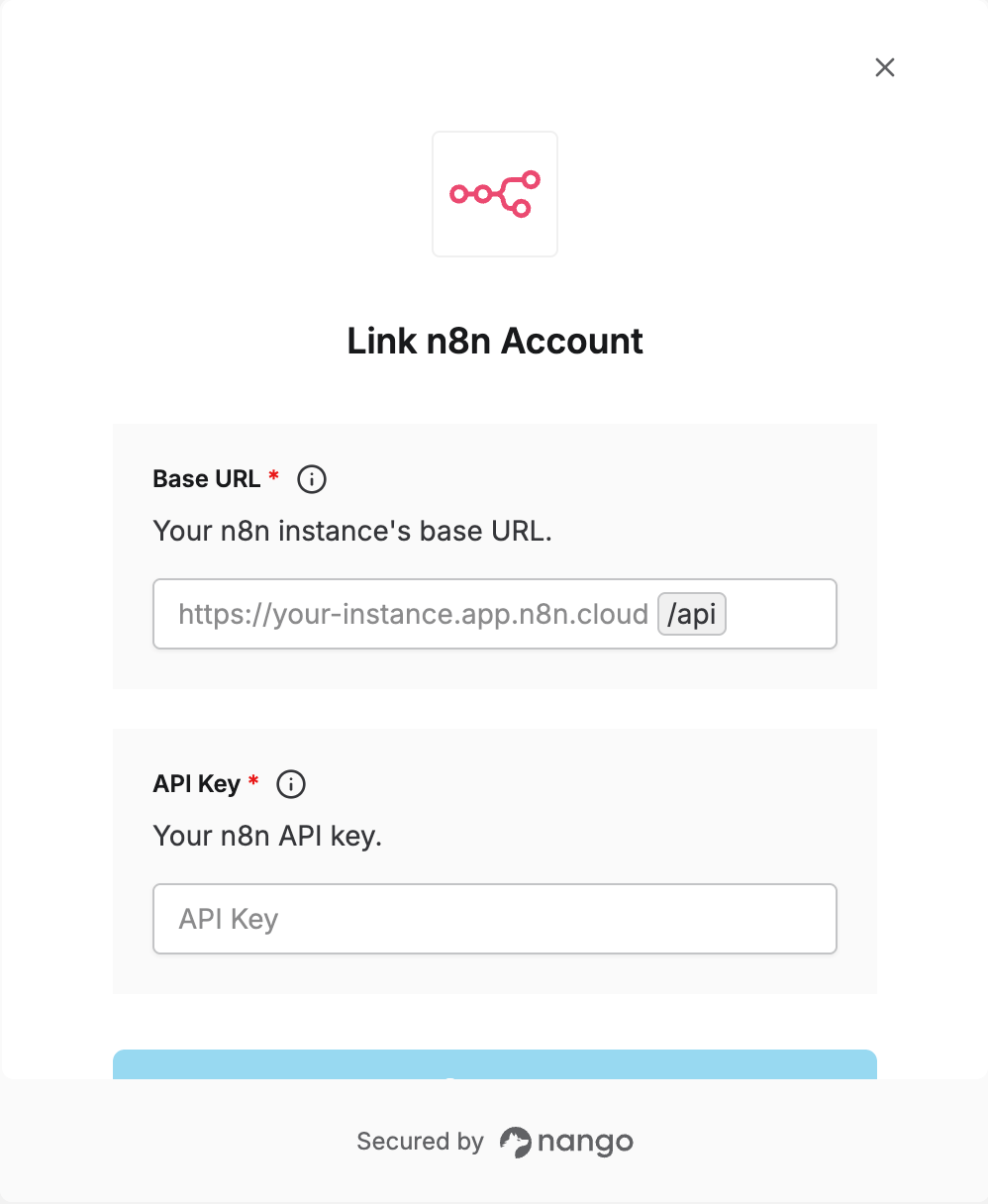 You are now connected to n8n.