> ## Documentation Index
> Fetch the complete documentation index at: https://nango.dev/docs/llms.txt
> Use this file to discover all available pages before exploring further.
# Embat - How do I link my account?
# Overview
To authenticate with Embat, you need:
1. **Email** - The email address of your Embat service user.
2. **Password** - The password for that service user. Nango exchanges it for a short-lived bearer token behind the scenes and refreshes it automatically.
This guide will walk you through getting your **service user credentials** for Embat.
### Prerequisites
* An Embat account with a service user (email/password) authorized to access the companies you want to integrate.
* While testing, request sandbox credentials from Embat support ([tech@embat.io](mailto:tech@embat.io)) so you can integrate against non-production data before going live.
### Instructions
#### Step 1: Get your service user credentials
1. Contact your Embat account admin, or Embat support ([tech@embat.io](mailto:tech@embat.io)), to obtain a service user **email** and **password** with access to the companies you want to sync.
Accounts with multi-factor authentication enabled cannot authenticate through the API, use a dedicated service user without MFA.
#### Step 2: Enter credentials in the Connect UI
Once you have your **Email** and **Password**:
1. Open the form where you need to authenticate with Embat.
2. Enter your **Email** and **Password** in the fields provided.
3. Submit the form, and you should be successfully authenticated.
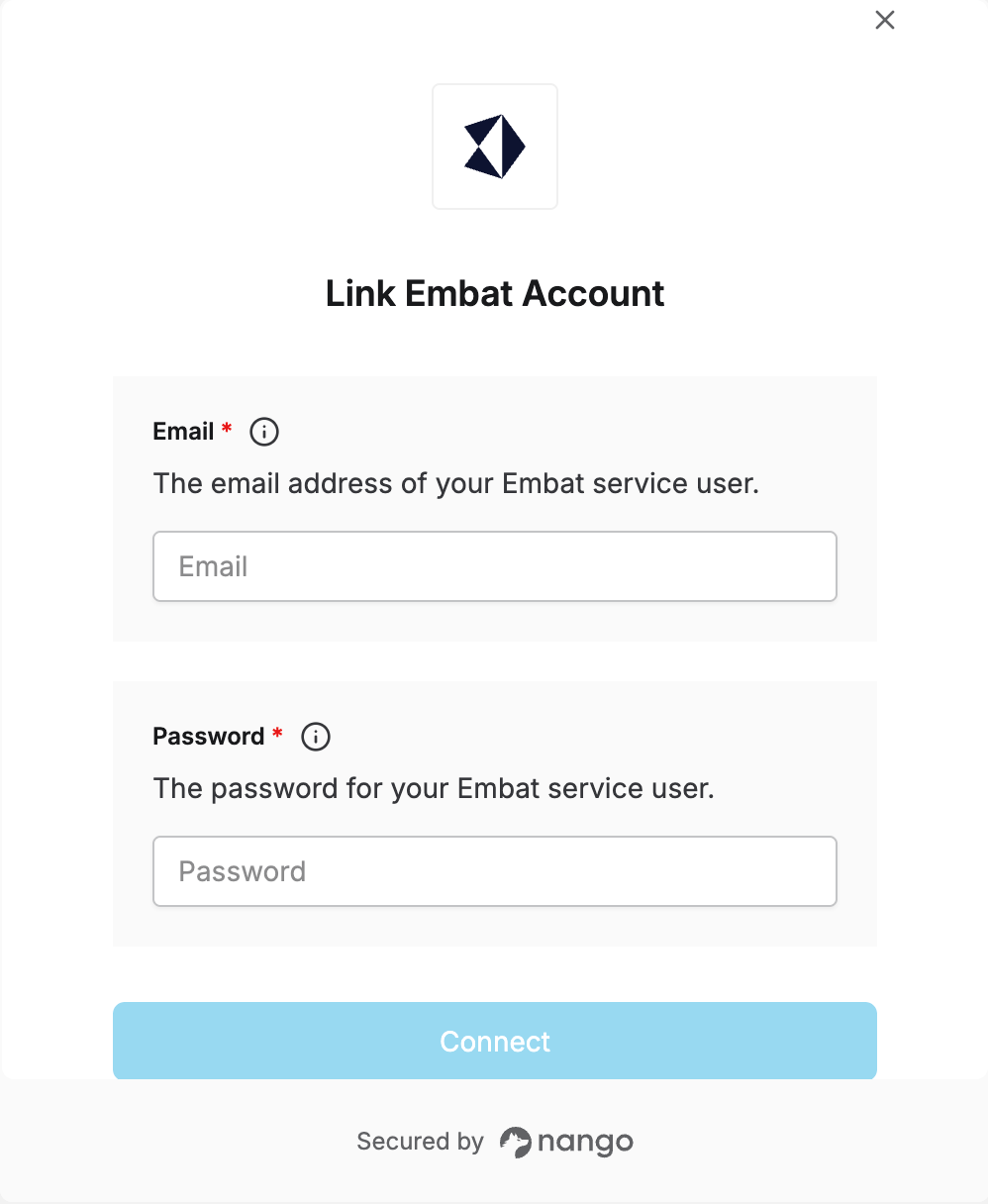 You are now connected to Embat.